

Your Browsing History

Meet Your Seller

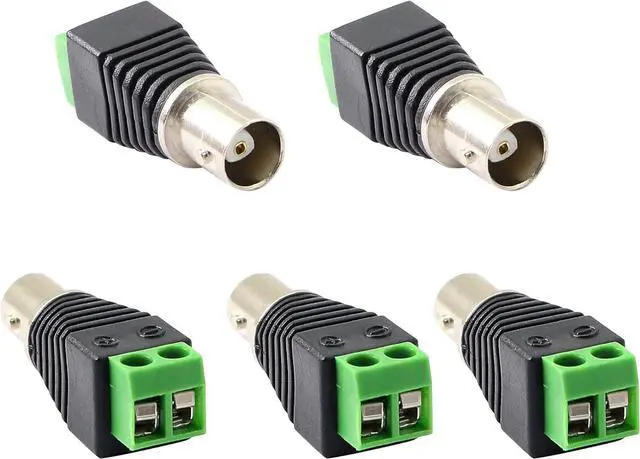
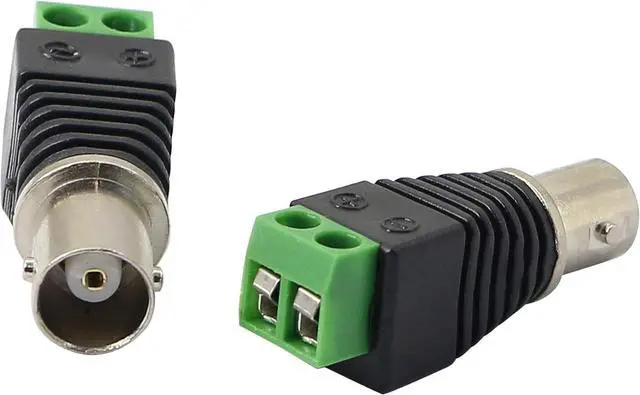
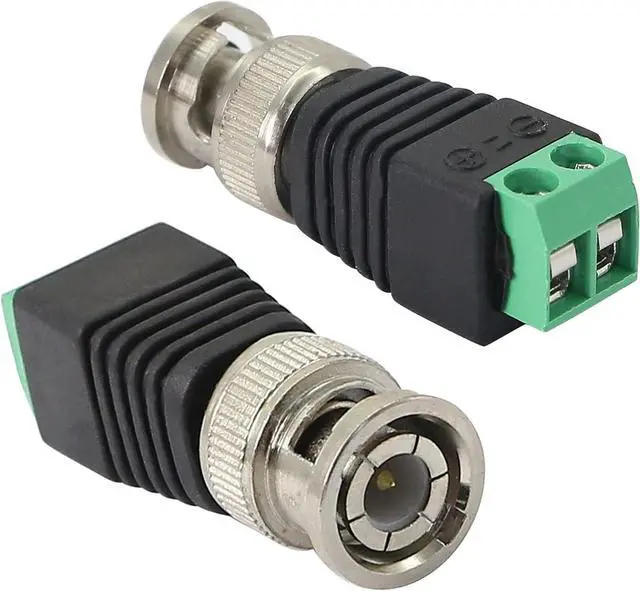
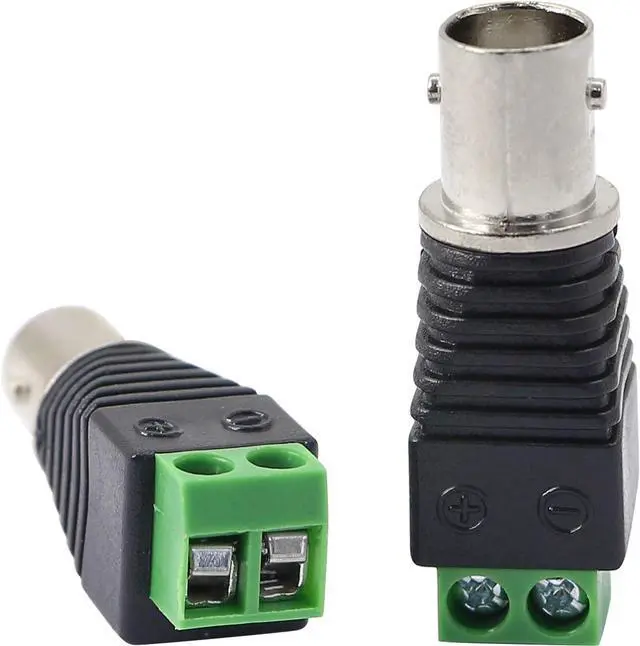


BNC Female Connector BNC to 2 Screw Terminal No Soldering Adapter for Transmit CAT5 Coaxial Cable to CCTV Surveillance Camera(5-Pack)
- Used to connect coaxial cables (such as RG59 / RG6 or Cat 5 / Cat 6 cables) to CCTV cameras or other devices with BNC connections.
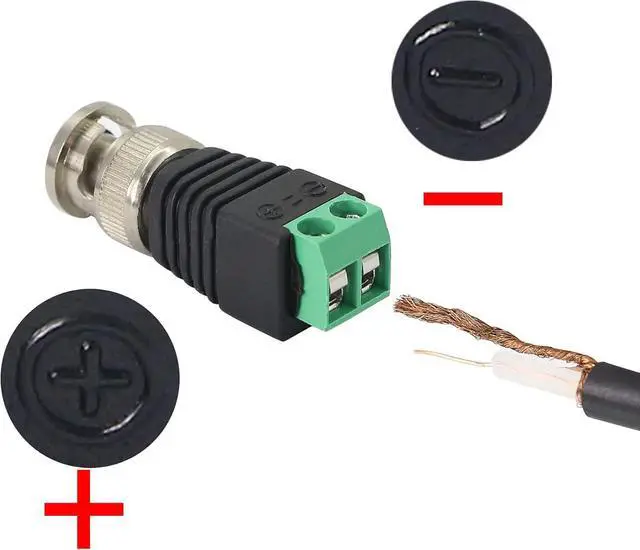
- Use this BNC female terminal connector to connect equipment audio and monitor video Q9 positive and negative interfaces,gold-plated pin,for reliable Cat5/ Cat6 coax 720p,1080 high-definition video transmission cabling project.
- No need to solder, easy to use, convenient for you to DIY what you want or DIY the BNC cable to the required length
- no electrical tap, no splicing, no crimping ,There is only a small screwdriver. Easier to install CCTV surveillance cameras
- Support all video devices, such as cameras, monitors, DVR cards and recorders, etc.
+
+
Overview
Specs
Reviews

Any questions? Our AI beta will help you find out quickly.
Try me now
- Used to connect coaxial cables (such as RG59 / RG6 or Cat 5 / Cat 6 cables) to CCTV cameras or other devices with BNC connections.
- Use this BNC female terminal connector to connect equipment audio and monitor video Q9 positive and negative interfaces,gold-plated pin,for reliable Cat5/ Cat6 coax 720p,1080 high-definition video transmission cabling project.
- No need to solder, easy to use, convenient for you to DIY what you want or DIY the BNC cable to the required length
- no electrical tap, no splicing, no crimping ,There is only a small screwdriver. Easier to install CCTV surveillance cameras
- Support all video devices, such as cameras, monitors, DVR cards and recorders, etc.
Warranty & Returns
Warranty, Returns, And Additional Information
Warranty
- Please contact the Seller directly for warranty information. Warranty information may also be found on the Manufacturer's website.
- CONTACT
Return Policies
- Return for refund within: 30 days
- Return for replacement within: 30 days
- This item is covered by Nexlly Return Policy
Manufacturer Contact Info
- For a directory of all our manufacturers, please click below.
- Manufacturers Directory
LOADING...