

Your Browsing History
- Free 30-day Returns
$60.56
Ships from China.

Meet Your Seller



Webcam 1080P Computer Camera Auto Focus 5 Mega Web Camera with Built-in Microphone 2560 x 2048 USB Webcam For Laptop PC
Limited time offer, ends 09/19 By CoreDepot
- Enjoy Your Shopping
+
+
Overview
Specs
Reviews

Any questions? Our AI mode will help you find out quickly.
Try me now
Features:
15 Million pixels auto focus get rid of tedious focusing .
process 1080P high-definition camera, 5 Million pixels and true color images. Autofocus speed, high sensitivity, intelligent,Support 1080P video call, smooth picture, frame rate can reach 30FPS.
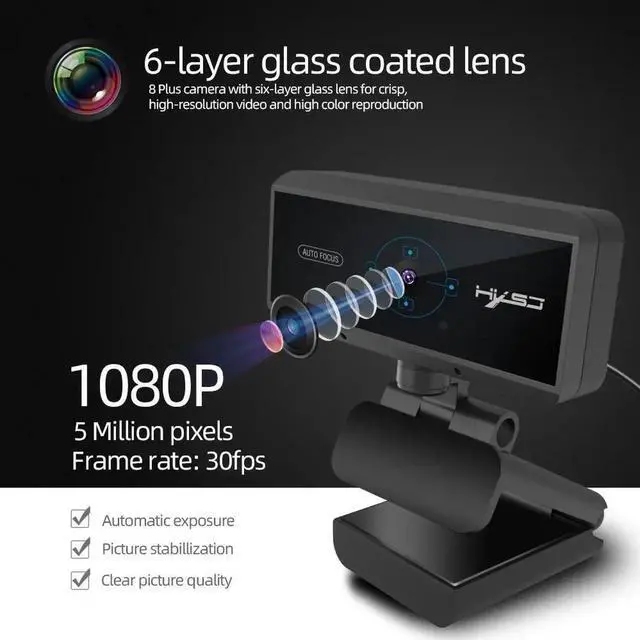
26 layer glass coated lens
Import 6 layers of glass lens, high precision, no distortion of the picture. 8 Plus camera with six-layer glass lens for crisp, high resolution video and high color reproduction
3 video, clear and smooth
1080P high-definition picture quality for you to show, to convey
a beautiful piece of life.
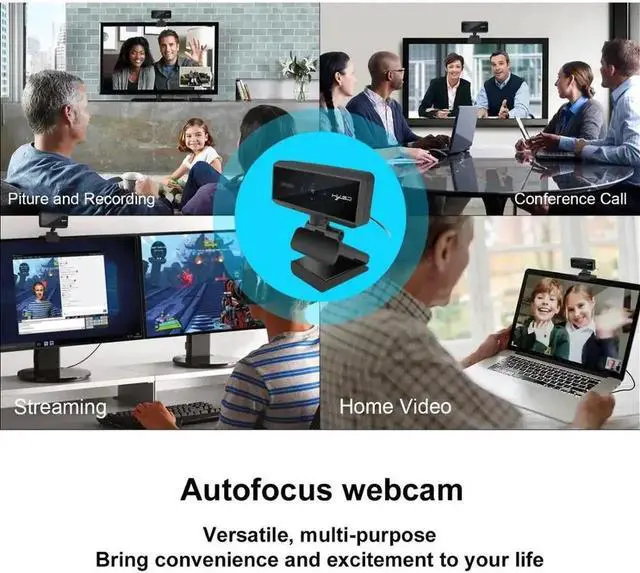
4Video conference, meeting video
Works with many video conferencing software applications
such as Skype For Business, Microsoft Lync 2013 and Cisco
Jabber, and Web Ex.
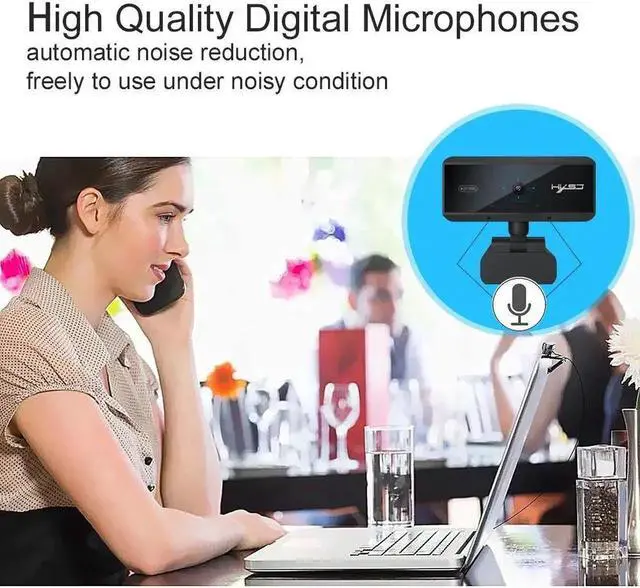
5Built-in noise canceling microphone
Make your voice call clearer, fast auto focus, video more flow.
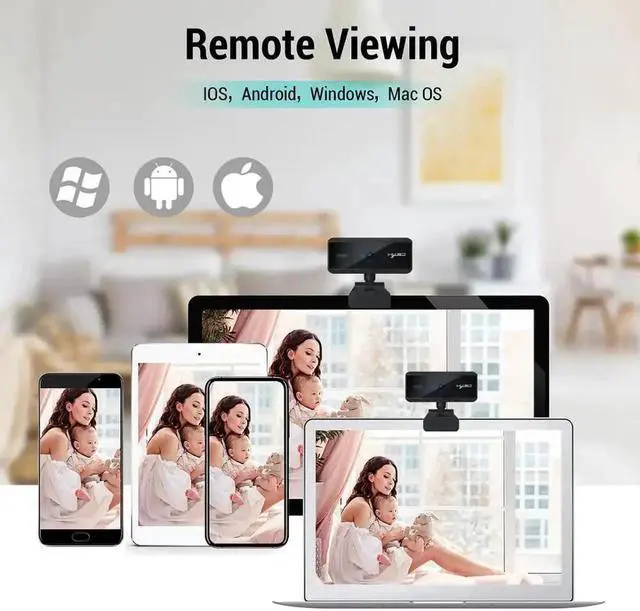
6: Support Windows 2000 / XP / win7 / win8 / win10 / Vista 32bit /
MAC / Android TV. Support a variety of video conferencing software, Net meeting and MSN, Yahoo and Skype and other great projects, enjoy the big-screen visual experience.
Product Specifications:
Automatic white balance, automatic color correction.
DSP Chip: No driver
Video format: MJPEG, YUY2
Image Sensor: CMOS 1/2.7 Big chip
Lens: High-quality Six-layer glass lens
Frame Rate: 30 fps
NOTE:
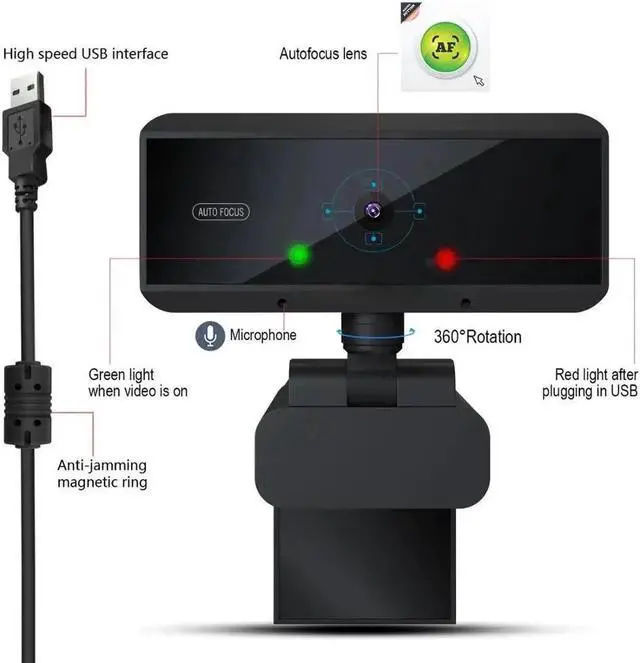
1.Plug the USB into your computer or laptop, After the S3 USB
device is powered on, the S3's LED color is red.
2. The computer will install the driver automatically.
If your computer (laptop) has a built-in camera, you need to
change the default camera settings. Such as change the
default camera in the chatting software settings, or disable the
built-in camera in the computer settings.
3. When installation is completed, you can make a video chat
through the chat tool directly.
4: If you open the video window, the S3 LED will now change
from red to green, indicating that the camera device can be used
normally, otherwise the camera will always be red.
Warranty & Returns
Warranty, Returns, And Additional Information
Warranty
- Please contact the Seller directly for warranty information. Warranty information may also be found on the Manufacturer's website.
- CONTACT
Return Policies
- Return for refund within: 30 days
- Return for replacement within: non-replaceable
- This item is covered by CoreDepot Return Policy
Manufacturer Contact Info
- For a directory of all our manufacturers, please click below.
- Manufacturers Directory
LOADING...