Overview
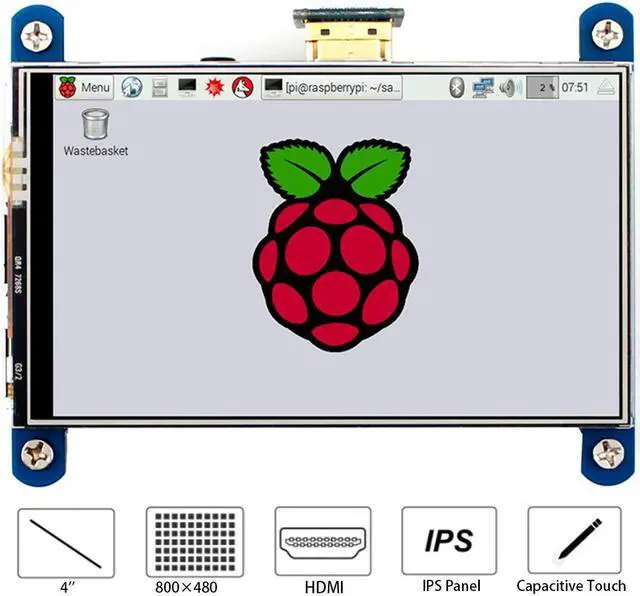
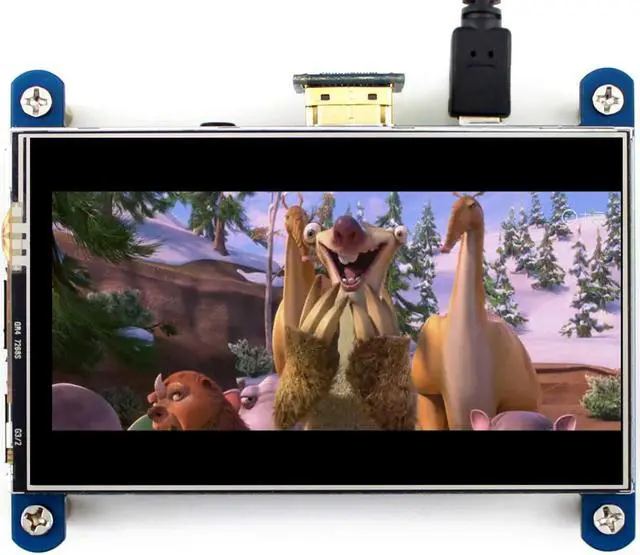
800x480, 4inch Resistive Touch Screen LCD, HDMI interface, IPS Screen, Designed for Raspberry Pi
Features
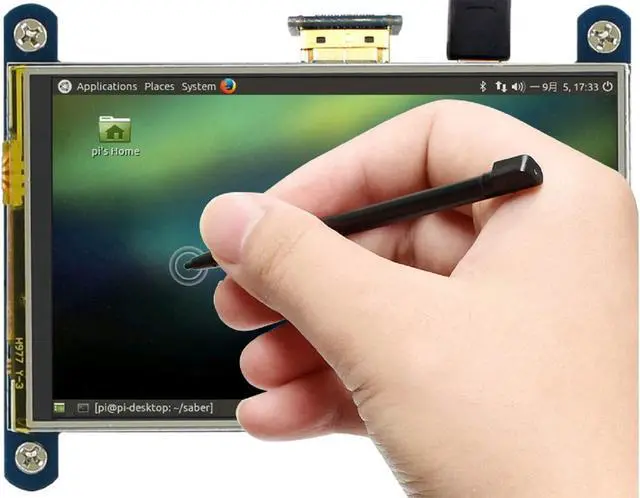
800x480 high hardware resolution, Resistive touch control, IPS technology, high quality and perfect displaying from very wide viewing angle
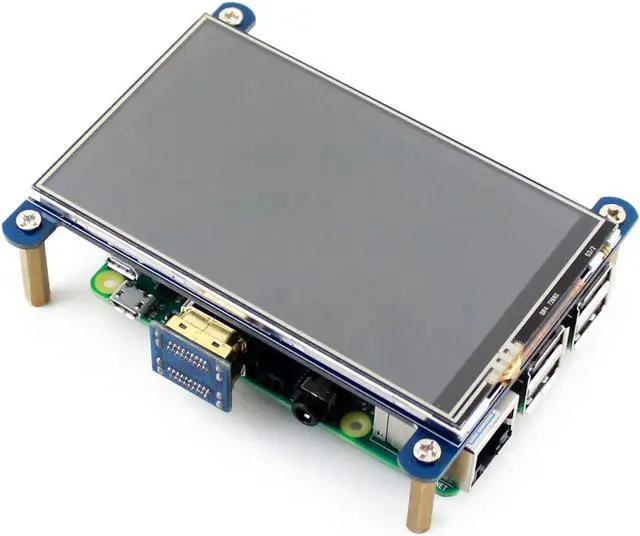
Compatible and Direct-connect with any revision of Raspberry Pi (except the Pi 1 model B or Pi Zero, which requires an HDMI cable), Drivers provided (works with your own Raspbian/Ubuntu/Kali/Retropie)
Also works as a computer monitor, in this case, touch panel is unavailable and HDMI cable is required
HDMI interface for displaying, no I/Os required (however, the touch panel still needs I/Os), Backlight can be turned off to lower power consumption
Development Resource/User Manual: //bit. ly/3eNVZix
Package Content
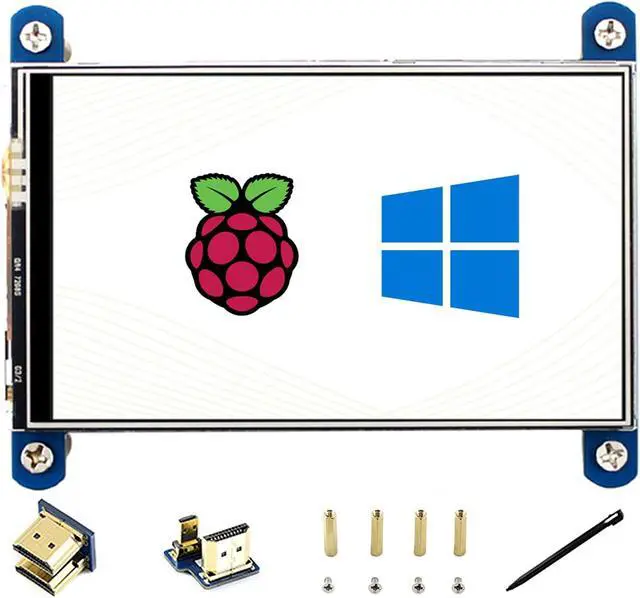
4inch HDMI LCD IPS screen x1
HDMI connector x1
HDMI to micro HDMI connectorx1
Touch pen x1
RPi screws pack (4pcs ) x1
Quick start sheet x1
Tips
1. If the LCD doesn't work with your Raspbian, Please to use the LCD with the Raspberry Pi official image, driver should be installed first. Please refer to the user manual. However, for the first testing, you may want to use our provided image directly
FAQ:
1.
Question: How could I disable the rainbow screen?
Answer:
Please add the following command to /boot/config. txt
dusable_splash=1
2.
Question: How to change the splash screen of Pi?
Answer: You can repalce the splash. png from the path /usr/share/plymouth/themes/pix/splash. png to yours.
3.
Question: What is the operating temperature of the 4inch HDMI LCD?
Answer: The working temperature is 0°C -- 70°C





 here!
here!