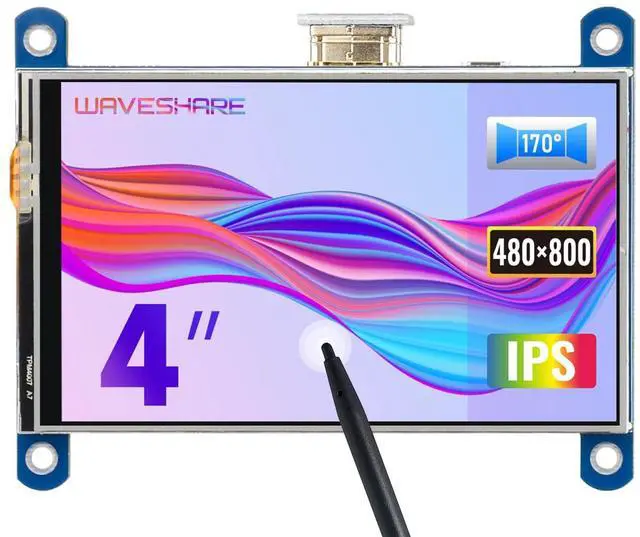
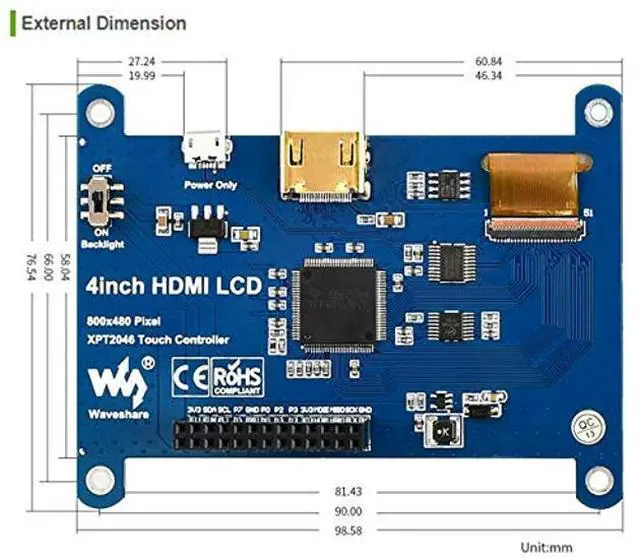
800x480, 4inch Resistive Touch Screen LCD IPS Display, HDMI interface, IPS Screen, Designed for Raspberry Pi
Features
4 inch 800x480 high hardware resolution Touch Screen, a good solution for those seeking for a small size with bigger resolution display
Resistive touch control, with a touch pen, easy to use
IPS technology, high quality and perfect displaying from very wide viewing angle
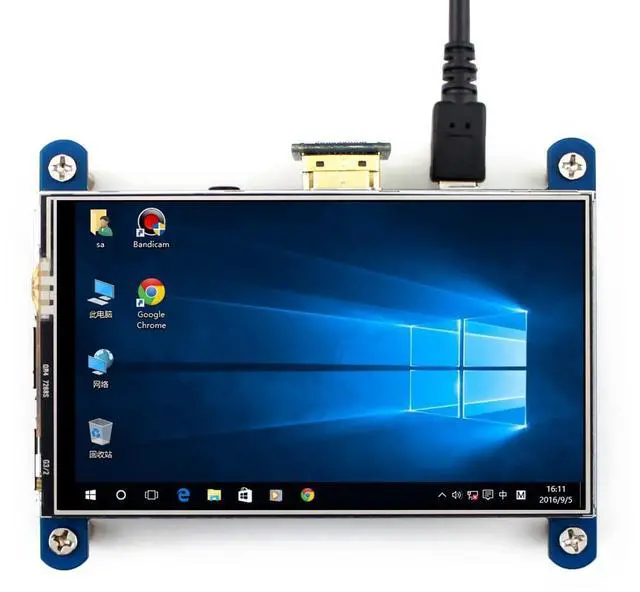
Not only can be used with any revision of Raspberry Pi (except the Pi 1 model B or Pi Zero, which requires an HDMI cable), but also works as a computer HDMI monitor. When working as a computer monitor, touch panel is unavailable and HDMI cable is required.
Drivers provided to work with Raspbian/Ubuntu/Kali/Retropie
Backlight can be turned off to lower power consumption
Package Content
4inch HDMI LCD x 1 HDMI connector x 1 Touch pen x 1 RPi screws pack (4pcs) x 1 Quick start sheet x1
Note
The touch of the LCD can be driven in two ways:
Method 1: Install driver manually;
Method 2: Using ready-to-use Image
The images, drivers, user manual and software are provided, please contact us via Amazon message to get.
FAQ
1. It seems not to work as a computer monitor for a Windows PC, right?
This LCD is used for portrait display. You can set the orientation on
Windows: desktop right click display settings orientation: portrait
2. How could I disable the rainbow screen?
Please add the following command to /boot/config. txt
dusable_splash=1
Note
Online development resources are provided, please contact with us to get if needed.





 here!
here!