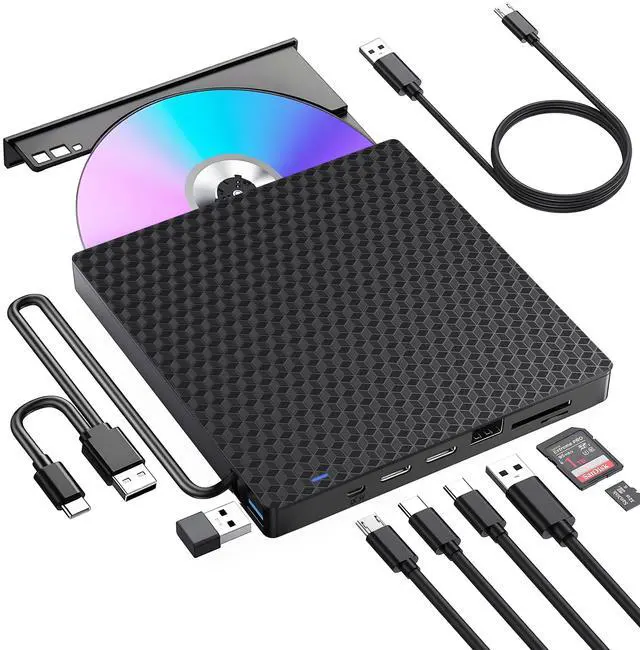
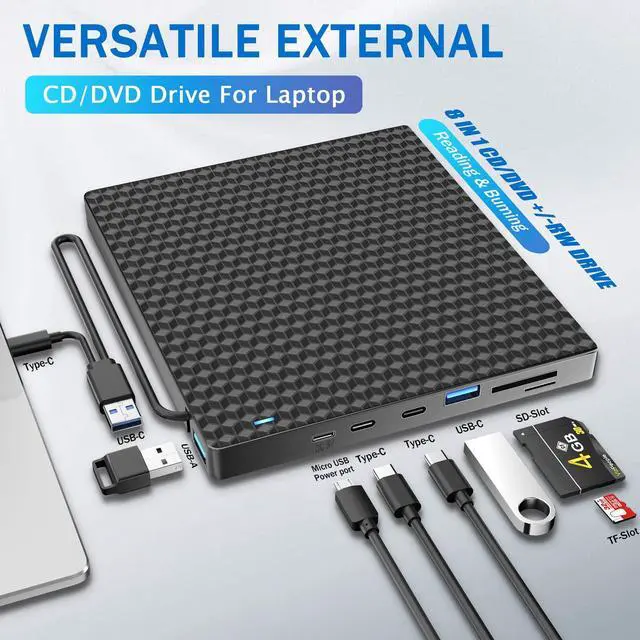
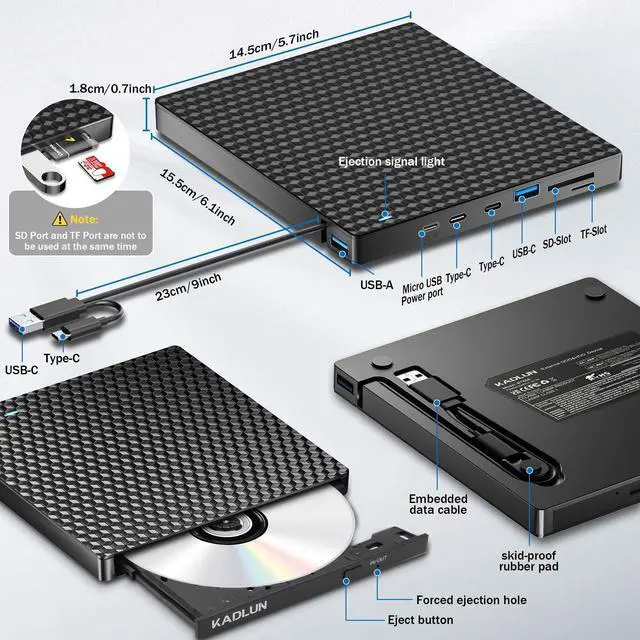
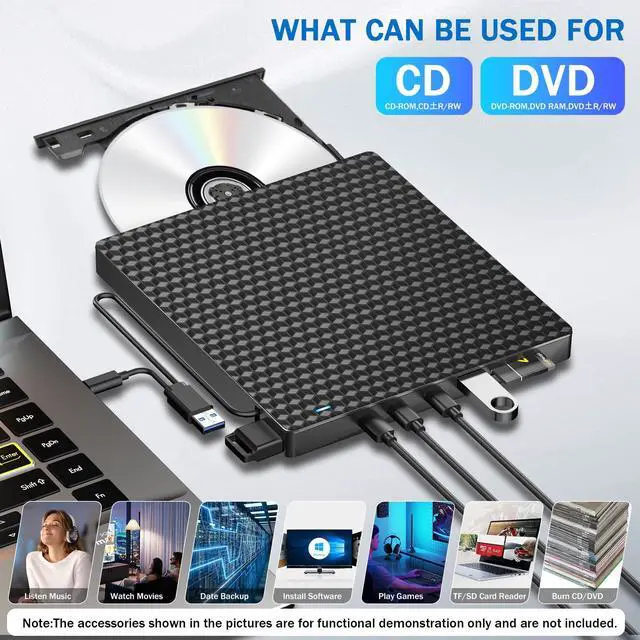
Multifunctional CD DVD +/-RW DriveKadlun External CD DVD Drive for laptop has an independent SD / TF card slot, It can transfer photos and videos directly from SD / TF card into the computer, USB Hard Drive and flash drive. CD drive has additional 1 USB 3.0 and 1 USB 2.0 and 2 type C Slots. which can be used to connect the U disk and charge your phone or other electronic devices.
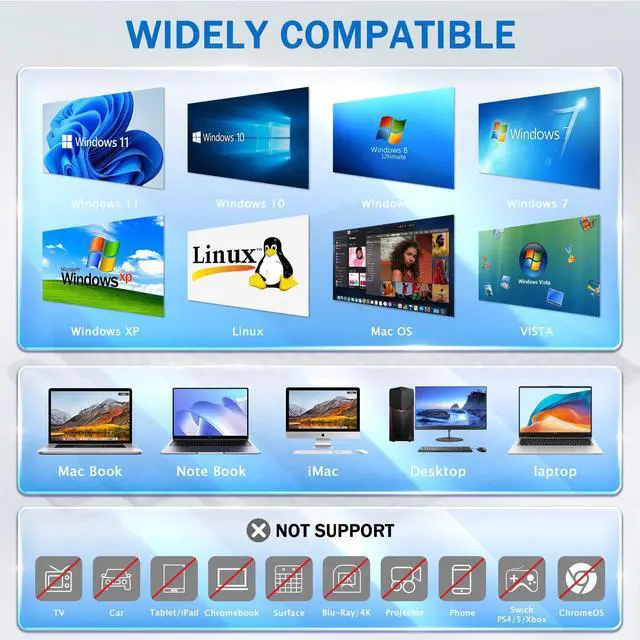
^^ Note: SD card and TF card can't work together at the same time, only choose one each time. The removable hard disk drive is available only for USB 2.0 ports, not for USB 3.0 ports. ^^ Wide CompatibilityThis USB external CD/DVD drive is compatible with Windows 11/ 10/ 8.1 / 7/ Vista/ XP, Linux, and all versions of Mac OS. It can run on any brand of laptop and desktop computer (including Apple, HP, LG, Dell, MS, Acer, Lenovo, Thinkpad, Samsung, Microsoft, etc. ) without restrictions as long as the system matches. For Mac computers, to eject a disc, please right-click on the icon on the desktop and select "eject", or choose "File" > "Eject" button. The eject button on the drive is disabled due to macOS limitations. ^^ NoteThis drive can not work with Chromebook, Android phone/tablet, TV, iPad, iPhone, projectors, trucks, cars, and Blu-ray discs ^^ Plug and Pay CD/DVD Drive for PCThe DVD Drive External can easily connect to a computer with the Type-C or USB 3.0 interface.
Just plug it into your USB port and the DVD drive will be automatically recognized within seconds. Our CD DVD drive makes it possible to cover all of your burning and playback needs, such as burning files, burning music and movies on CD or DVD, installing software and creating backup CDs, watching DVD / CD movies. ^^ High-Speed USB 3.0 & USB-C 2-In-1 Data CableUSB 3.0 & Type-C is an updated version of USB 2.0 that provides faster data transfer rates of up to 5 Gigabits/s, approximately 10 times faster than USB 2.0. The built-in data cable (on the device back) with USB 3.0 type-A and type-C two kinds of connectors that make it easier to plug this device into different Mac and Windows computers without an adapter required and also no worries about losing the data cable.
Note: The USB 3.0 Type-C data cable is on the back of the drive.