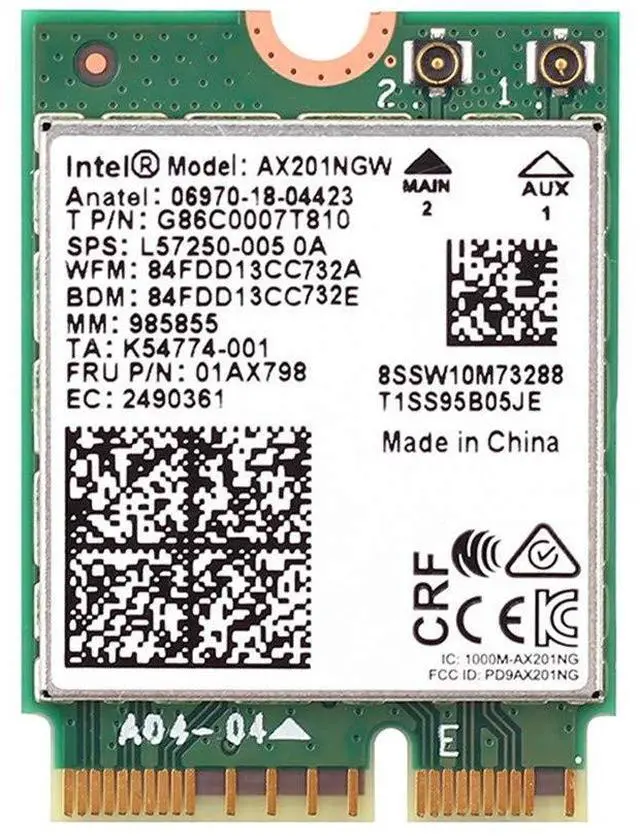
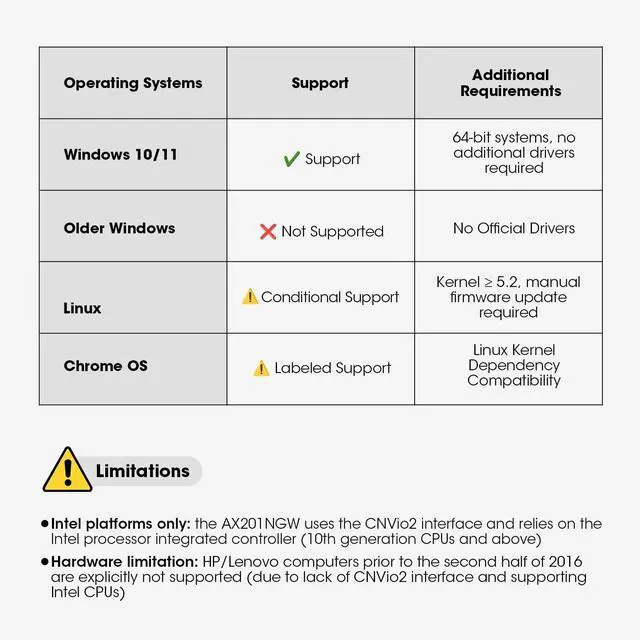
AX201NGW wireless card is only For Windows 10/11(64-bit*), Google Chrome OS*, Linux*(Linux need 5.2 kernel system above ), HP and Lenovo computers prior to the second half of 2016 are not supported ^^ [Laptop
Installation Guide]: Before installing the AX201NGW in your laptop, first verify model compatibility. Then, disconnect the power supply and open the casing. Locate the original network card and remove it. Insert the new network card into the slot and secure it in place. Finally, gently snap the IPEX 4th generation antenna connector into position, then replace the rear cover. ^^ [Desktop
Computer Installation Guide]: Prior to installing the AX201NGW, verify that your motherboard and CPU support Intel CNVi technology. Open the computer case, locate the expansion slot, insert the network card, align it with the screw holes, and secure it firmly. Next, mount the antenna base into the designated case opening and carefully plug both antenna cables into the network card ports, ensuring a tight connection to prevent signal degradation. Finally, replace the case side panel.
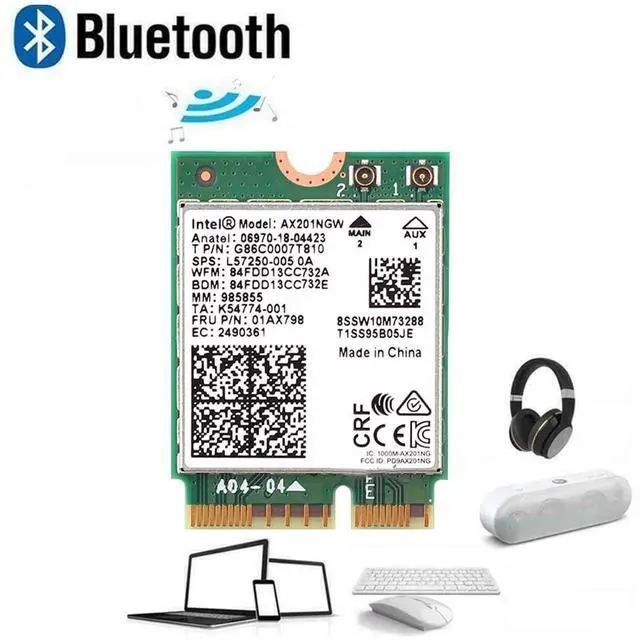
^^ High Effiency: High-quality circuit module board with mini body, efficiently avoid from corrosion and abrasion, durable and portable to use ^^ New Bt 5.2 Function Equipped With Bt 5.2 Technology Support connecting with Bluetooth headset, Bluetooth stereo, Bluetooth keyboard, Bluetooth mouse and others for more conveniences and demands. Efficient WiFi Emission Insert it in a desktop computer to build wireless WIFI signals. Mobile phones, laptops, tablet, PCs are able to connected ^^
Wireless Dual-Band Wifi Adapter: Support 2.4GH z band or 5GHz band to all your devices blazing wireless transmission rate up to 574Mbps, IEEE 802.11 b, Complies with IEEE 802.11 g, IEEE 802.11 n standards ^^
Connector Interface: A computer that requires 10 generations of CPU can be used, and the interface is M. 2 CNVio2 ^^ [Important
Notes]: Before proceeding, ensure all power sources to the computer are disconnected (unplug the power cable and remove the laptop battery) to prevent static electricity and short circuits.





 here!
here!