

Your Browsing History
- Free 30-day Returns
$54.99

Meet Your Seller

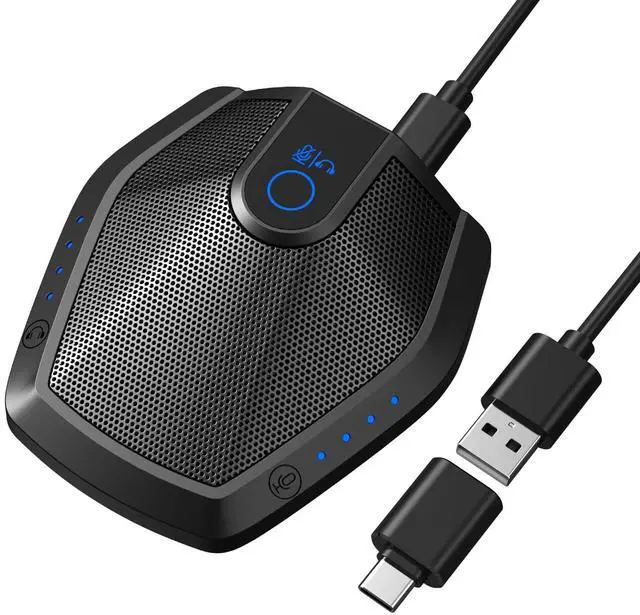


TONOR Conference Microphone with AI Noise Canceling, USB Mic for Teleconference, Condenser Mic for Work at Home, Volume Adjustment, Compatible with Windows and Mac, Desktop PC and Laptop, G11 PRO
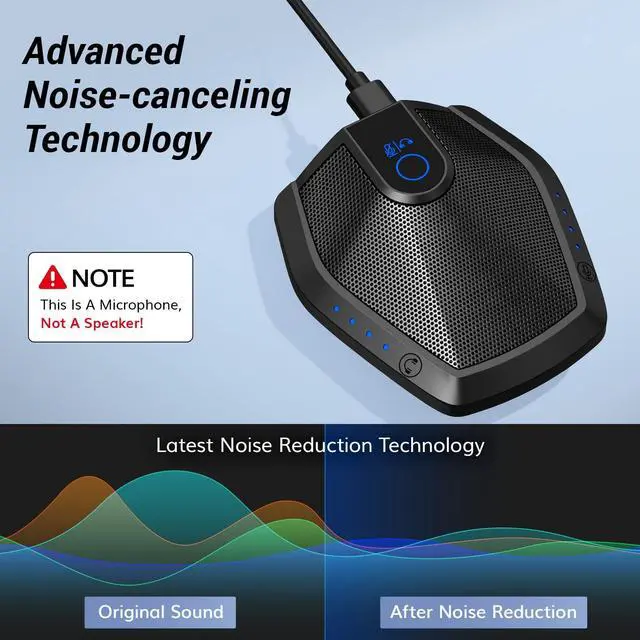
- Built-in AI Noise Reduction: Compared to the base model, G11 pro upgraded AI noise cancellation, effectively eliminates distractions like fan noise, keyboard clicks. It delivers clear, crisp teleconferencing experiences, making it perfect for conference calls, online learning and chatting
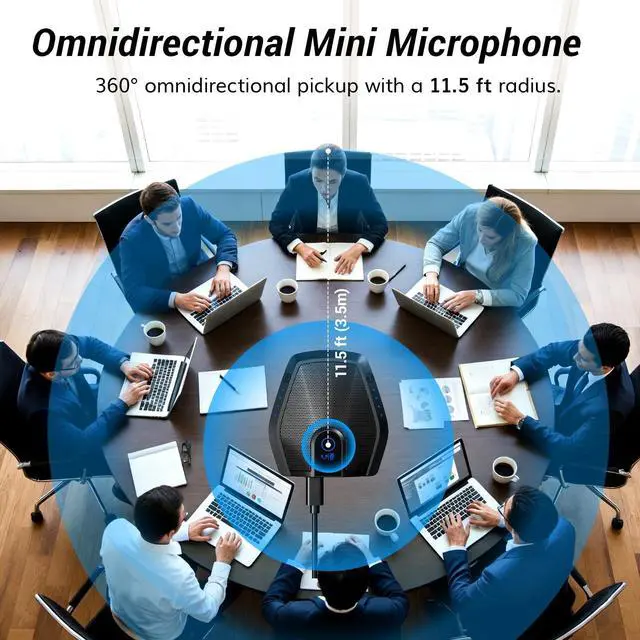
- Omnidirectional Conference Mic: Features omnidirectional pickup pattern with a pickup distance of 11.5 ft, making it easy to capture sounds from 360 directions. Highly sensitive pickup ensures participants hear everything clearly. Tips: This is not a speaker
- Effortless Control: Physical volume and monitoring control buttons are built into the microphone body, allowing you to effortlessly adjust both microphone and monitoring volume. Click to adjust volume between 4 levels
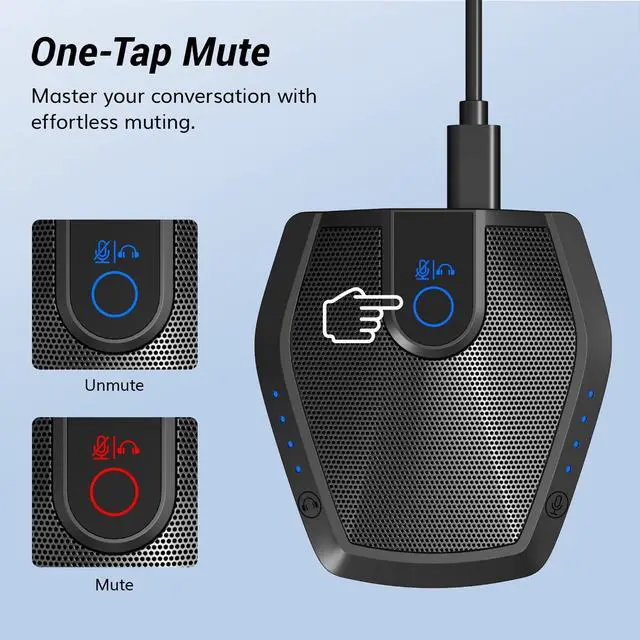
- Mute & Monitor: Quickly mute/unmute your microphone by one tap. Built-in 3.5mm jack allows connection of headphones for monitoring. Long press for 3 seconds to enable/disable: Blue-Mic mode, Red-Mute, Purple-Monitoring. Note
+
+
Overview
Specs
Reviews

Any questions? Our AI mode will help you find out quickly.
Try me now
Built-in AI
Noise Reduction: Compared to the base model, G11 pro upgraded AI noise cancellation, effectively eliminates distractions like fan noise, keyboard clicks. It delivers clear, crisp teleconferencing experiences, making it perfect for conference calls, online learning and chatting ^^
Omnidirectional Conference Mic: Features omnidirectional pickup pattern with a pickup distance of 11.5 ft, making it easy to capture sounds from 360 directions. Highly sensitive pickup ensures participants hear everything clearly.
Tips: This is not a speaker ^^
Effortless Control: Physical volume and monitoring control buttons are built into the microphone body, allowing you to effortlessly adjust both microphone and monitoring volume. Click to adjust volume between 4 levels ^^
Mute & Monitor: Quickly mute/unmute your microphone by one tap. Built-in 3.5 mm jack allows connection of headphones for monitoring. Long press for 3 seconds to enable/disable: Blue-Mic mode, Red-Mute, Purple-Monitoring.
Note: Do not connect the 3.5 mm jack to external speakers, as this may cause feedback interference ^^
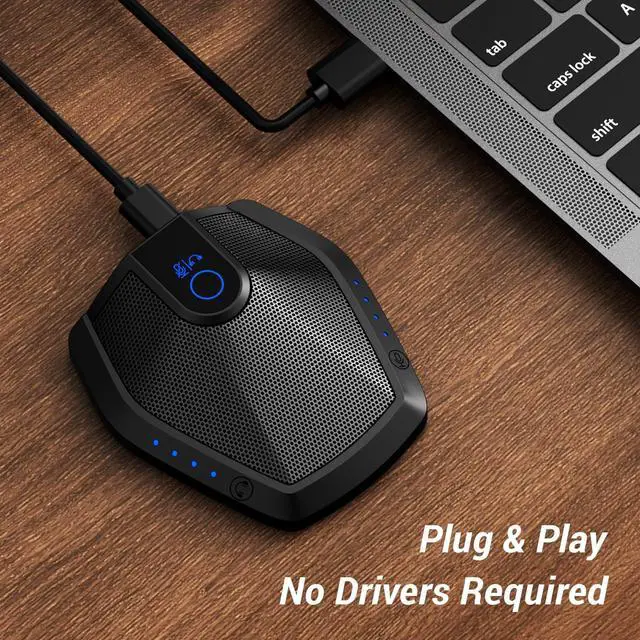
Plug & Play: Compatible with all operating systems, both Windows and macOS. No additional drivers needed. If there is no response after inserting the mic, please go to the microphone setting of your computer and select the mic as the INPUT device
Noise Reduction: Compared to the base model, G11 pro upgraded AI noise cancellation, effectively eliminates distractions like fan noise, keyboard clicks. It delivers clear, crisp teleconferencing experiences, making it perfect for conference calls, online learning and chatting ^^
Omnidirectional Conference Mic: Features omnidirectional pickup pattern with a pickup distance of 11.5 ft, making it easy to capture sounds from 360 directions. Highly sensitive pickup ensures participants hear everything clearly.
Tips: This is not a speaker ^^
Effortless Control: Physical volume and monitoring control buttons are built into the microphone body, allowing you to effortlessly adjust both microphone and monitoring volume. Click to adjust volume between 4 levels ^^
Mute & Monitor: Quickly mute/unmute your microphone by one tap. Built-in 3.5 mm jack allows connection of headphones for monitoring. Long press for 3 seconds to enable/disable: Blue-Mic mode, Red-Mute, Purple-Monitoring.
Note: Do not connect the 3.5 mm jack to external speakers, as this may cause feedback interference ^^
Plug & Play: Compatible with all operating systems, both Windows and macOS. No additional drivers needed. If there is no response after inserting the mic, please go to the microphone setting of your computer and select the mic as the INPUT device
Warranty & Returns
Warranty, Returns, And Additional Information
Warranty
- Please contact the Seller directly for warranty information. Warranty information may also be found on the Manufacturer's website.
- CONTACT
Return Policies
- Return for refund within: 30 days
- Return for replacement within: non-replaceable
- This item is covered by SIMPLIZED Return Policy
Manufacturer Contact Info
- For a directory of all our manufacturers, please click below.
- Manufacturers Directory
LOADING...