

Your Browsing History
- Free 30-day Returns
$50.99

Meet Your Seller




Type USB C KVM Switch 4K@60Hz, 2-Port Type C to HDMI, for 2 Computer Share 1 Monitor
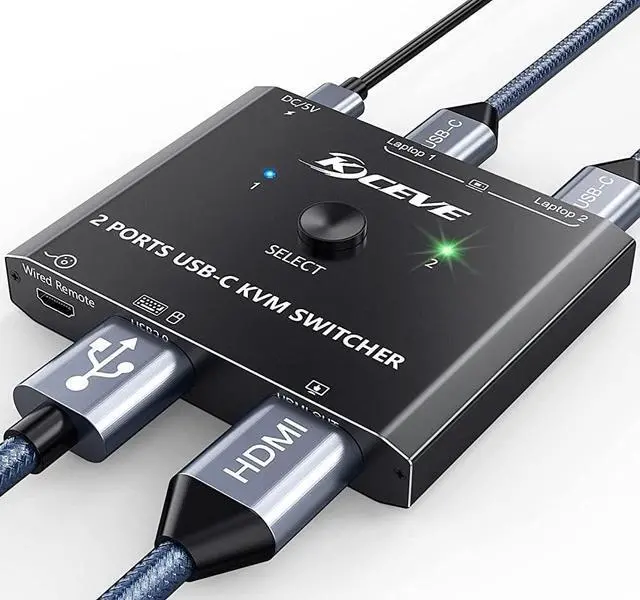
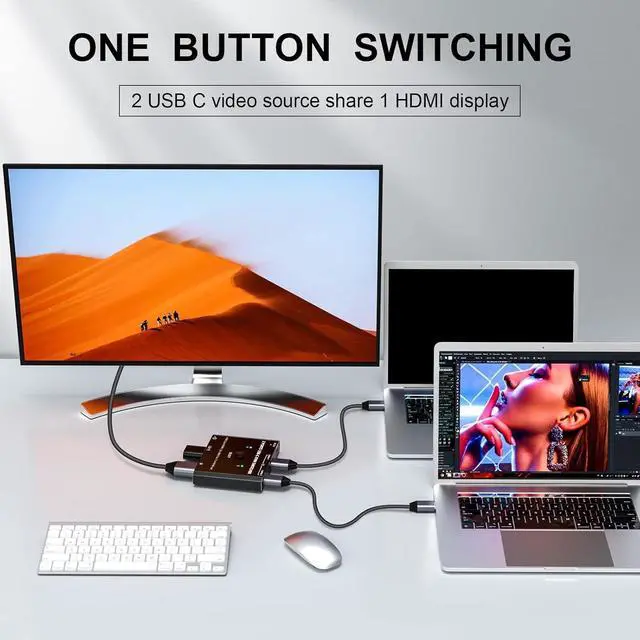
- 2xUSB C input+1xHDMI output This 2 Ports USB C KVM switch allows 2 USB-C video source share 1 HDMI display, such as laptops, tablets, mobile phones, game consoles and other devices that are compatible with USB-C port.Please make sure your computer / device has at least one USB Type C port before buying this USB C KVM switch selector.
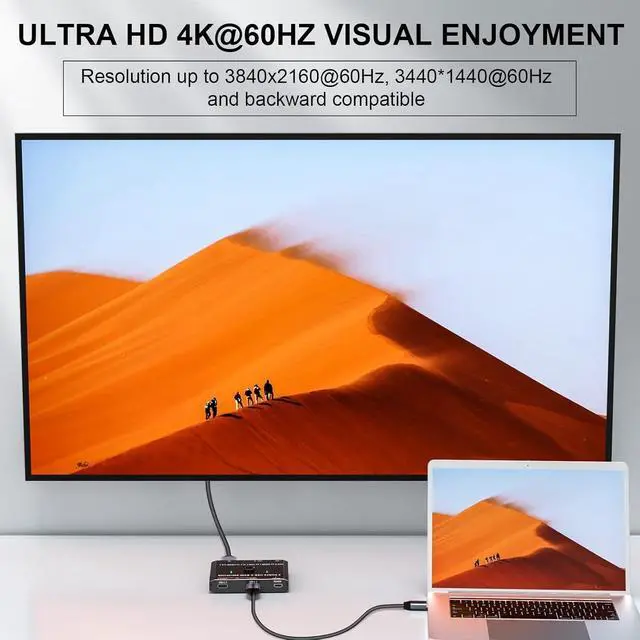
- 4K@60HZ Ultra HD Video OutputThis USB C switch support resolution 3840x2160@60Hz, 3440x1440@60Hz. The Maximum resolution and refresh rate of your output depends on the source device, monitor, USB C Dock, and cables. NOTE: If you need 4K resolution, pls make sure the your input device, monitor, and cable are all support 4K.
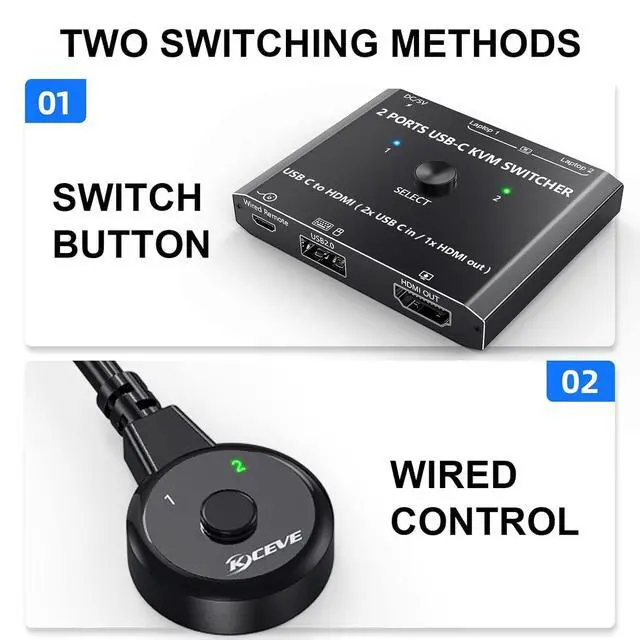
- 2 Switching Modes AvailableNo driver required for this USB Type C switch. Two control ways availabe, 1, Phsycal button on the product. 2, Wired remote control, by using the wired remote you can hide the usb c switch under the table, and keep your desk tidy.
+
+
Overview
Specs
Reviews

Any questions? Our AI mode will help you find out quickly.
Try me now
SpecificationsName: 2
Port USB C KVM SwitchFeatures: 2 x USB C Inputs + 1 x
HDMI OutputResolution: Video resolution up to 3840*2160 @60HzYCBCR 4:4: 4)Switching
Modes: Physical Button and
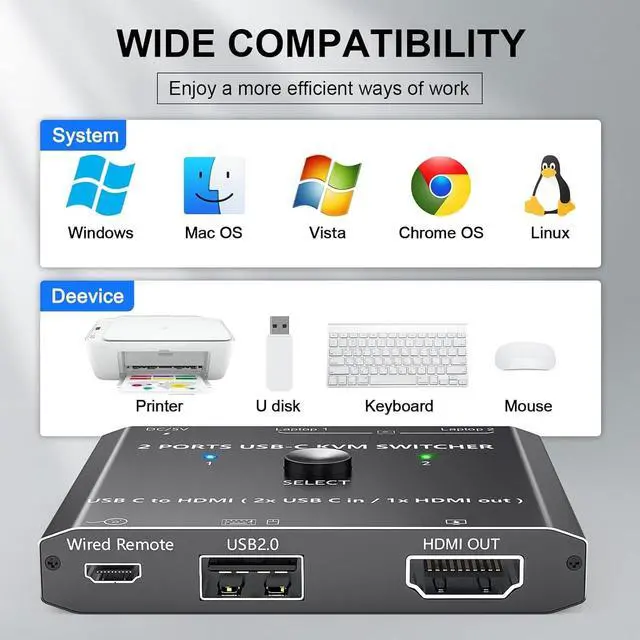
Wired RemoteSupport systems: Windows 10/8/ 8.1 /7/XP and Mac OS, Linux
and moreMaterial: Metal shell2*USB C to 1*HDMI KVM Switch2 computers share a wired/wireless keyboard mouse and 1 monitor, easily output 4K video to an HDMI monitor, television or projector without drivers. This 2 in 1 out switch supports USB 2.0 devices connected, and resolution up to 4K@60Hz.
Note: Do not use too long cable for connection between the switcher and your devices. This USB C kvm switch is convenient for 2 laptops share 1 HDMI monitor, it can help you save cost on more monitor. This usb type c to HDMI switch is extremely small and convenient for your cable management and gives you a tidy desktop. How to connect? Easy Installation, connecting your computers and monitorStep1. Connect PC 1 to the USB-C1 port; Step2. Connect PC 2 to the USB-C2 port; Step3. Connect a monitor to the "HDMI OUT" port of the KVM switch using an HDMI cable. Step4. Connect wired remote control to switch between 2 input sources.
Package List: 1*USB Type-C KVM Swtich1*USB-C Cable1*Wired Remote1*User Manual
Port USB C KVM SwitchFeatures: 2 x USB C Inputs + 1 x
HDMI OutputResolution: Video resolution up to 3840*2160 @60HzYCBCR 4:4: 4)Switching
Modes: Physical Button and
Wired RemoteSupport systems: Windows 10/8/ 8.1 /7/XP and Mac OS, Linux
and moreMaterial: Metal shell2*USB C to 1*HDMI KVM Switch2 computers share a wired/wireless keyboard mouse and 1 monitor, easily output 4K video to an HDMI monitor, television or projector without drivers. This 2 in 1 out switch supports USB 2.0 devices connected, and resolution up to 4K@60Hz.
Note: Do not use too long cable for connection between the switcher and your devices. This USB C kvm switch is convenient for 2 laptops share 1 HDMI monitor, it can help you save cost on more monitor. This usb type c to HDMI switch is extremely small and convenient for your cable management and gives you a tidy desktop. How to connect? Easy Installation, connecting your computers and monitorStep1. Connect PC 1 to the USB-C1 port; Step2. Connect PC 2 to the USB-C2 port; Step3. Connect a monitor to the "HDMI OUT" port of the KVM switch using an HDMI cable. Step4. Connect wired remote control to switch between 2 input sources.
Package List: 1*USB Type-C KVM Swtich1*USB-C Cable1*Wired Remote1*User Manual
Warranty & Returns
Warranty, Returns, And Additional Information
Warranty
- Please contact the Seller directly for warranty information. Warranty information may also be found on the Manufacturer's website.
- CONTACT
Return Policies
- Return for refund within: 30 days
- Return for replacement within: non-replaceable
- This item is covered by SIMPLIZED Return Policy
Manufacturer Contact Info
- For a directory of all our manufacturers, please click below.
- Manufacturers Directory
LOADING...