Your Browsing History
- Free 30-day Returns
$88.99
Meet Your Seller
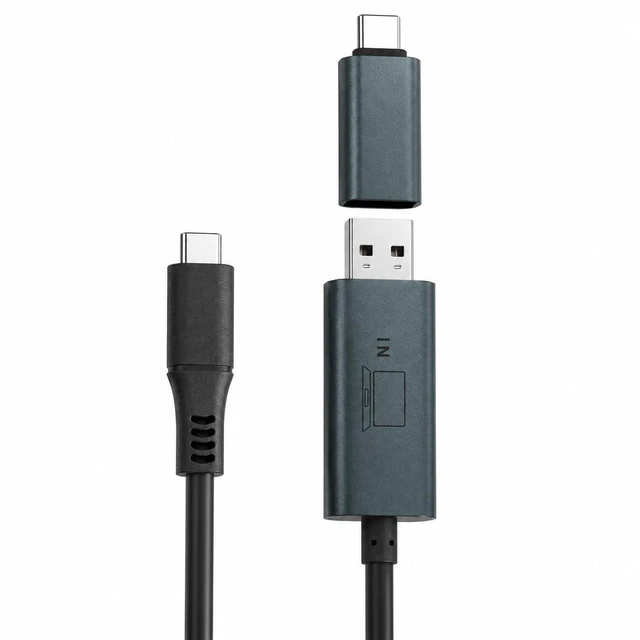
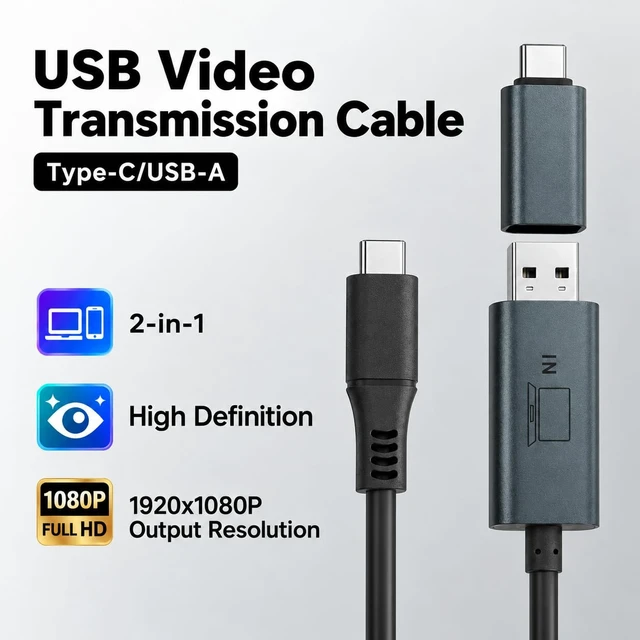
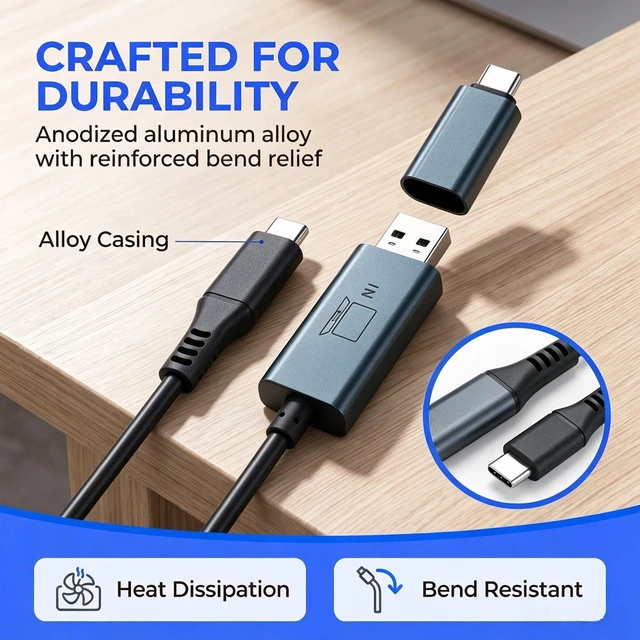
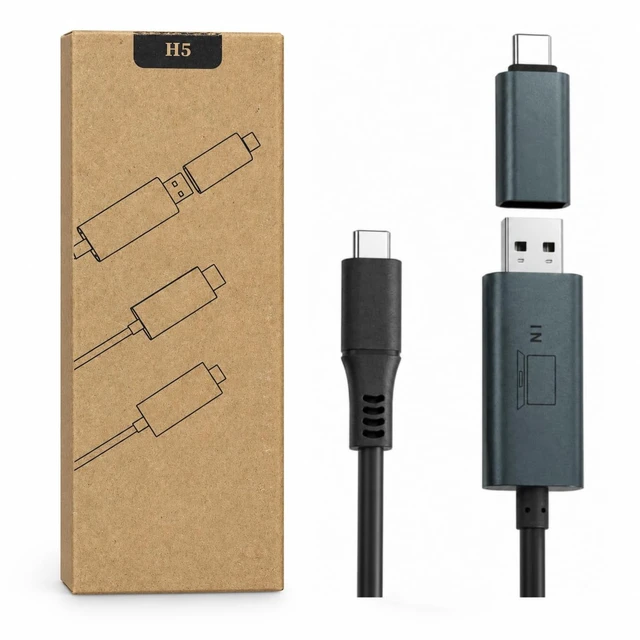
Anyking H5-T 2-in-1 USB-A/USB-C Video Cable for Laptop Screen Extenders
- Flexible USB-A or USB-C Connection: Connect through USB-A or the included USB-C adapter to send video to one compatible extender screen; works with USB-C data ports that lack native video output
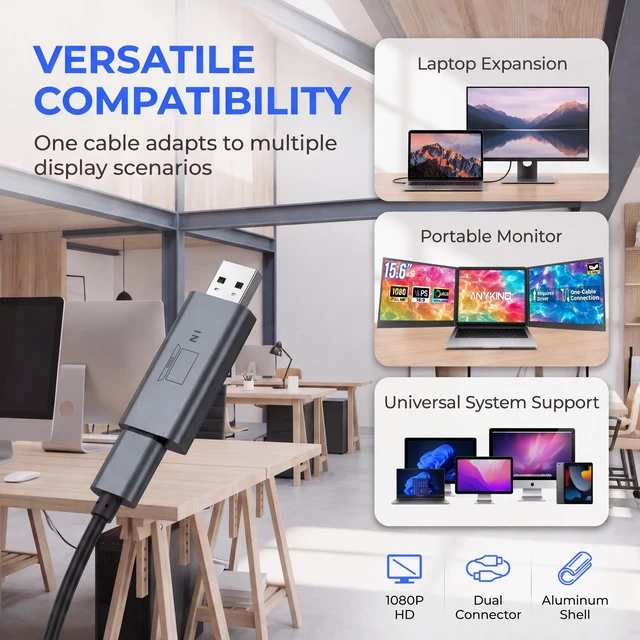
- Build a Three-Screen Workspace: Pair H5-T with your laptop's native HDMI or video-capable USB-C output to use two extender panels alongside the laptop display; each panel requires its own video connection
- Windows and macOS Compatibility: For compatible Windows laptops and select M1, M2 and M3 MacBooks; designed for supported laptop screen extenders, not every USB-C monitor
- Driver-Based Video Output: Install the specified H5-T driver before use; on macOS, grant the requested screen-recording permission, then select your display mode in system settings
- Separate Screen Power Required: Carries video without powering the screen extender; connect an external power supply to the extender's PD or power port; not intended for laptop charging
+
+
Overview
Specs
Reviews
Any questions? Ask CelesteSM will help you find out quickly.
Try me now
Expand your workspace with the ANYKING H5-T 2-in-1 USB-A/USB-C video conversion cable. Designed for compatible laptop screen extenders, it provides a driver-assisted video connection through a USB data port, including USB-C ports without native video output. Use the built-in USB-A plug or attach the included USB-C adapter to match your laptop's available port. H5-T sends video to one extender panel. To create a three-screen workspace, connect the other panel through your laptop's native HDMI or video-capable USB-C output, keeping documents, spreadsheets and reference material visible alongside your laptop screen. H5-T is designed for compatible Windows laptops and select M1, M2 and M3 MacBooks.
Install the specified H5-T driver before use and grant the requested display or screen-recording permission on macOS. A separate power connection to the extender's PD or power port is required. H5-T carries video only; it does not power the screen extender or charge your laptop. Compatibility depends on the laptop, operating system and extender model; this is not a universal cable for all USB-C displays.
Warranty & Returns
Warranty, Returns, And Additional Information
Warranty
- Please contact the Seller directly for warranty information. Warranty information may also be found on the Manufacturer's website.
- CONTACT
Return Policies
- Return for refund within: 30 days
- Return for replacement within: 30 days
- This item is covered by To the Internet media Return Policy
Manufacturer Contact Info
- For a directory of all our manufacturers, please click below.
- Manufacturers Directory
LOADING...