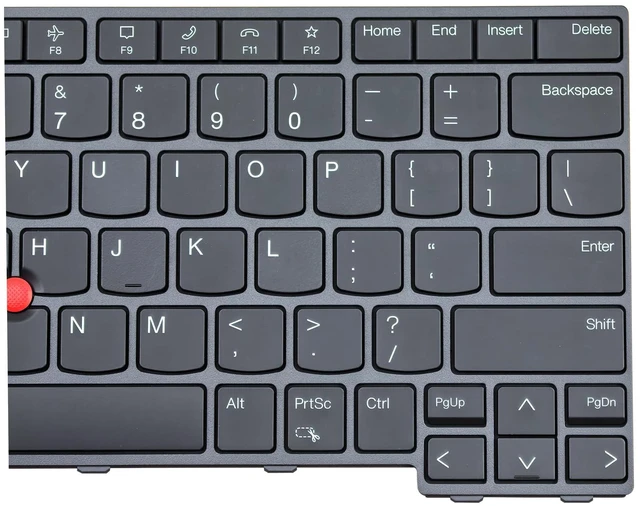
Product Description: *
Details
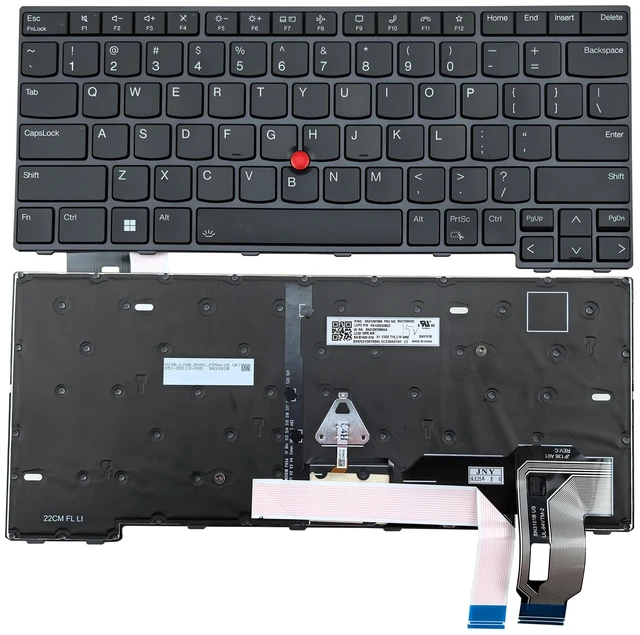
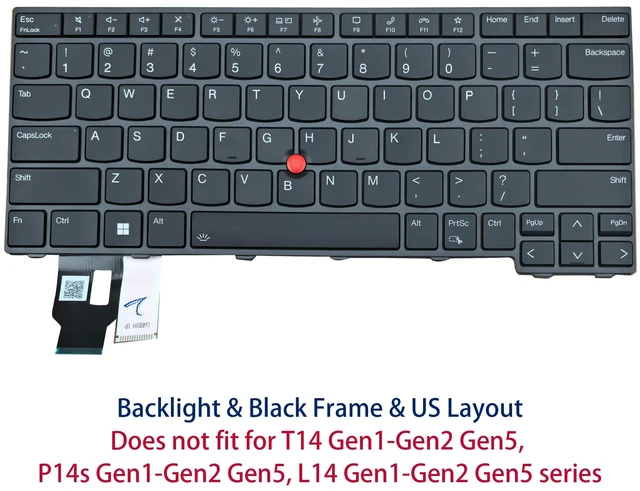
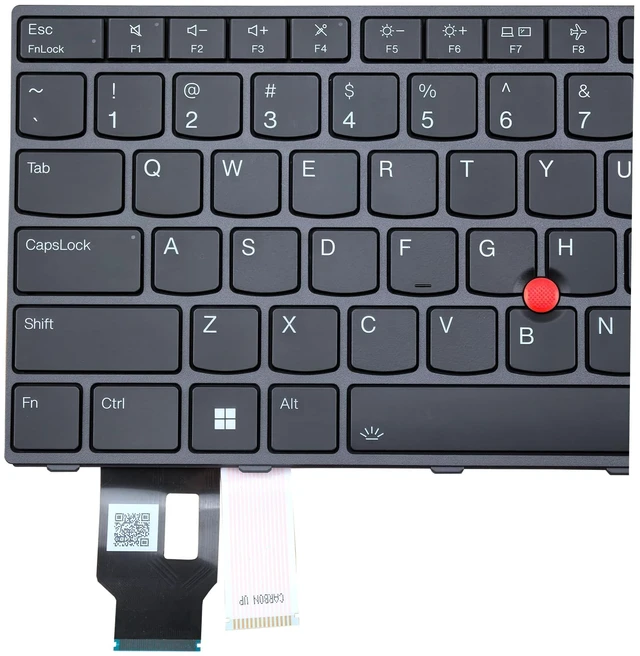
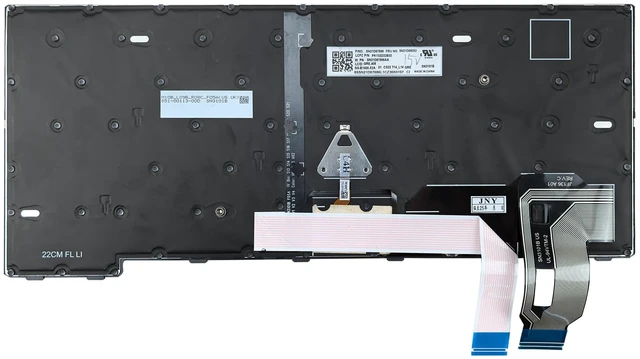
: New, Backlight, With TrackPoint, Black Frame, US English Layout*
Compatible Models: Compatible with Lenovo Thinkpad T14 Gen 3 (Type 21AH, 21AJ)(Type 21CF, 21CG)Compatible with Lenovo Thinkpad T14 Gen 4 (Type 21HD, 21HE)(Type 21K3, 21K4)Compatible with Lenovo Thinkpad P14s Gen 3 (Type 21AK, 21AL)(Type 21J5, 21J6)Compatible with Lenovo Thinkpad P14s Gen 4 (Type 21HF, 21HG)(Type 21K5, 21K6)Compatible with Lenovo Thinkpad L14 Gen 3 (Type 21C1, 21C2)(Type 21C5, 21C6)Compatible with Lenovo Thinkpad L14 Gen 4 (Type 21H1, 21H2)(Type 21H5, 21H6)* Compatible P/N or
FRU: For 5N21D67970 5N21D68058 5N21D68160 5N21D68234*
You will receive: 1x US Layout keyboardNoteThe same model of keyboard produced in different batches, maybe the part number is different. As long as the model you need meets the models listed above, it will be compatible with your laptop. The item you will receive is based on the stocks. WarrantyTested before shipment. However, there is still a possibility of damage during transportation. If you have any problems after receiving the keyboard, please feel free to contact us and we offer a six-month warranty. Installation reminderPlase ensure the cables are clean before installation, then connect them correctly to the motherboard. If some keys don't work, pay attention to updating the driver. FN+Space switch the backlight. If you have any other questions, please feel free to contact us.




 here!