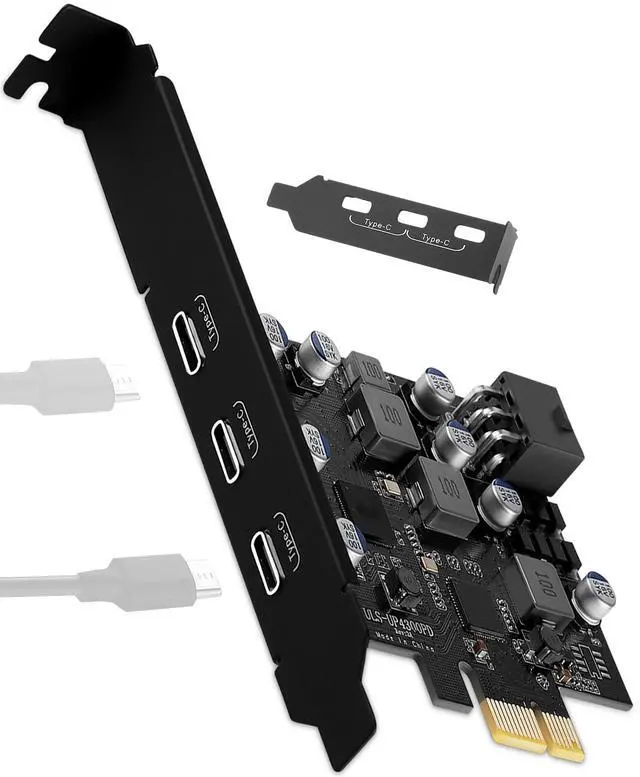
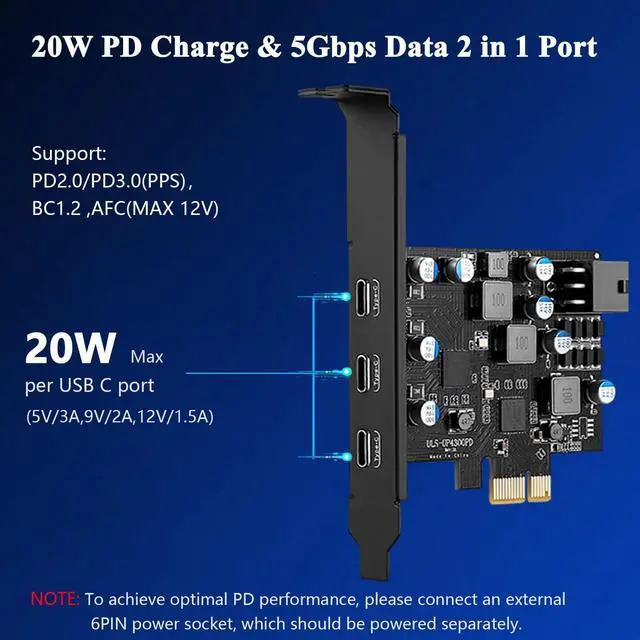
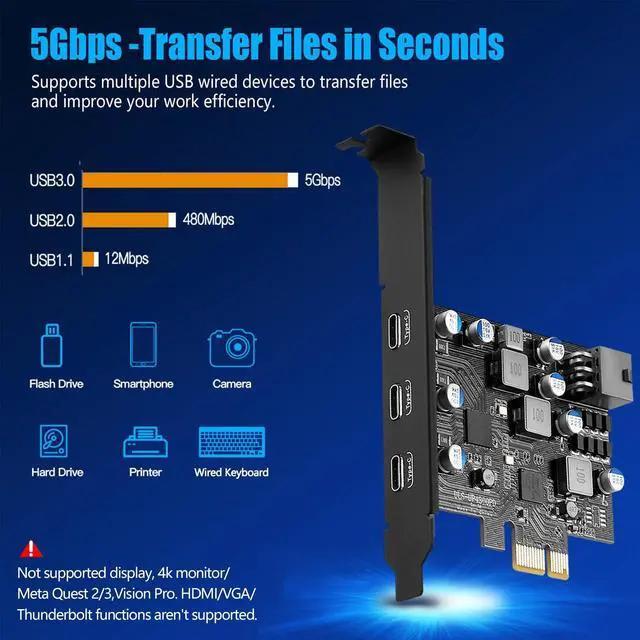
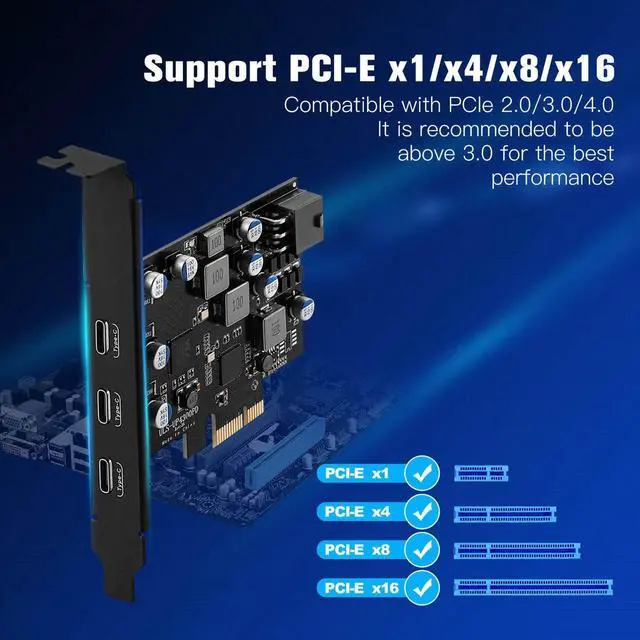
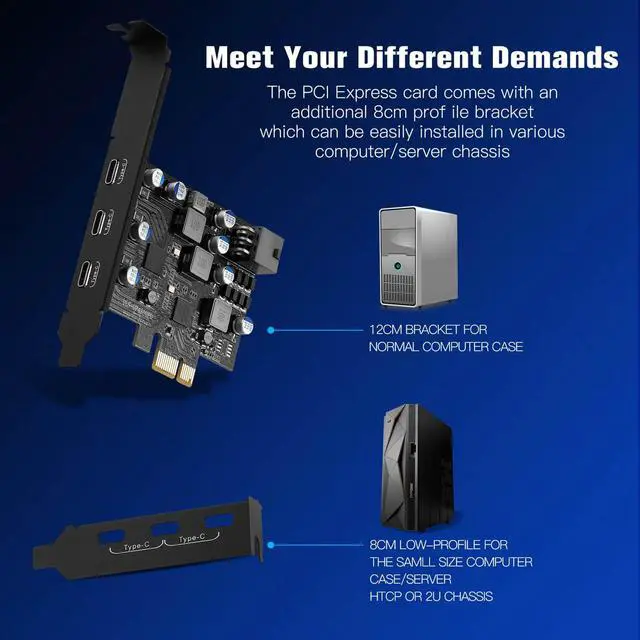
Product advantages: 1. Add 3 USB C ports on the desktop through the PCI Express slot, -each port has a maximum data transmission speed of 5Gbps to achieve a fast connection. 2. USB PCIe card has built-in YEELIYA power supply control technology with up to 20W charging power, fast charging for devices that support PD 2.0 / 3.0, BC 1.2 and AFC charging protocols. (For optimal PD performance, connect an external 6-pin power outlet, which requires a separate power supply. 3. To meet your varying needs, we also offer standard (installed) and low-profile brackets for easy installation in standard PC/mini-computer cases. 4. The internal USB card provided from the motherboard through the PCI Express slot ensures a stable connection and improves data transmission speed. Will not lose the connection problem like an external USB Hub.
Operating Systems: For Windows XP/Vista/Server/7/8/10/11, (Win XP/Vista/Server systems require the installation of the CD driver. )For Mac Pro 3.1, 4.1, 5.1 (model 2009~2020). For Linux and Ubuntu 20.04.
NOTE: 1. Please make sure the power has been disconnected before installation. 2. Install the driver after the computer recognizes the usb c card, otherwise the installed driver will be invalid. (Windows xp/7)3. This card has no video signal. HDMI /VGA /DisplayPort and Thunderbolt protocols are not supported. Not compatible with OculXX VR/ Vision Pro Headset, Monitor, Notebook. 4. To use the data transfer/normal charging function, you need to connect the gold finger of the PCIE card to the PCI-E slot on the motherboard, while to use the PD fast charging only, you only need to connect the SATA to 6-pin power cable to the external 6-pin socket on the end of the card, and connect the SATA port to the SATA female port on the host computer (the power cable is not included with this product).