• $51.99
  • Free 30-day Returns
  • Price alert
    Shop it at NeweggBusiness.

    Meet Your Seller

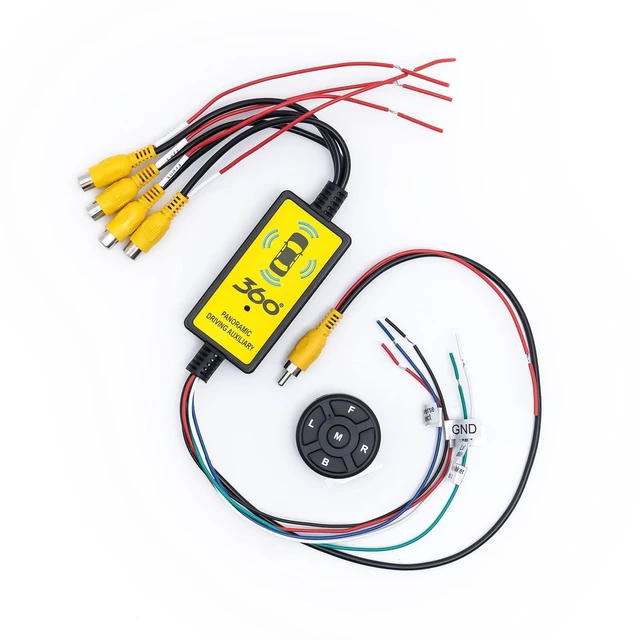
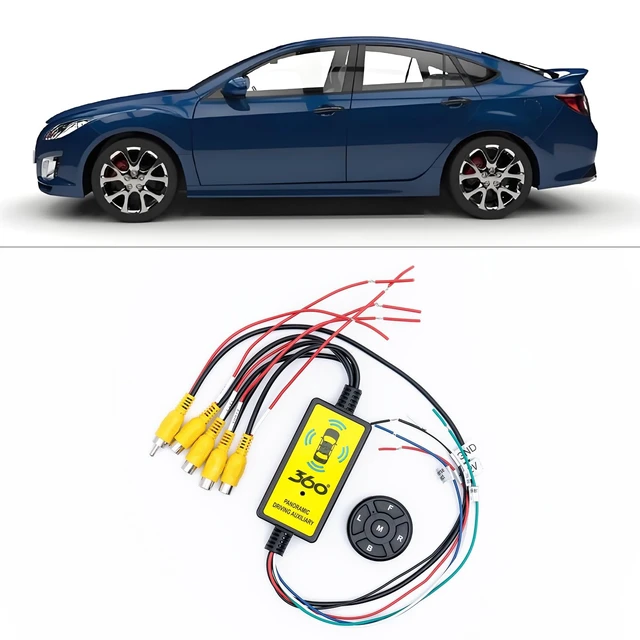
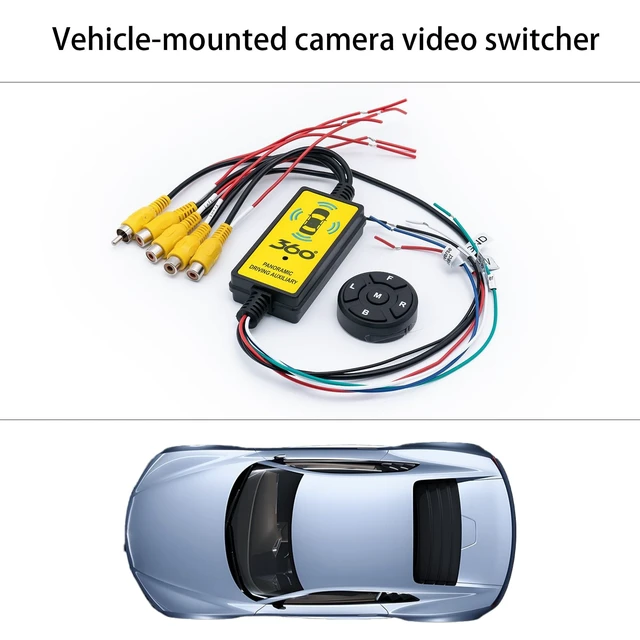
    4 in 1 Car Camera Video Switcher with Remote Control, 360 Panoramic View for Left Right Front Rear, Easy Installation, 12V/24V Truck Compatible

    • Auto-Switching: Seamlessly cycles through 4 camera views (front, rear, left, right) when turning or reversing; no manual hassle
    • Universal Compatibility: Works with cars, trucks, and SUVs (8V-16V standard vehicles; 24V trucks require a converter)
    • Plug-and-Play Setup: Colour-coded wires (red/black/white/green/blue) for DIY installation in several minutes
    • Safety First: Built-in power protection prevents short circuits; the MCU chip ensures stable signal transmission
    • Quick Front View: Automatically displays the front camera after shifting from reverse gear to avoid collisions
    +
    +
    Overview
    Specs
    Reviews
    avatar

    Any questions? Our AI mode will help you find out quickly.

    Product Description: 4-in-1 360 Camera Switcher Easily connect and switch between four cameras (front, rear, left, right) on one screen. Perfect for removing blind spots while driving, parking, or changing lanes. Works with most car monitors or DVD displays no professional installation needed.
    Key Features: 1.
    Four Camera Inputs: Supports front, rear, and side views (each powered by 12V). 2.
    Auto-Switching: Activates the correct camera when using blinkers or reversing. 3.
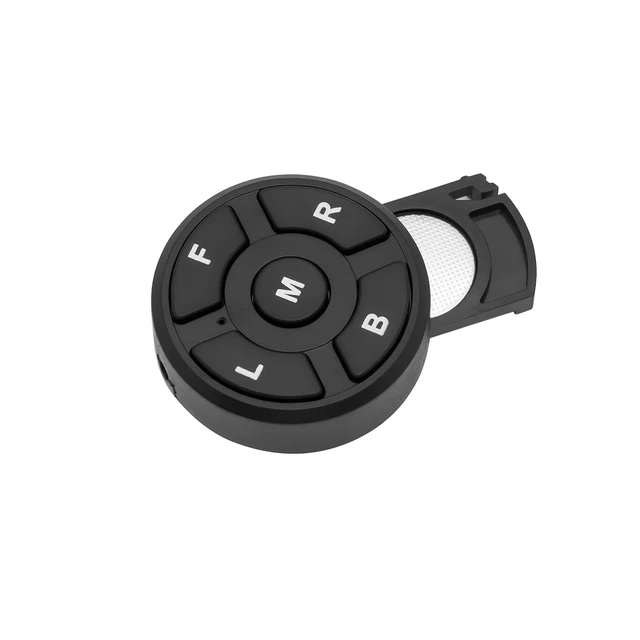
    Wireless Remote: Manually switch views with the press of a button. 4.
    Built-in Protection: Safeguards your cars electrical system and cameras. 5.
    Wide Compatibility: Fits cars (8V-16V) and trucks (24V with optional converter).
    Specification:
    Material: Plastic
    & MetalCompatible Devices: DVD Player, CameraConnector
    Type: RCA
    Switcher Size: 80 mm x 35 mm x 20 mmRemote
    Control Size: 40 mm x 10 mmPackage
    Size: 15 x 10 x 4 cmPackage
    Weight: 132.1 gPackage
    Includes: 1 Video Switcher Unit1 Wireless Remote Control1 User Manual

    Warranty & Returns

    Warranty, Returns, And Additional Information

    Warranty

    • Please contact the Seller directly for warranty information. Warranty information may also be found on the Manufacturer's website.
    • CONTACT

    Return Policies

    Manufacturer Contact Info

    LOADING...