4K Decoding & 1080P Full HD
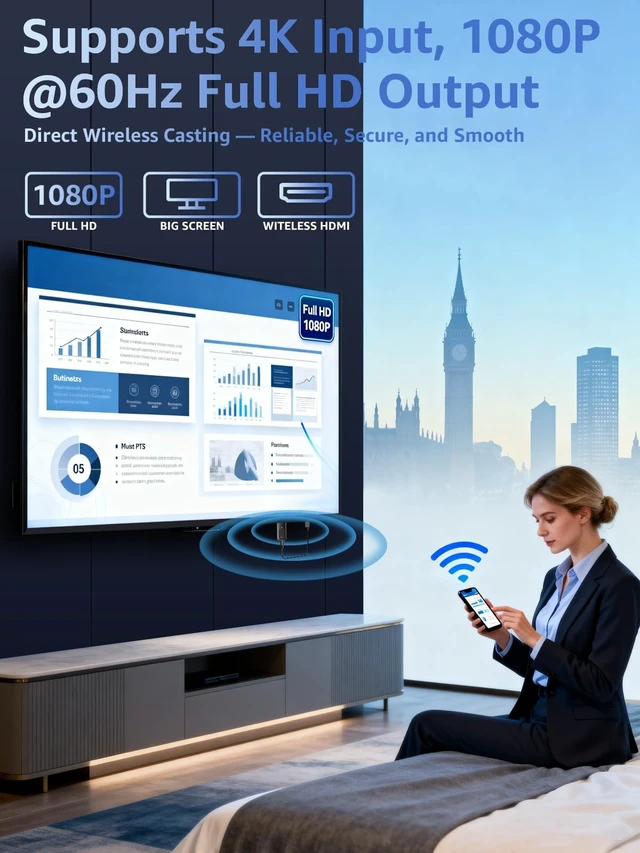
Output at 60Hz: Enjoy crisp, vivid visuals powered by 4K decoding and 1080P/60Hz Full HD outputgreat for home movies, gaming, and clear presentation displays in office or meeting room settings. Supports HDMI 1.3 and HDCP 1.2 standards with wireless compatibility for AirPlay. Optimal for personal media and web content.
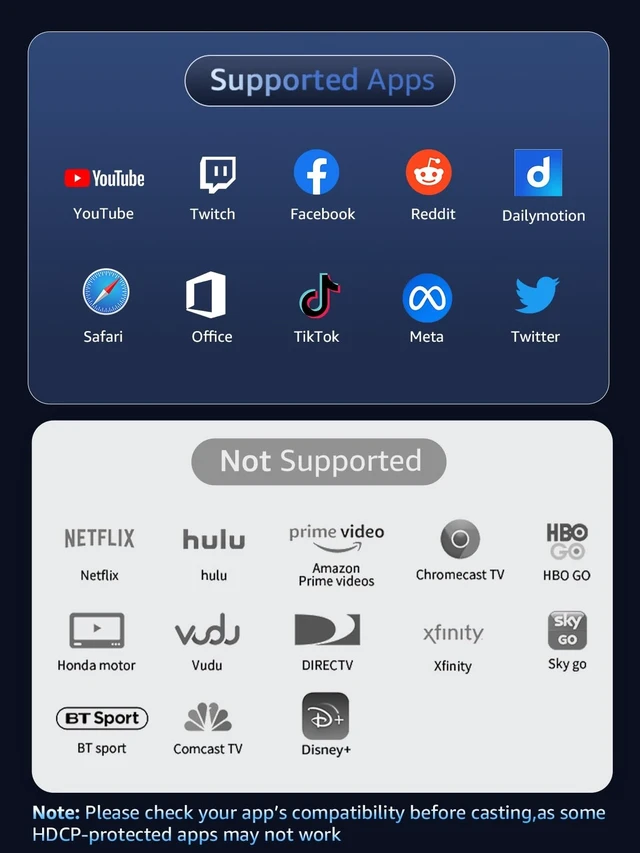
Incompatibility App: Due to HDCP copyright restrictions, Netflix, hulu, Prime videos, Chromecast TV, HBO GO, Honda motor, Vudu, DIRECTV, Xfinity, Skygo, BT sport, Comcast TV. ^^ Plug & Play, Hassle-Free
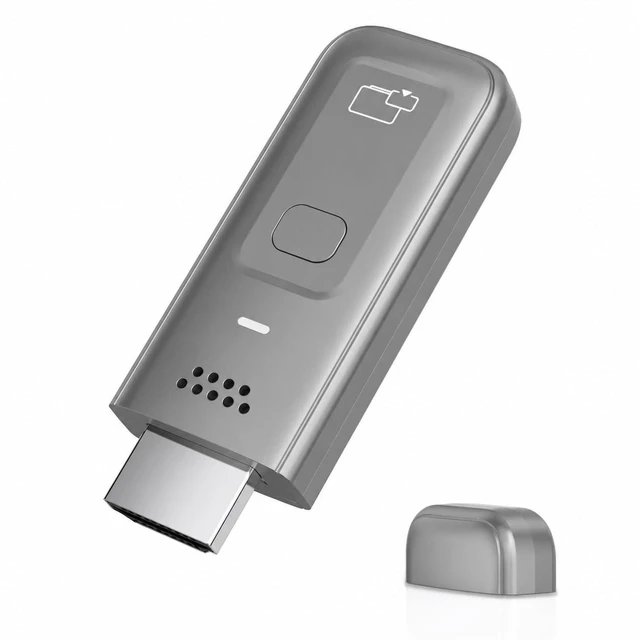
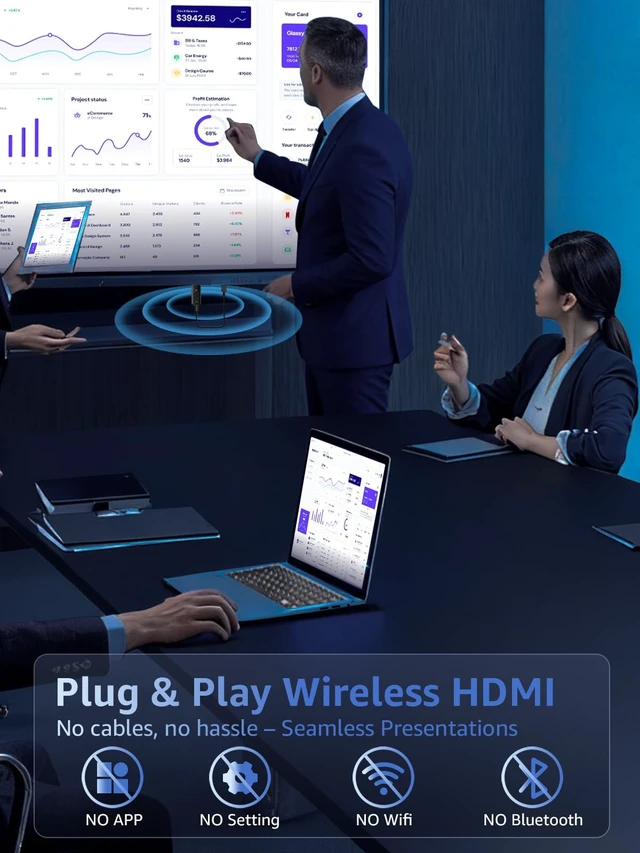
Connectivity: The Wireless HDMI Receiver offers an effortless plug-and-play experiencesimply plug the device into your TV, projector, or monitor and activate the casting function on your phone, tablet, or laptop. No apps, Bluetooth, or Wi-Fi setup is needed, allowing you to connect in seconds and enjoy smooth, cable-free streaming. Ideal for home theater, business meetings, and educational presentations.
(Tips: Your laptops and tablets can only function as transmitters to send a signal, not as receivers to display content from another device. ) ^^ Smooth Dual-Band 2.
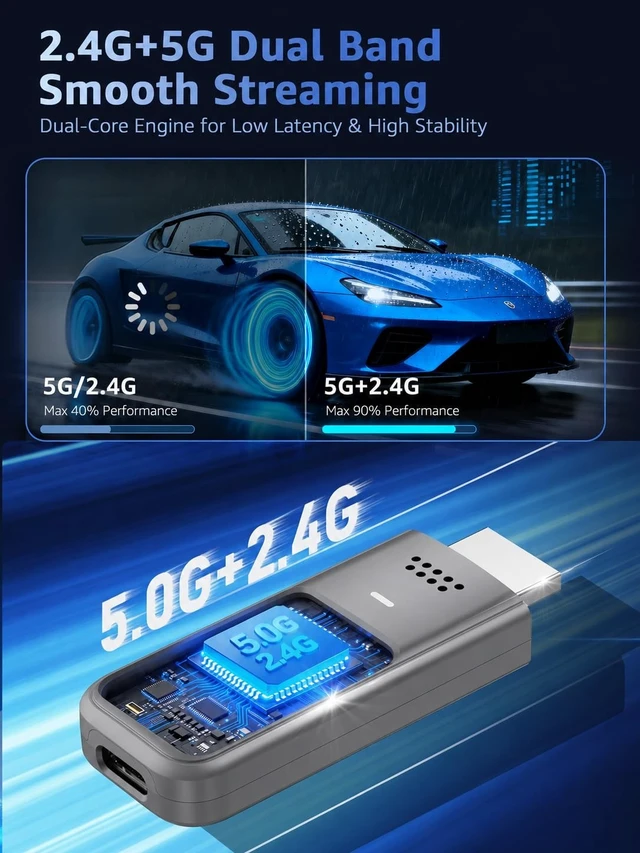
4G+5G Transmission: This Wireless HDMI Adapter uses advanced2. 4G+5G dual-band technology to deliver faster, more stable signal transmission upto 33 ft (10m). Enjoy low-latency(<0. 01s) video and audio for home streaming, online classes, as well as office presentations and meeting-room demoswithout interruptions. ^^ Portable & Wide
Compatibility Across Devices: Weighing only 0.1 lbs, the Wireless HDMI is compact and lightweight, making it perfect for travel, business meetings, and creative work. Enjoy seamless, high-quality wireless HDMI connectivity across a variety of devices, including PCs, laptops, cameras, TVs, TV boxes, projectors, monitors, and HDT
Vswherever you go.
^^ Cross-Platform Compatibility: This portable Wireless HDMI Dongle Adapter supports Airplay for Apple iOS/macOS, eliminating the need for a traditional receiver. This feature allows seamless device switching during presentationssimply disconnect one device and let another easily project without needing to pass the transmitter. Perfect for business presentations and classroom settings, it ensures hassle-free connectivity for multiple users. ^^ Pre-Connection HDMI Interface TipPlease check your TV/monitor has an HDMI port that supports receiving external signal sources before use. HDMI OUT ports cannot receive signals, which will result in no picture or audio if connected to this casting adapter.
^^ Tips: If you encounter a black screen when using iPhone 17, perform a firmware upgrade following these steps: Triple-press the receiver button to bring up the SSID. Connect your iPhone to this SSID and visit 192.168. 203.1 in a browser. Choose the first option to link to your home Wi-Fi, reconnect your phone to the receivers SSID, revisit the address, confirm the upgrade, and wait for the process to finish.





 here!
here!