Your Browsing History
Meet Your Seller
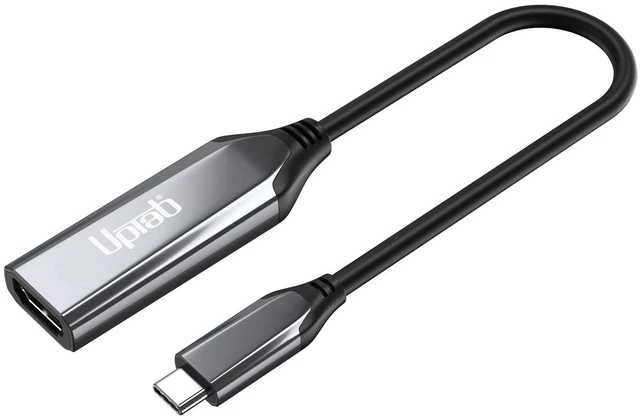
uptab USB-C to HDMI 2.1 Adapter 8K 60Hz 4K 144Hz Thunderbolt
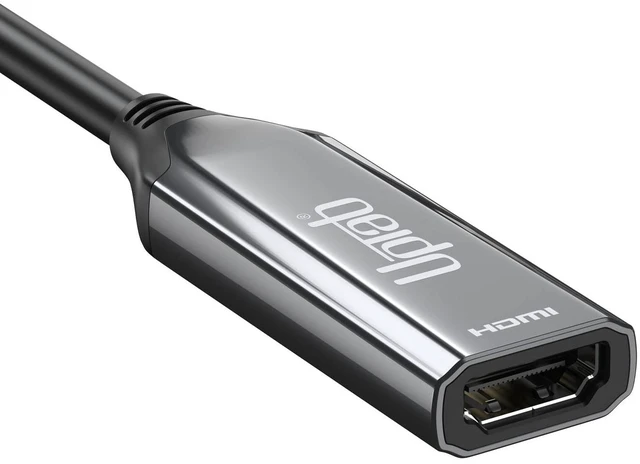
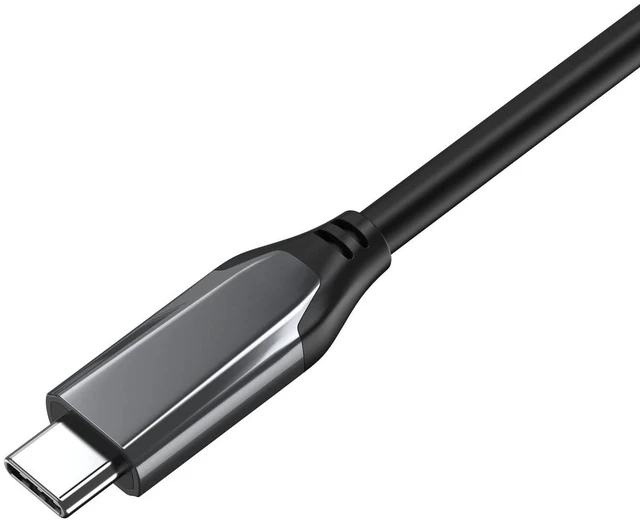
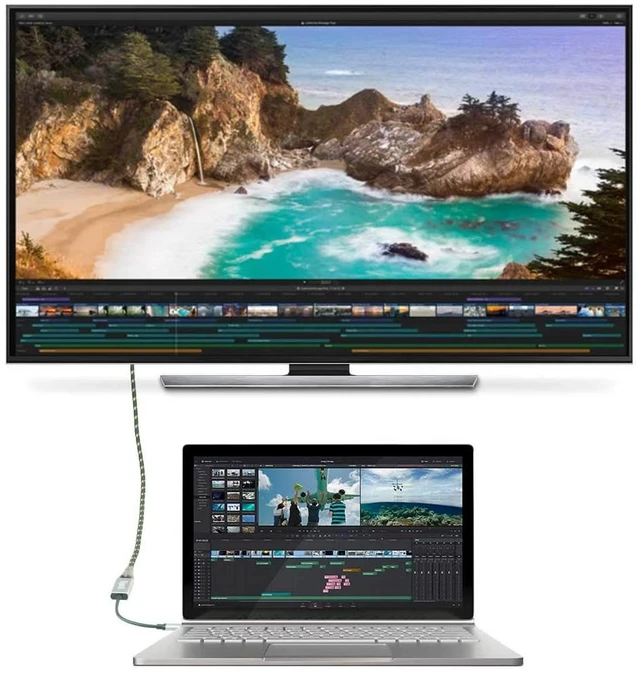
- CONNECT USB-C DEVICES TO HDMI DISPLAYS: Transforms your USB-C or Thunderbolt port into a powerful HDMI 2.1 output, letting you connect laptops, tablets, and phones directly to any HDMI-equipped TV, monitor, or projector.
- UP TO 8K@60HZ OR 4K@144HZ RESOLUTION: With HDMI 2.1 throughput up to 48Gbps, this adapter delivers stunning 8K Ultra HD clarity or ultra-smooth 4K at up to 144Hz, depending on your display and source device capabilities.
- VIBRANT HDR PERFORMANCE: HDR support with HDCP 2.3 and DSC 1.2 ensures deep contrast, vivid color, and lifelike detail for movies, creative work, and gaming.
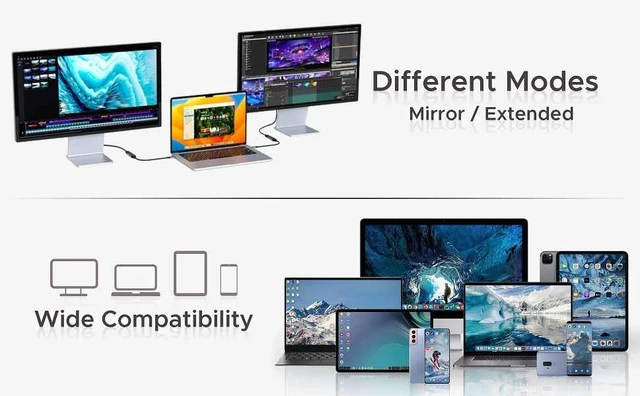
- BROAD DEVICE COMPATIBILITY: Works with MacBook Pro, MacBook Air, iPhone 15, iPad Pro, Pixelbook, Dell XPS, Surface, and other USB-C or Thunderbolt-enabled devices that support DisplayPort Alt Mode.
- PLUG-AND-PLAY SIMPLICITY: No software installation or drivers required simply connect the USB-C end to your device and the HDMI end to your display to start streaming, presenting, or gam
+
+
Overview
Specs
Reviews
Any questions? Our AI mode will help you find out quickly.
Try me now
CONNECT USB-C DEVICES TO
HDMI DISPLAYS: Transforms your USB-C or Thunderbolt port into a powerful HDMI 2.1 output, letting you connect laptops, tablets, and phones directly to any HDMI-equipped TV, monitor, or projector. ^^ UP TO 8K@60HZ OR 4K@144HZ
RESOLUTION: With HDMI 2.1 throughput up to 48Gbps, this adapter delivers stunning 8K Ultra HD clarity or ultra-smooth 4K at up to 144Hz, depending on your display and source device capabilities.
^^ VIBRANT HDR PERFORMANCE: HDR support with HDCP 2.3 and DSC 1.2 ensures deep contrast, vivid color, and lifelike detail for movies, creative work, and gaming.
^^ BROAD DEVICE COMPATIBILITY: Works with MacBook Pro, MacBook Air, iPhone 15, iPad Pro, Pixelbook, Dell XPS, Surface, and other USB-C or Thunderbolt-enabled devices that support DisplayPort Alt Mode.
^^ PLUG-AND-PLAY SIMPLICITY: No software installation or drivers required simply connect the USB-C end to your device and the HDMI end to your display to start streaming, presenting, or gaming instantly. ^^
IMPORTANT ONE DIRECTION ONLY: This adapter works only when your USB-C/Thunderbolt device is the source and the HDMI display is the receiver; it does not work in reverse (HDMI source to USB-C display), so please confirm your setup before ordering.

HDMI DISPLAYS: Transforms your USB-C or Thunderbolt port into a powerful HDMI 2.1 output, letting you connect laptops, tablets, and phones directly to any HDMI-equipped TV, monitor, or projector. ^^ UP TO 8K@60HZ OR 4K@144HZ
RESOLUTION: With HDMI 2.1 throughput up to 48Gbps, this adapter delivers stunning 8K Ultra HD clarity or ultra-smooth 4K at up to 144Hz, depending on your display and source device capabilities.
^^ VIBRANT HDR PERFORMANCE: HDR support with HDCP 2.3 and DSC 1.2 ensures deep contrast, vivid color, and lifelike detail for movies, creative work, and gaming.
^^ BROAD DEVICE COMPATIBILITY: Works with MacBook Pro, MacBook Air, iPhone 15, iPad Pro, Pixelbook, Dell XPS, Surface, and other USB-C or Thunderbolt-enabled devices that support DisplayPort Alt Mode.
^^ PLUG-AND-PLAY SIMPLICITY: No software installation or drivers required simply connect the USB-C end to your device and the HDMI end to your display to start streaming, presenting, or gaming instantly. ^^
IMPORTANT ONE DIRECTION ONLY: This adapter works only when your USB-C/Thunderbolt device is the source and the HDMI display is the receiver; it does not work in reverse (HDMI source to USB-C display), so please confirm your setup before ordering.
Warranty & Returns
Warranty, Returns, And Additional Information
Warranty
- Please contact the Seller directly for warranty information. Warranty information may also be found on the Manufacturer's website.
- CONTACT
Return Policies
- Return for refund within: 30 days
- Return for replacement within: 30 days
- This item is covered by SmartJoy Shop Return Policy
Manufacturer Contact Info
- For a directory of all our manufacturers, please click below.
- Manufacturers Directory
LOADING...