

Your Browsing History
- Free 30-day Returns
$56.99

Meet Your Seller


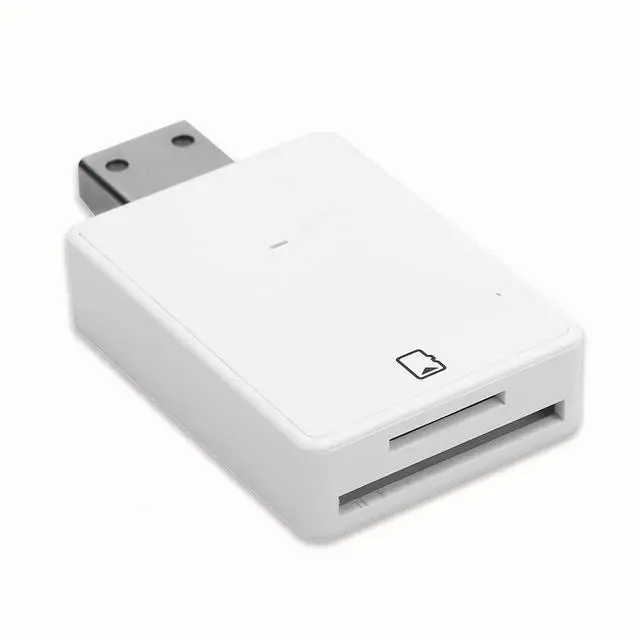
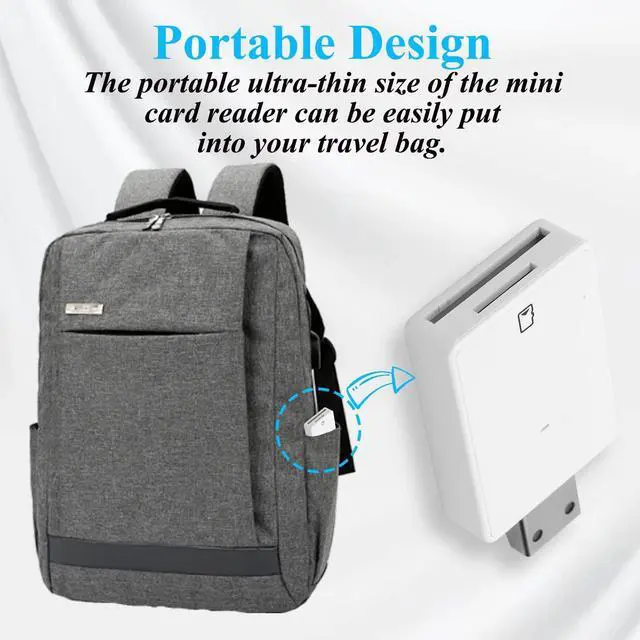
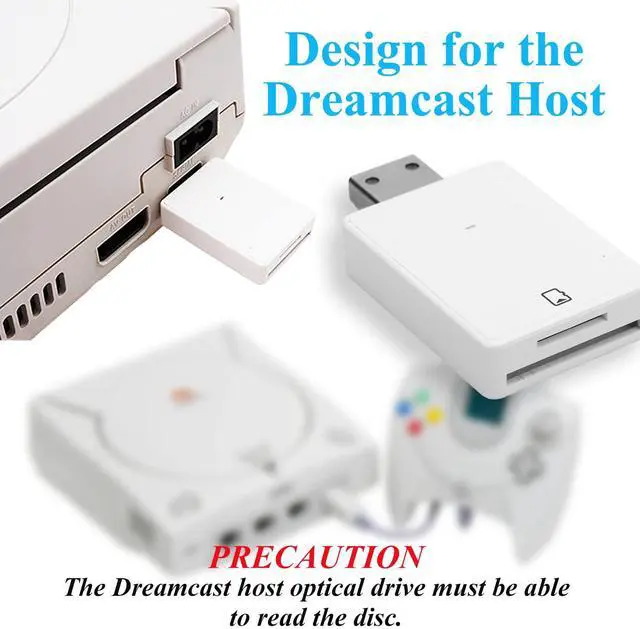


Reader,DC Memory Adapter Reader,Support TF and,Plug and Play,LED Status Indicator, Suitable for Dreamshell V4.0 Game Console
- [(Upgraded Game Console SD Card Adapter)] It is newly upgraded in many ways, using high-end mold shells and customized stainless steel plugs. Compared with the previous generation of traditional hand-made welded plugs, it is more and will not cause short circuits. It adds products. Service life.
- [(Upgraded Game Console SD Card Adapter)] It is newly upgraded in many ways, using high-end mold shells and customized stainless steel plugs. Compared with the previous generation of traditional hand-made welded plugs, it is more and will not cause short circuits. It adds products. Service life.
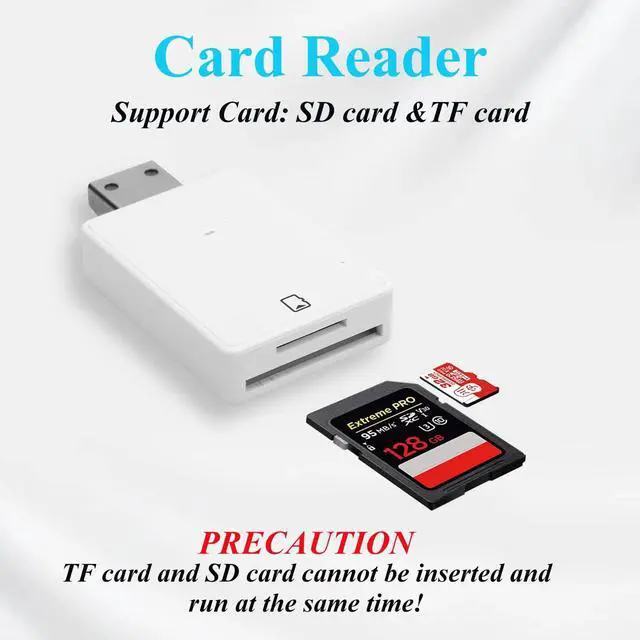
- [(Applicable situation)] The DC memory card adapter card reader supports small memory cards and memory cards (maximum memory up to 128GB), suitable for all areas of the Dreamcast host.
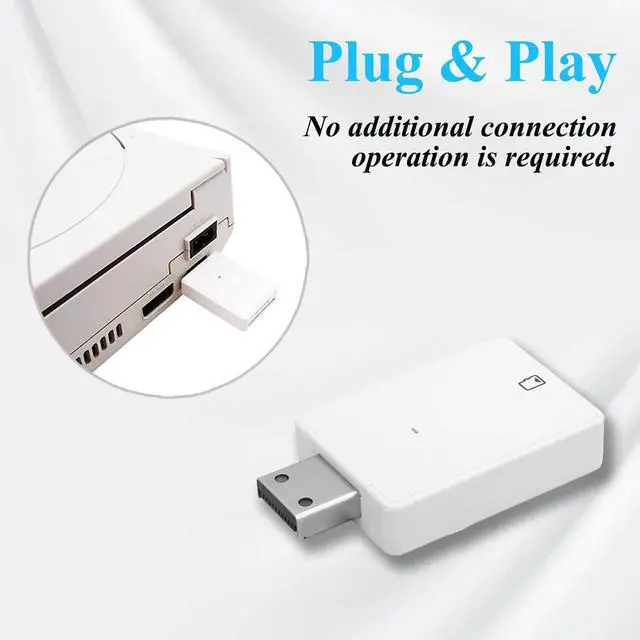
- [(Simple operation)] Plug and play, no additional connection operation is required. It also comes with a high-quality and readable CD-R. At the same time, the card reader is also equipped with an LED status ind
+
+
Overview
Specs
Reviews

Any questions? Our AI mode will help you find out quickly.
Try me now
Specification:
Item Type: Card Reader
Material: ABS
Color: As Pictures Shown
Weight: Approx. 122g/ 4.3 oz
Applicable models: for Sega Dreamcast for Dreamshell V 4.0
How to use:
Step1: Format the small memory card or memory card document system into FAT32 format.
Step2: Put for Dreamshell 4.0DS file and CDI, ISO game file into small memory card or memory card.
Step3: Put the small memory card or memory card into the adapter, then plug it into the DC host interface, and then boot it to the load.
Package List:
1 x DC Card Reader
1 x Boot CD
Note:
For Dreamcast host CD-ROM drive must be able to read CD-ROM, small memory card and memory card can not be inserted at the same time.
Item Type: Card Reader
Material: ABS
Color: As Pictures Shown
Weight: Approx. 122g/ 4.3 oz
Applicable models: for Sega Dreamcast for Dreamshell V 4.0
How to use:
Step1: Format the small memory card or memory card document system into FAT32 format.
Step2: Put for Dreamshell 4.0DS file and CDI, ISO game file into small memory card or memory card.
Step3: Put the small memory card or memory card into the adapter, then plug it into the DC host interface, and then boot it to the load.
Package List:
1 x DC Card Reader
1 x Boot CD
Note:
For Dreamcast host CD-ROM drive must be able to read CD-ROM, small memory card and memory card can not be inserted at the same time.
Warranty & Returns
Warranty, Returns, And Additional Information
Warranty
- Please contact the Seller directly for warranty information. Warranty information may also be found on the Manufacturer's website.
- CONTACT
Return Policies
- Return for refund within: 30 days
- Return for replacement within: 30 days
- This item is covered by To the Internet media Return Policy
Manufacturer Contact Info
- For a directory of all our manufacturers, please click below.
- Manufacturers Directory
LOADING...