Your Browsing History
Meet Your Seller
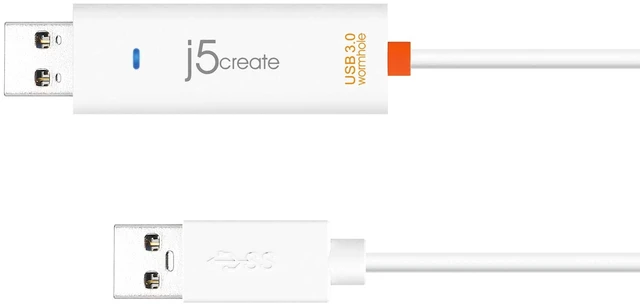
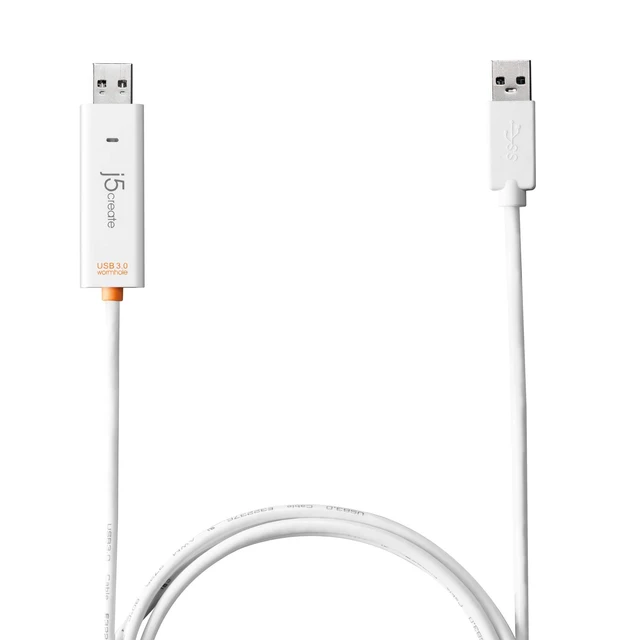
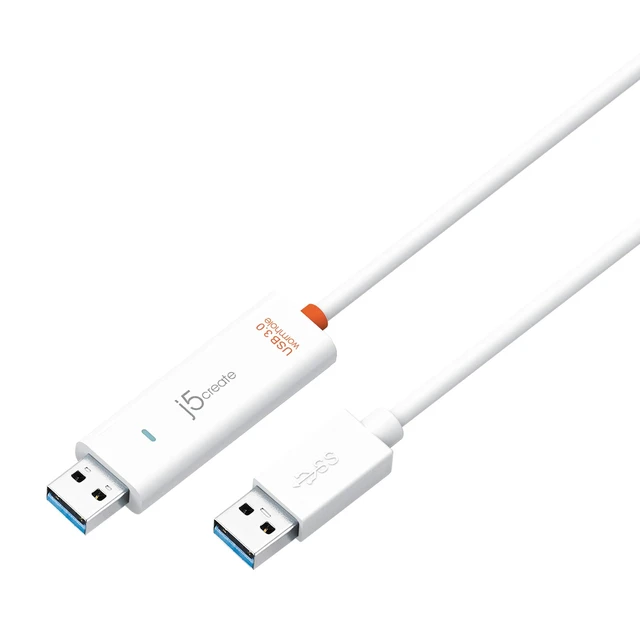
j5create JUC500 Data, Keyboard, and Mouse Sharing/Transfer USB 3.0 Cable
- Supports simple Plug-and-Play. Note: Downloading a firmware update may be required in some instances in the initial setup, particularly after OS updates. Windows/MacOS firmware download is available
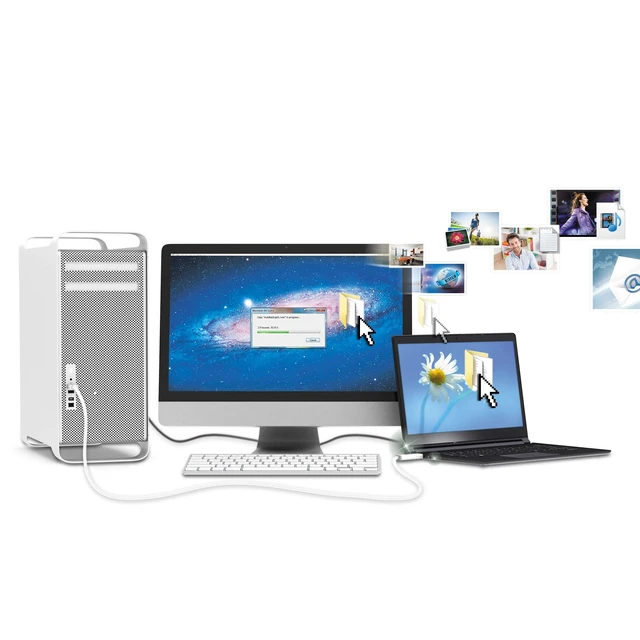
- Multi-display is supported between two connected computers with different operating systems.
- Drag &Drop to transfer your data between two computers.
- Save or Copy data, photos, music, and videos from a memory card between the two computers.
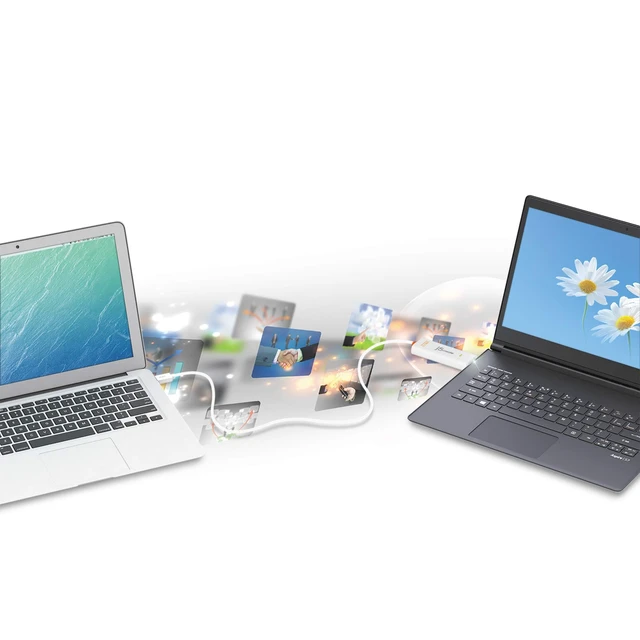
- USB 3.0 Super Speed File Sharing Between MAC and PC.
+
+
Overview
Specs
Reviews
Any questions? Our AI mode will help you find out quickly.
Try me now
Supports simple Plug-and-Play.
Note: Downloading a firmware update may be required in some instances in the initial setup, particularly after OS updates. Windows/MacOS firmware download is available ^^ Multi-display is supported between two connected computers with different operating systems. ^^ Drag & Drop to transfer your data between two computers. ^^ Save or Copy data, photos, music, and videos from a memory card between the two computers. ^^ USB 3.0 Super Speed File Sharing Between MAC and PC.
Warranty & Returns
Warranty, Returns, And Additional Information
Warranty
- Please contact the Seller directly for warranty information. Warranty information may also be found on the Manufacturer's website.
- CONTACT
Return Policies
- Return for refund within: 30 days
- Return for replacement within: 30 days
- This item is covered by SmartJoy Shop Return Policy
Manufacturer Contact Info
- For a directory of all our manufacturers, please click below.
- Manufacturers Directory
LOADING...