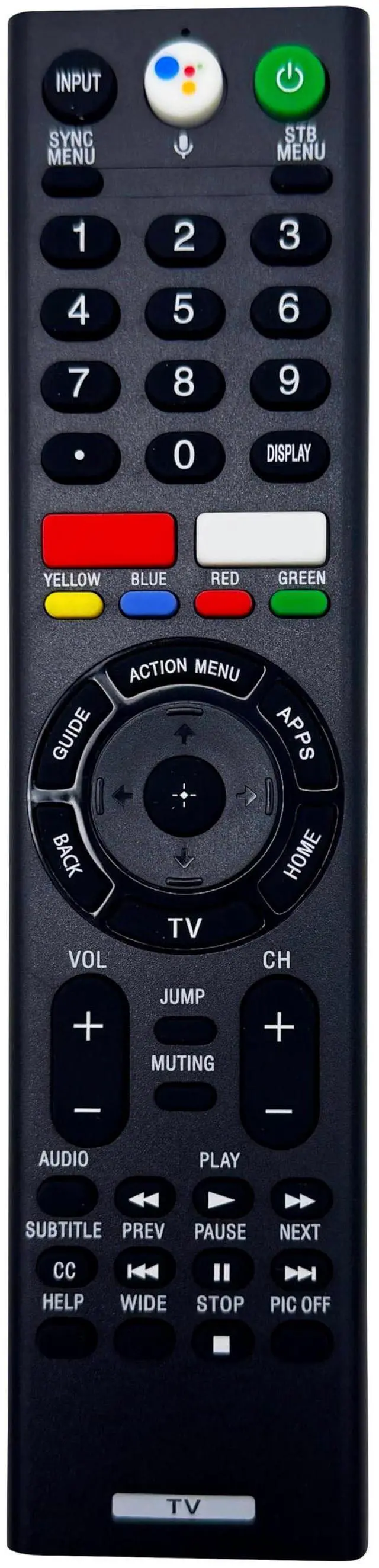
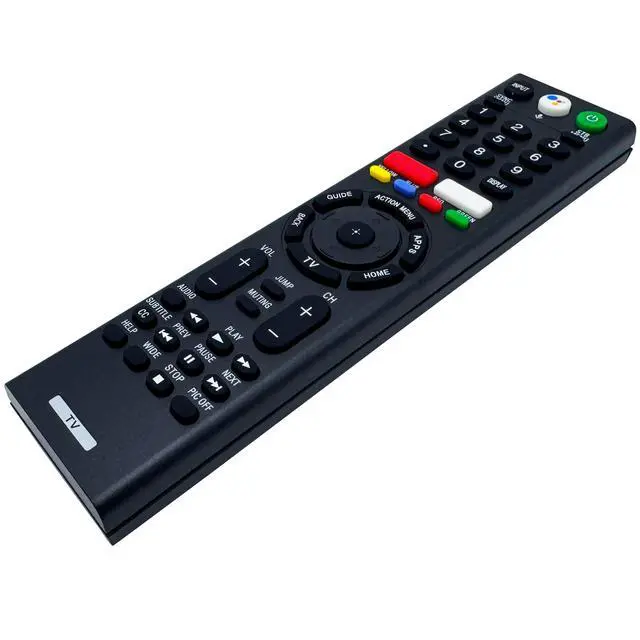
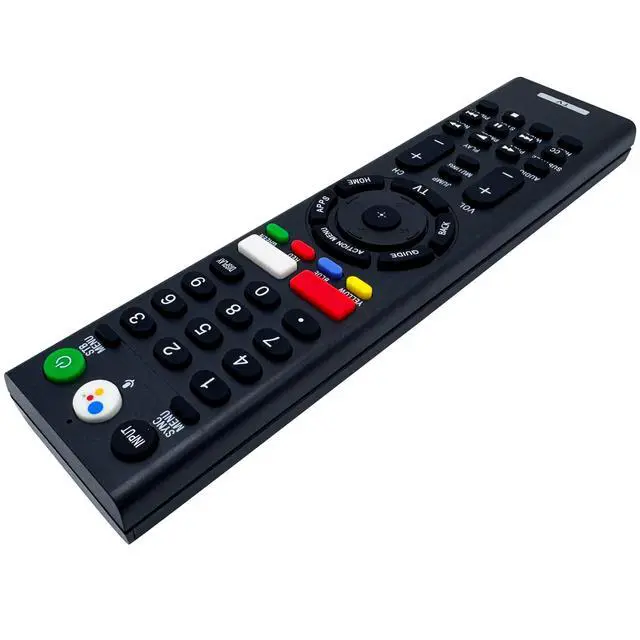
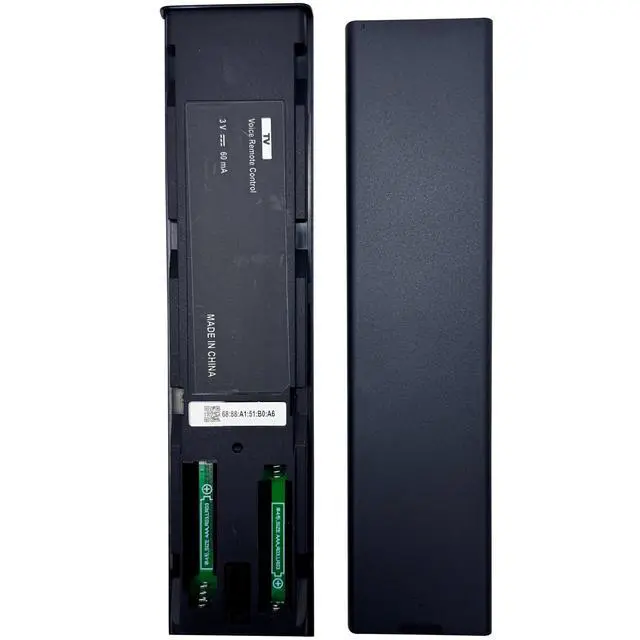
The remote control will work out of packaging under infrared mode without any setting. For best performance, we strongly suggest you pairing it with the smart TV. That way you can use the voice search and other features of the remote. To pair the remote control with the TV, please press and hold both the Vol (down) and Voice buttons for 3 seconds and then you'll see Connecting..., when the message 'The new remote has been connected' appears, select OK. If your TV has paired with a lost or broken remote, please unpair it first.
Compatible TVs: 2016 Android TV modelsX800D
Series: XBR-43X800D/ 49X800DX850D
Series: XBR-55X850D/ 65X850D/ 75X850D/ 85X850DX855D
Series: XBR-55X855D/ 65X855D/ 75X855DX930D
Series: XBR-55X930D/ 65X930DX940D
Series: XBR-75X940DZ9D
Series: XBR-65Z9D/ 75Z9D/ 100Z9D2017 Android TV modelsA1E
Series: XBR-55A1E/ 65A1E/ 77A1EX800E
Series: XBR-43X800E/ 49X800E/ 55X800E/ 55X806EX850E
Series: XBR-65X850E/ 75X850EX900E
Series: XBR-49X900E/ 55X900E/ 65X900E/ 75X900EX930E
Series: XBR-55X930E/ 65X930E/ 75X930EX940E
Series: XBR-75X940E2018 Android TV modelsA8F
Series: XBR-55A8F/ 65A8FA9F
Series: XBR-55A9F/ 65A9FX750F
Series: KD-43X750F, KD-49X750F, KD-55X750F, KD-65X750FX780F
Series: KD-75X780FX830F
Series: XBR-60X830F/ 70X830FX850F
Series: XBR-65X850F/ 75X850F/ 85X850FX900F
Series: XBR-49X900F/ 55X900F/ 65X900F/ 75X900F/ 85X900FZ9F
Series: XBR-65Z9F/ 75Z9F2019 Android TV modelsA8G
Series: XBR-55A8G/ 65A8GX800G
Series: XBR-43X800G/
49X800G/ 55X800G/ 65X800G/ 75X800GNotice: Please point the remote control to your TV when operating it.
Included in box: A voice remote control and a user guide.





 here!
here!