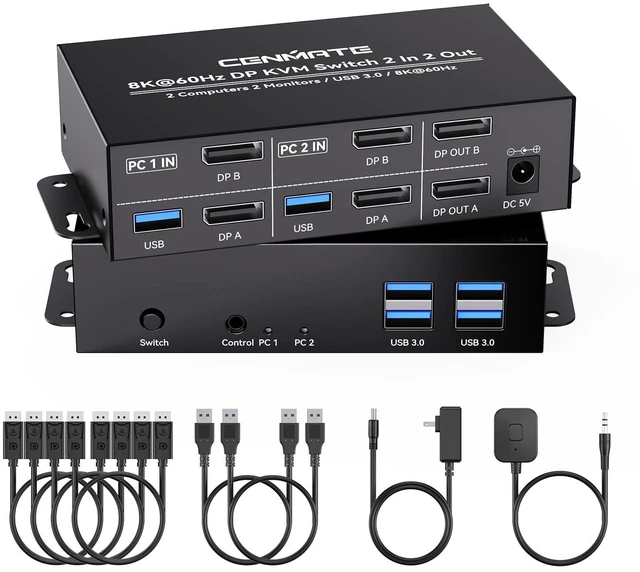
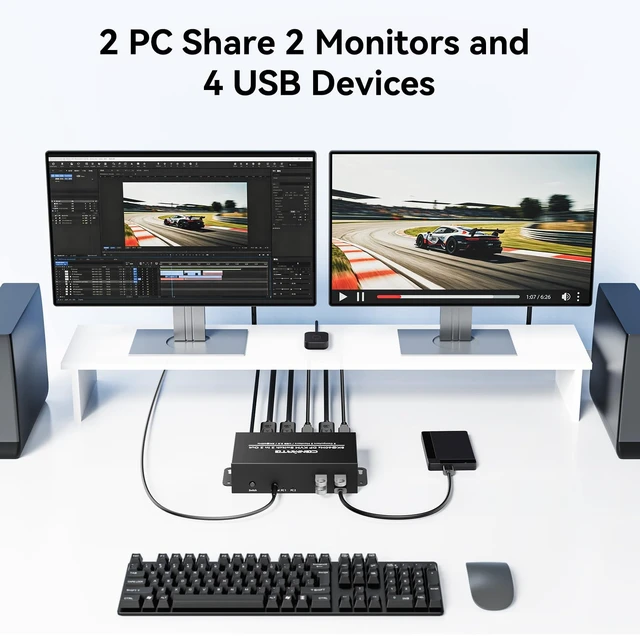
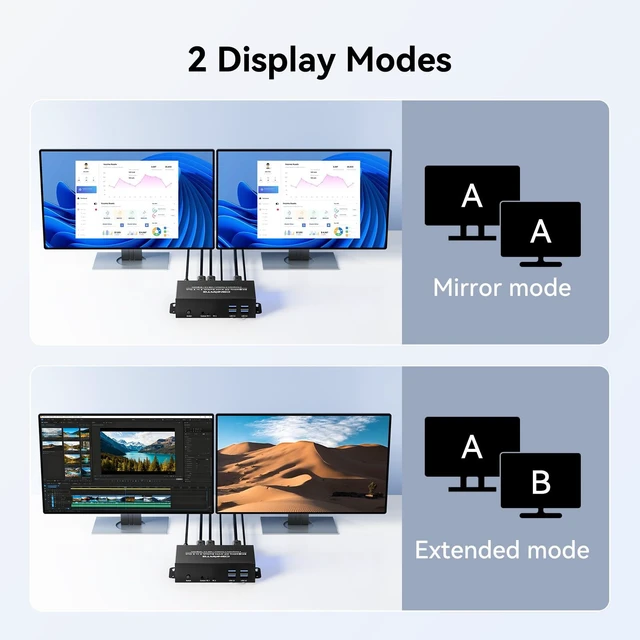
CENMATE 8K60Hz Displayport KVM Switch 2 Monitors 2 ComputersThis 8K KVM switch allows you to switch between two computers and control both monitors simultaneously using just one keyboard and mouse. The DP switch supports both extended and mirrored display modes. It is plug-and-play, requiring no software or driver installation. This device is ideal for professional and home office environments.
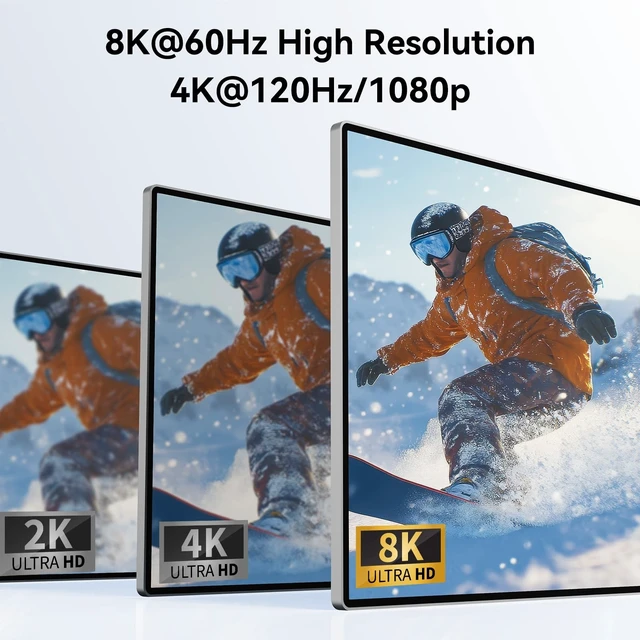
(Note: This is an Displayport KVM switch, not a HDMI KVM switch. ) ^^ Ultra-High Definition 8K@60HzThis DP 1.4 KVM switch displayport supports resolution up to 8K@60Hz and is backward compatible with 8K@30Hz, 4K@240Hz/144Hz/120Hz/60Hz/30Hz, 1080p and below. Providing clear picture quality images, and lag-free transmission.
NOTE: If need to achieve 8K@60Hz resolution, your computers and monitor need to support 8K resolution, and you need to use standard 8K DP 1.4 cable with a length of less than 6.6FT meters to connect the device. ^^ 4 USB 3.0 A portsWith 4
USB 3.0 Ports: This HDMI KVM switch has 4 USB 3.0 A ports for sharing mouse, keyboard, USB flash drives, printer, mobile hard drives, and other USB devices. USB 3.0 offers data transfer speeds of up to 5Gbps, which allows faster data transfer to make work more efficient. Transfer 1G files in 3-5 seconds with USB 3.0 Ports, which is 10 times faster than USB 2.0.
(NOTE: To ensure USB devices normal usage, please make sure to connect the power supply via the power adapter) ^^
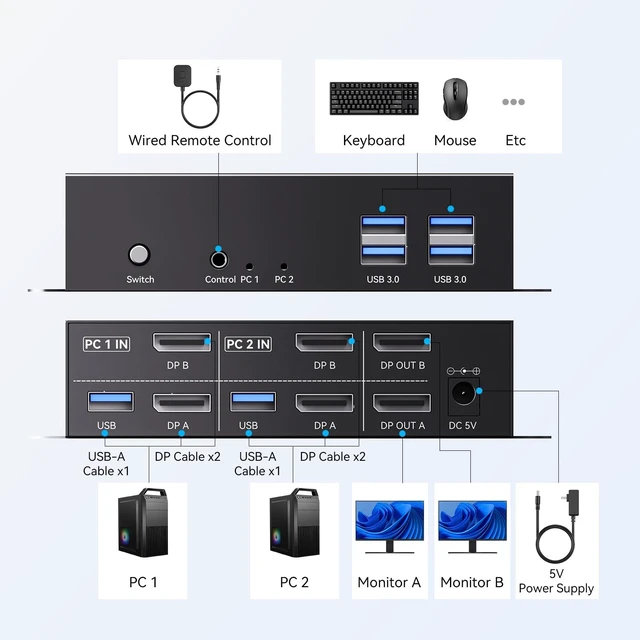
Two Switching ModesTwo switching modes: You can switch between two computers using the button on the product or by connecting the included desktop controller.
Note: EDID is not supported. Switching via keyboard shortcuts (hotkeys) is not supported. ^^ Wide Compatibility This KVM switch dual monitor supports Windows, MacOS, and Linux systems. This KVM switch 2 computers 2 monitors is also compatible with most HDMI source devices, such as computers, Switch/Switch 2, PS5/4/4 pro, Xbox One, TV Box, PC, Blu-ray player, etc.
PACKAGE LIST: 1*KVM switch, 4*DP cables, 2*USB A cables, power adapters, 1*controller, 1*user guide Wide Compatibility & Package List ^^ NOTE1, Please make sure your computers can support dual-screen displaying at the same time. 2, Each computer must connect 2 DP cables + 1 USB-A cable to ensure working properly. 3, The two monitors can only output the video source from one computer, and cannot output the signal source of PC1 and PC2 at the same time. 4, If your laptop only has USB-C ports, please use "a USB-C to USB-A OTG adapter + the included USB-A cable" to connect to the KVM switch's USB-A port. 5, To ensure normal usage, please make sure to connect the power supply via the power adapter.





 here!
here!