• $80.99
  • Free 30-day Returns
  • Price alert
    Shop it at NeweggBusiness.

    Meet Your Seller

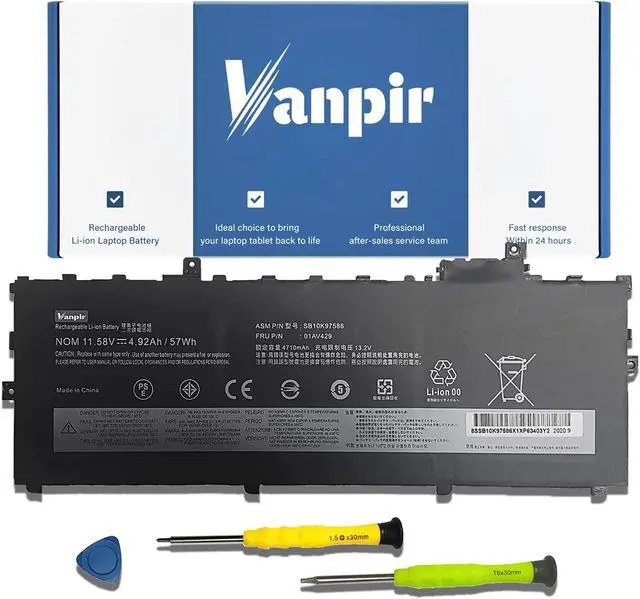
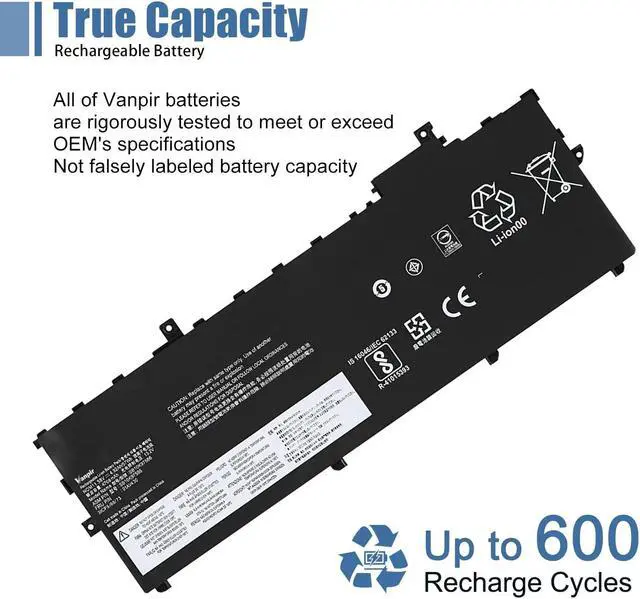
    VANPIR 01AV429 01AV430 Laptop Battery 11.58V 57Wh 4920mAh Replacement for Lenovo ThinkPad X1 Carbon 5th Gen (2017)/ X1 Carbon 6th Gen 2018 Series 01AV431 01AV494

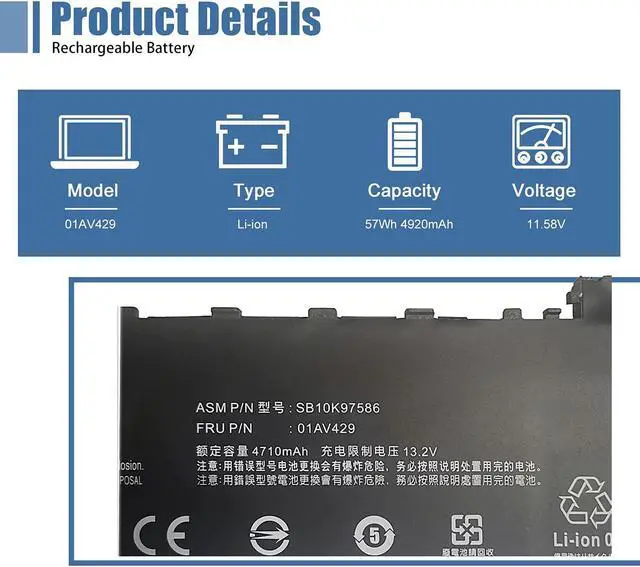
    • [(Specifications)] Model: 01AV429 / Type: Li-ion / Voltage: 11.58V / Capacity: 57Wh 4920mAh
    • [(Compatible Laptop Models)] ThinkPad X1 Carbon 5th Gen (2017)/ X1 Carbon 6th Gen (2018) Series Laptop
    • [(Replace Part Number)] 01AV429 SB10K97586 01AV431 SB10K97588 01AV430 SB10K97587 01AV494.
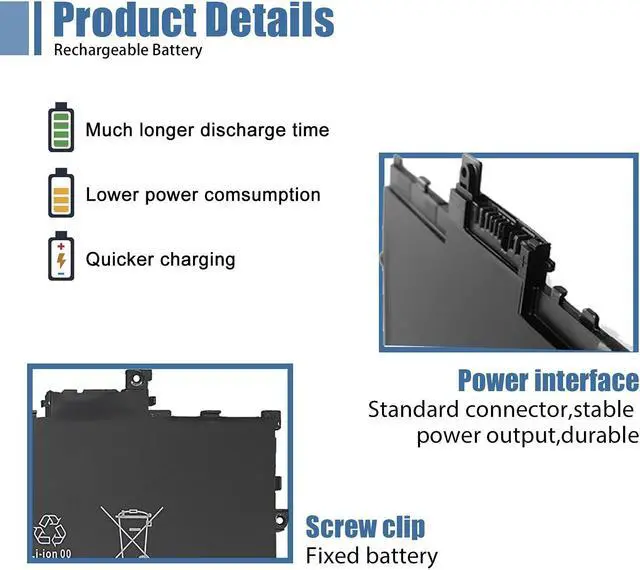
    • [(Matters Need Attention)] Before purchasing, pl open your laptop case, check and confirm your original battery model and appearance, compared with our battery image, make sure that's what you need. Especially the location of the connector and the cable length (long or short)
    • [(Quality Assurance)] New battery, Certified by CE for safety and Strict guidelines for compatibility. Support 30 days return or exchange and 12 months warranty. Any questions will be answered within 24 hours,Serve you wholeheartedly
    +
    +
    Overview
    Specs
    Reviews
    avatar

    Any questions? Our AI beta will help you find out quickly.

    Welcome to
    VANPIR:
    We are a professional laptop battery manufacturer, dedicated to manufacture and provide high quality different type laptop batteries for our customer.


    Specification:

    Model: 01AV429
    Battery Type: Li-ion

    Voltage: 11.58V
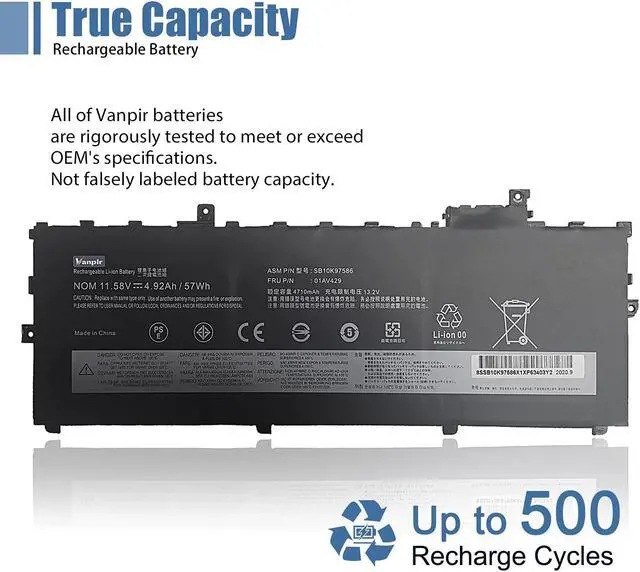
    Capacity: 57Wh 4920mAh

    Location of connector and Cable length: Please refer to the battery picture and compare with your original battery


    Replacement Part Number:
    01AV429 SB10K97586 01AV431 SB10K97588 01AV430 SB10K97587 01AV494.


    Compatible Models: (use "Ctrl+F to find your model quickly")
    ThinkPad X1 Carbon 5th Gen 2017 Series
    ThinkPad X1 Carbon 6th Gen 2018 Series


    Note: For more accurate, please check the part number of your original battery


    Packing Included:
    1* 01AV429 battery
    1* Instruction manual


    Use Skills:
    The new battery may not be recognized in the first installation, please reinstall and check if the battery is fully connected. Discharge the new battery to 5% (not 0%), then charge and recycle 3-4 times to wake up the new battery


    After-sales service:
    1 Support 30 days return or exchange and 12 months warranty 2 Any questions will be answered within 24 hours, Serve you wholeheartedly 3 Welcome to provide us with valuable suggestions, we all take it seriously


    Battery Maintenance Method for Optimal Use:
    1 When you get the new battery, discharge the battery to 5% (not 0%), then charge and cycle 3-4 times to wake up the new battery
    2 The important point is to perform a full discharge and charge every other month to extend the battery life
    3 Do not connect adapter for a long time while using the battery. It may damage the battery
    4 Avoid artificial shocks, disassembly, crush or puncture. Do not dispose of it in fire or water

    Warranty & Returns

    Warranty, Returns, And Additional Information

    Warranty

    • Please contact the Seller directly for warranty information. Warranty information may also be found on the Manufacturer's website.
    • CONTACT

    Return Policies

    • Return for refund within: 30 days
    • Return for replacement within: non-replaceable
    • This item is covered by JMDesign Return Policy

    Manufacturer Contact Info

    LOADING...