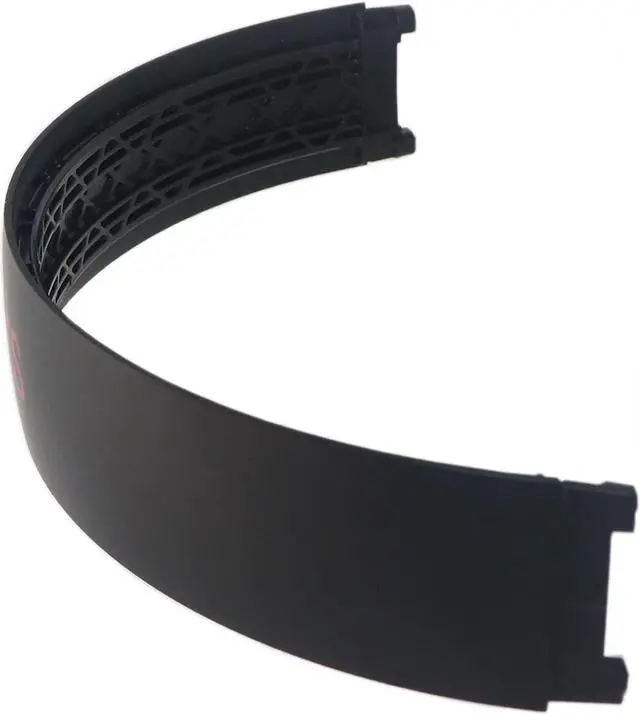
Compatible Headphones:
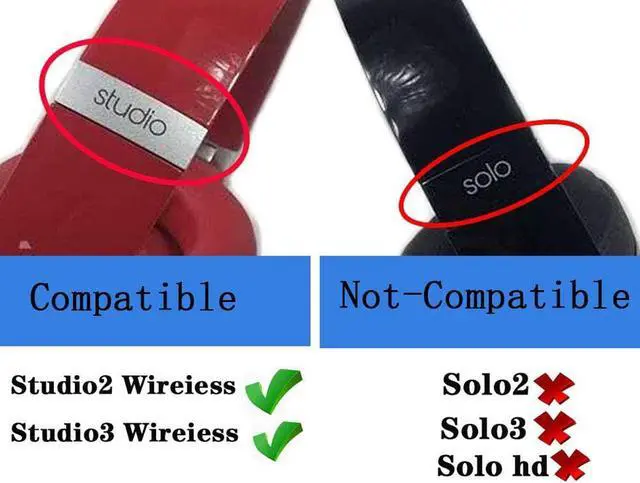
Studio 3.0 Wireless
Studio 2.0 Wireless Over-Ear Headphons (Not Fit Solo 2.0, Solo 3.0, Solo HD)
Package Contents:
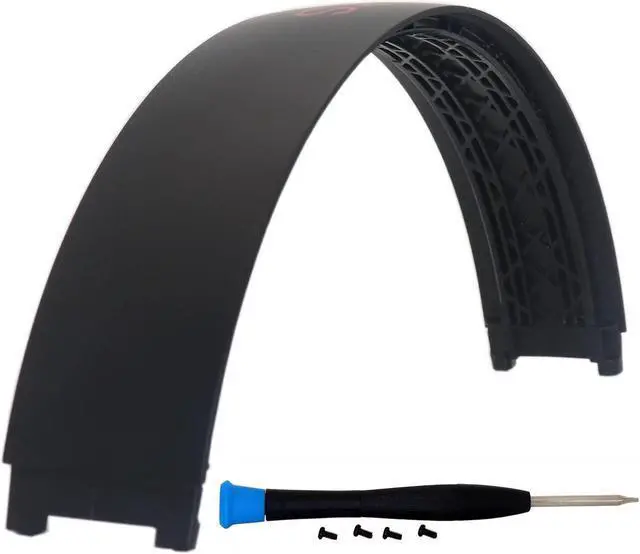
1X Replacement Headband 1X Screwdriver 4X Screws
If you encounter any quality problems, we will guarantee free return and exchange within 90 days. Please rest assured to purchase.
Colors shown in pictures may slightly differ from actual product due to lighting and color settings.
Pinstallation method:
Please note when starting the installation remember the correct orientation of the headband.
Step 1: Use a T5 screwdriver to unscrew the screws at both ends of the head beam, two at one end for a total of four screws.
Step 2: Originally, the old head beam leather pad and the head beam were buckled together. Pull the head beam pad and the broken head beam apart with your fingernails, and then the old head beam and the head beam pad can be removed.
Step 3: Snap the new head beam and the head beam pad together, and insert it into the buckle. At this time, pay attention to the fact that the head beam wire must be placed in the groove between the head pad and the head beam, otherwise it cannot be installed. Finally, Just screw on the screw.





 here!
here!