

Your Browsing History
- Free 30-day Returns
$40.99

Meet Your Seller

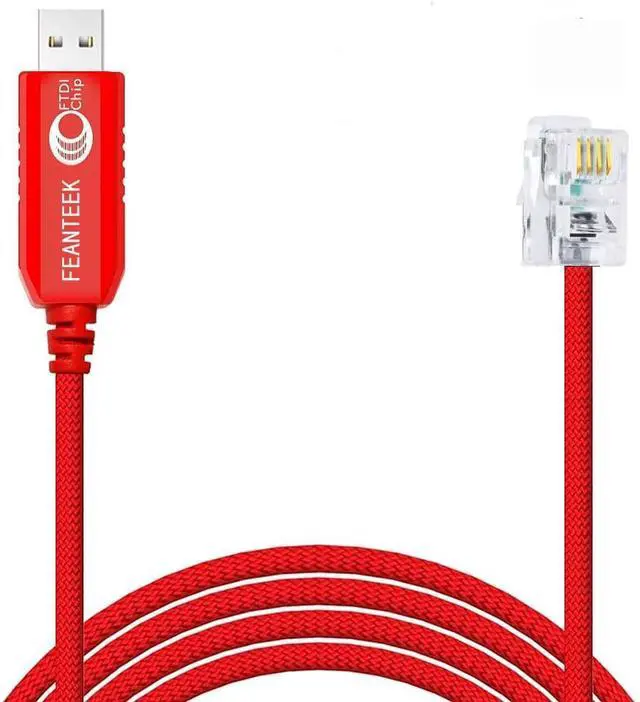
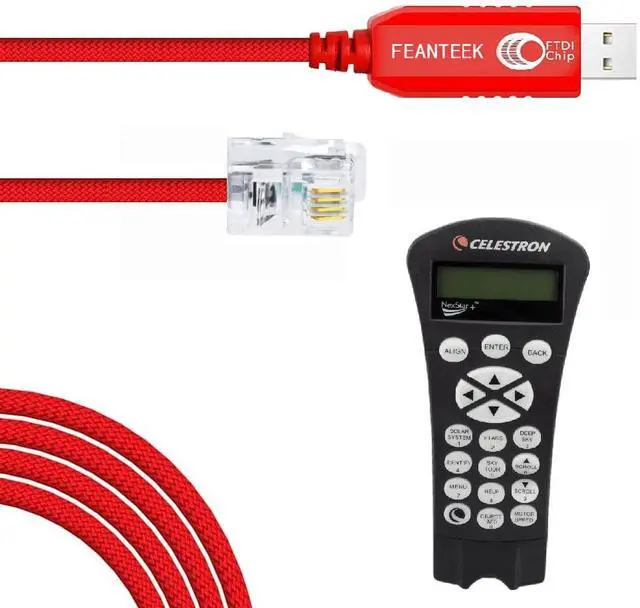
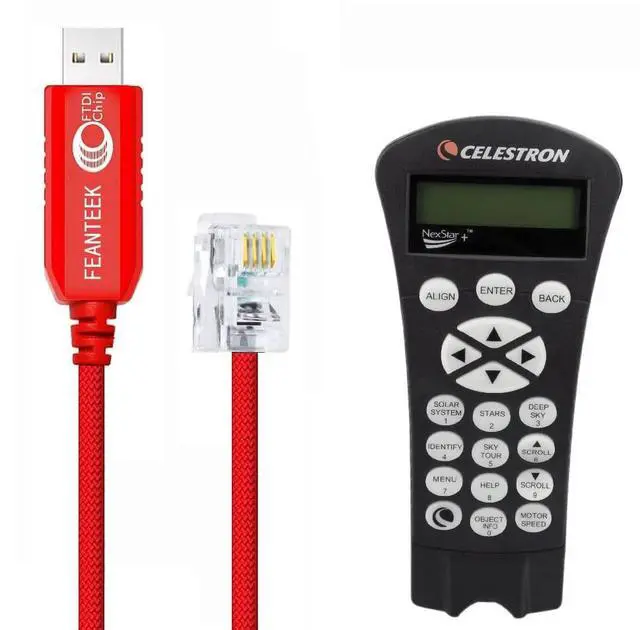


Feanteek USB to RJ9 Cable for NexStar HC(Hand Controller) with RJ9 Port, USB Control Cable Compatible for NexStar 8SE 6SE (1.8 Meters)
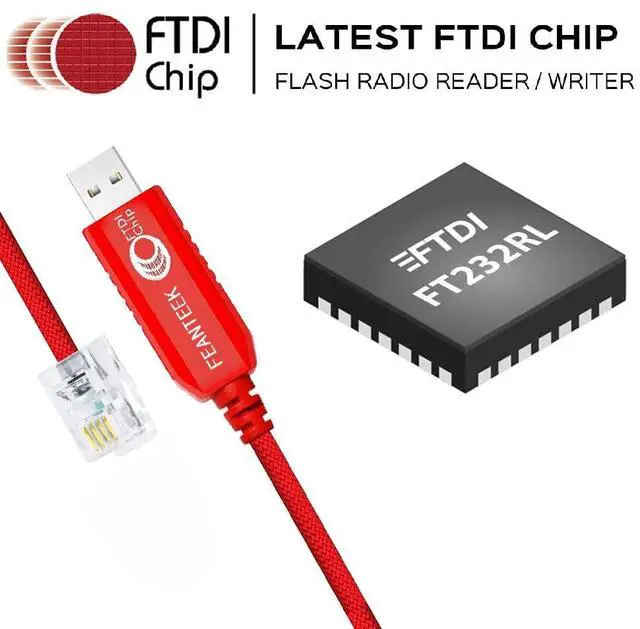
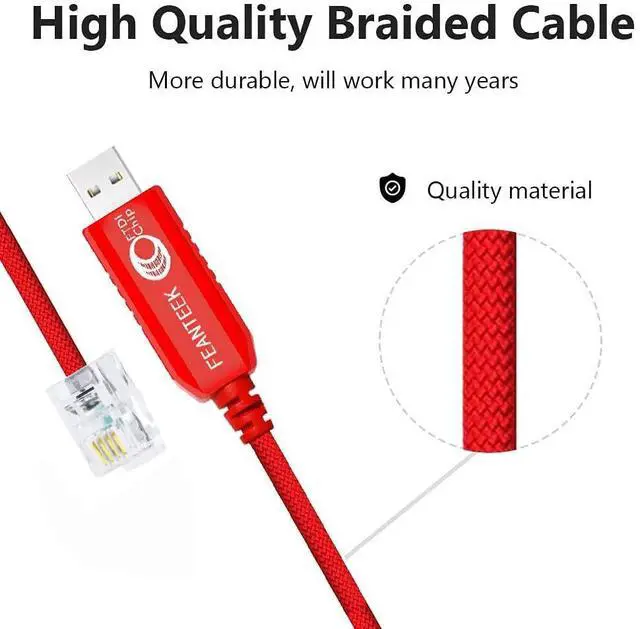
- Adapter Cable USB to RJ9 (4P4C), Please double check the port of your HC( Hand Controller) before placing an order. 6-FT quality cable. Built in FT232RL chip.
- Application scenes To connecting Computer/ASIAIR PRO/Raspberry Pi and your NexStar HC (Hand Controller) with RJ9 port(4P4C) to update the firmware of the Hand Control, and steer the telescope by PC/Laptop to target stars. Control telescope by clicking on sky maps on computer monitor. Certain telescopes allow downloading new data into database.
- Supported Devices Works well with Nextar 4SE, NexStar 6se, NexStar 8 SE, C8i SE scope, Nexstar 8i, Nexstar 90GT telescope, 90 SLT, Advanced VX, 102 GT, NexStar 114, NexStar 114GT, SLT 130 and so on.
- Supported OS&APPSupport all windows version Win7/8/10/XP/, and iOS/Linux/Android. Works well with NexRemote, Stellarium, SkyTools 3, Cartes du Ciel, Nexcontroller, MaxIm DL, DeepSky, Starry Night, SkySafari, SkyMap, ASI app, PHD2 Guiding Software and NexStar Observer List (NSOL).
- WAR
+
+
Overview
Specs
Reviews

Any questions? Our AI mode will help you find out quickly.
Try me now
Note: 1. This RS232 Cable is used to connect your PC or computer to NexStar computerized telescopes via a port in the hand control. 2. The USB adapter attaches to the serial port of your computer. 3. The other end of the cable terminates in a phone-jack style plug, and simply snaps into the port designed for this purpose. 4. Once you have connected your computer and telescope, you can update your hand control firmware.. 5. Connecting a computer to your telescope will also allow you to navigate the telescope from your computer screen! 6. There are many software programs available today that will not only display the night sky as it appears on any chosen observing night, but that will allow you to send your telescope to any object on the screen with the click of a button.
Warranty & Returns
Warranty, Returns, And Additional Information
Warranty
- Please contact the Seller directly for warranty information. Warranty information may also be found on the Manufacturer's website.
- CONTACT
Return Policies
- Return for refund within: 30 days
- Return for replacement within: 30 days
- This item is covered by CloudBeast Return Policy
Manufacturer Contact Info
- For a directory of all our manufacturers, please click below.
- Manufacturers Directory
LOADING...