8MP CMOS Sensor & 4K
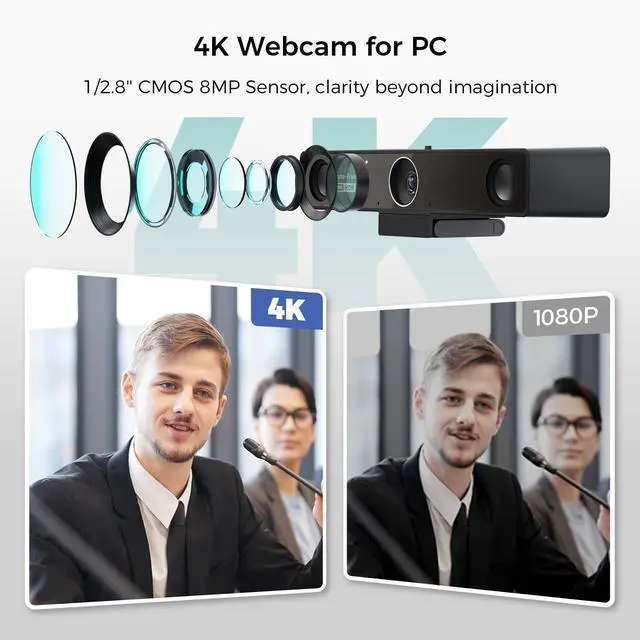
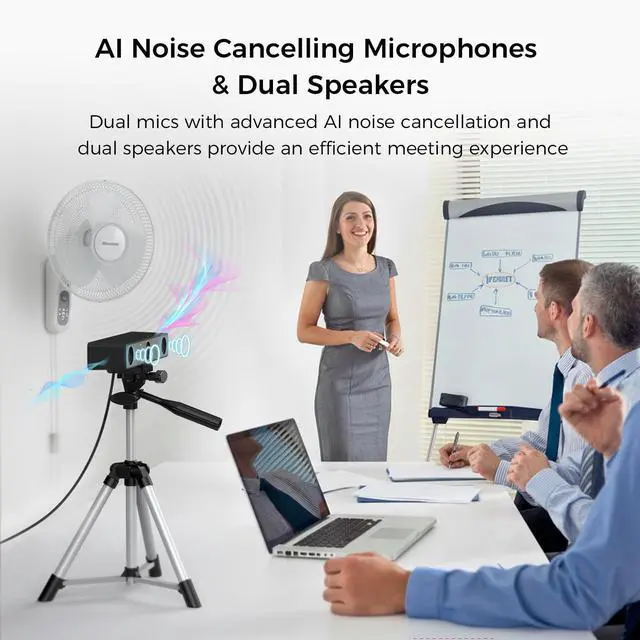
Resolution: Powered by an advanced 8-megapixel CMOS sensor, V30S delivers stunning 4K ultra-high-definition video with exceptional sharpness and color accuracy. Every detailfrom facial expressions to presentation contentis rendered with remarkable clarity, even in complex lighting conditions. Whether used in a compact huddle space or a larger meeting room, the 4K resolution ensures lifelike visuals that enhance communication and engagement. ^^ AI Noise Reduction & Dual MEMS Microphones: Built with a 2-MEMS-microphone array and an integrated full-duplex speaker, the 4k webcam captures voices clearly within a 5m/16ft radius. The advanced AI noise cancellation suppresses keyboard clicks, air-conditioning noise, and background chatter for crystal-clear dialogue. ^^ 120 FOV with Privacy Cover &
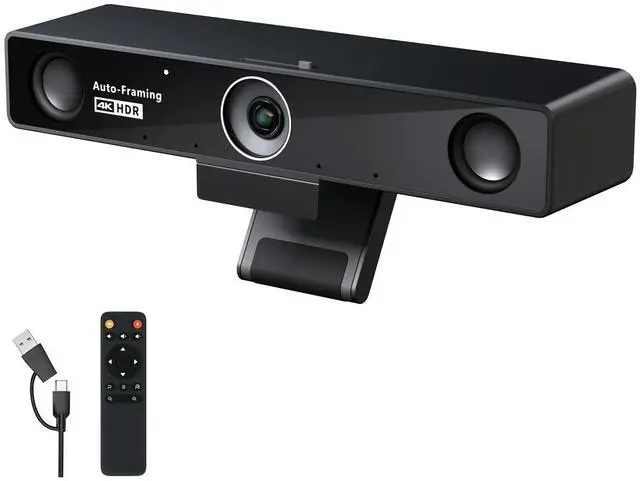
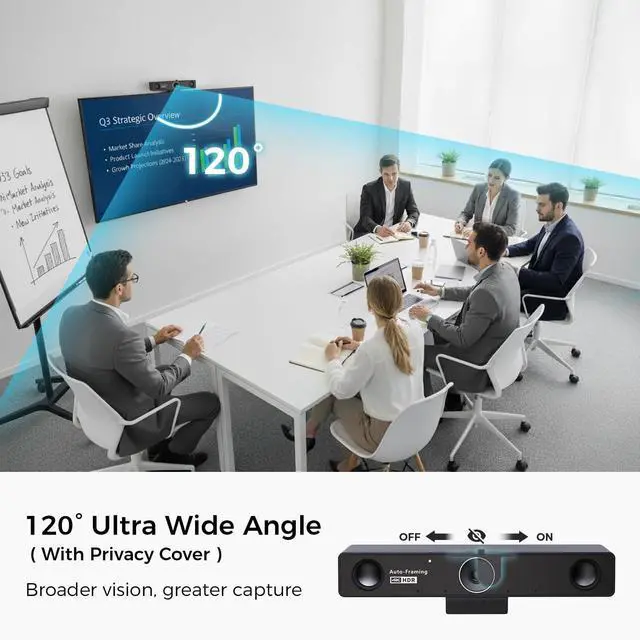
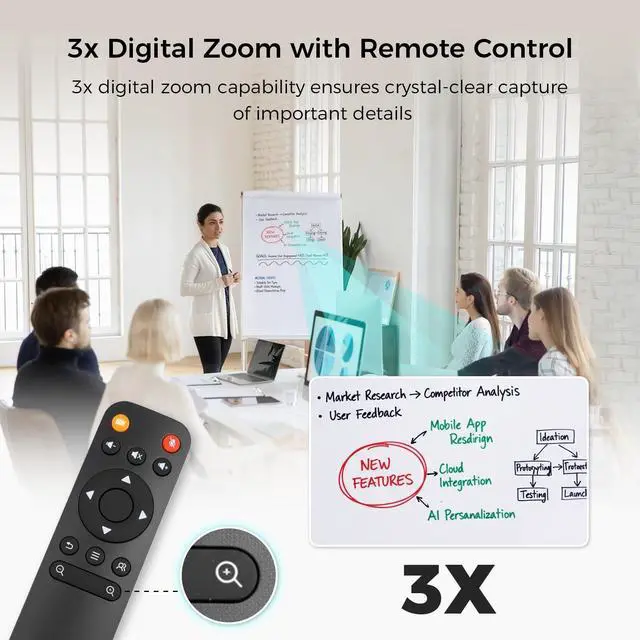
Remote Control: Equipped with a 120 distortion-free wide-angle lens, V30S captures every participant in crisp detail. The intuitive remote control allows you to easily operate the device even from across the meeting room, making adjustments smooth and convenient. In addition, this conference webcam features a built-in physical privacy cover simply slide it with your fingertip to protect your privacy and ensure complete data security.
^^ Adjustable Expansion Speaker: For medium to even large conference rooms, adding just one external expansion microphone ensures that every voice is heard clearly, even from a distance. The extended mic expands the pickup range up to 8 meters (26 feet), enabling seamless and efficient communication across the entire meeting space.
^^ Plug-and-Play Setup: Simply connect via USB and start your meeting instantly no drivers or software installation required. With intuitive on-device controls and remote adjustment for zoom, volume, and AI functions, V30S conference camera keeps your focus on collaboration instead of configuration. Data transmission is fully secure and never stored in the cloud, ensuring complete privacy for enterprise users.
^^ Multiple Mounting Options: Choose the setup that best fits your meeting space place the webcam directly on top of a display, mount it on the included tabletop tripod, or attach it to any floor stand with a standard 1/4'' screw thread. Easily adjust the viewing angle to achieve the perfect perspective for every meeting.