WD_BLACK 4TB SN850X NVMe Internal Gaming SSD Solid State Drive - Gen4 PCIe, M.2 2280, Up to 7,300 MB/s - WDS400T2X0E
  •  
  • $619.99 
  • $117.99
  • Free 30-day Returns
  • Price alert
    Shop it at NeweggBusiness.

    Meet Your Seller

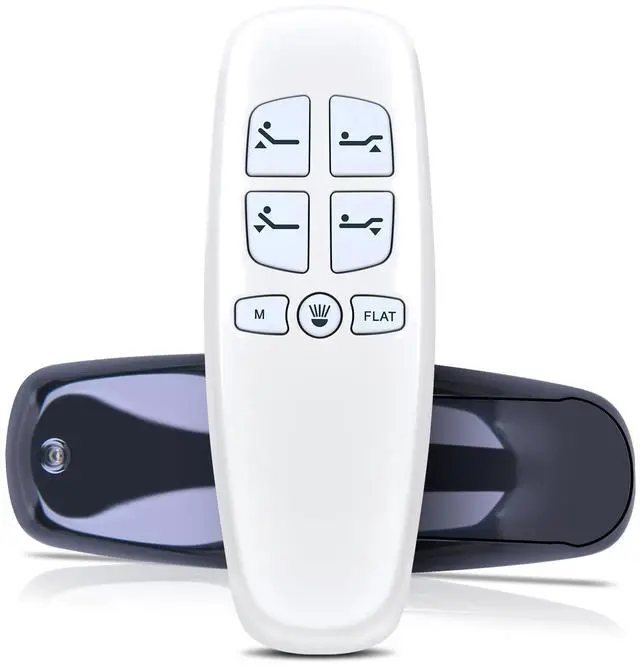
    RYQIF Replacement Remote Control Fits Bed Tech Bedtech BT2000, for Lucid L300, for Milemont Richmat HJH13D Adjustable Bed, for AMBEE21 CastleBeds (Not BT Version)

    • Remote CompatibilityCompatible with Bed Tech Bedtech BT2000, for Lucid L300, for Milemont Richmat HJH13D Adjustable Bed, for AMBEE21 CastleBeds (Not BT Version)
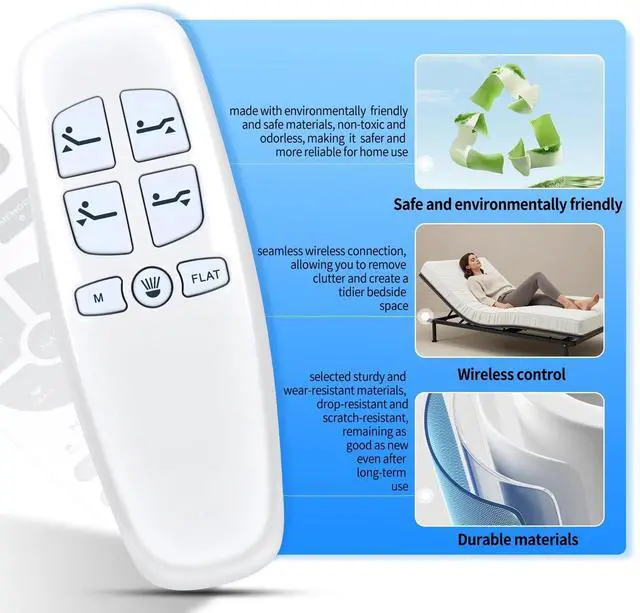
    • Ergonomic DesignCompact and lightweight, with a comfortable hand feel. The smooth edges and anti-slip surface provide a safe grip and reduce the chance of accidental drops during use.
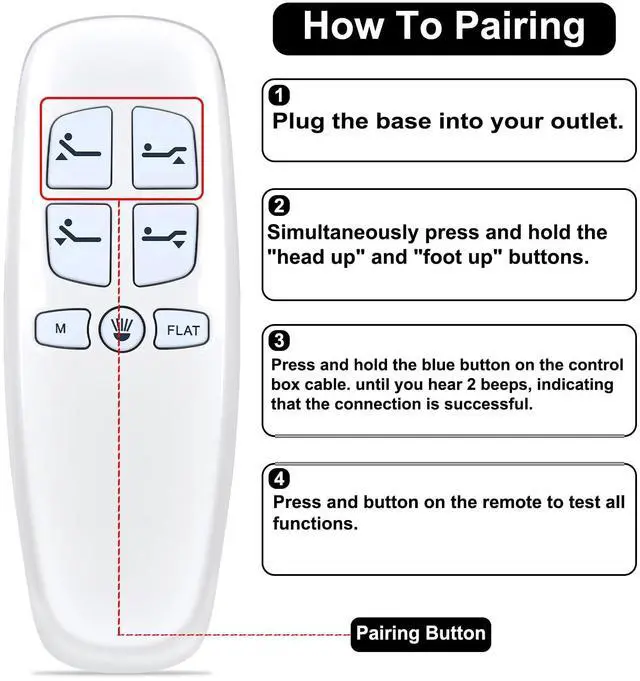
    • Easy To UseStep1)Plug the base into your outlet. Step2)Simultaneously press and hold the [head up] and [foot up] buttons. Step3)Press and hold the blue (round button) on the control box cable. until you hear 2 beeps, indicating that the connection is successful. Step4)Press and button on the remote to test all functions.
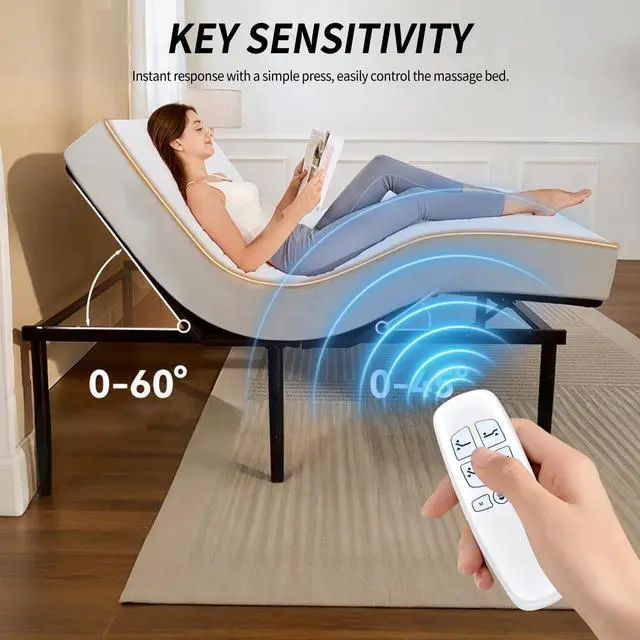
    • Precise ControlThe optimal control distance between the device and the remote control is five meters, and the maximum distance is ten meters.
    • Excellent After- Sale ServiceNo matter if you have any questions about product features, order details, or need any other assistance, simply contact our dedicated customer servic
    +
    +
    Overview
    Specs
    Reviews
    avatar

    Any questions? Our AI mode will help you find out quickly.

    Remote CompatibilityCompatible with Bed Tech Bedtech BT2000, for Lucid L300, for Milemont Richmat HJH13D Adjustable Bed, for AMBEE21 CastleBeds (Not BT Version) ^^ Ergonomic DesignCompact and lightweight, with a comfortable hand feel. The smooth edges and anti-slip surface provide a safe grip and reduce the chance of accidental drops during use. ^^ Easy To UseStep1)Plug the base into your outlet. Step2)Simultaneously press and hold the [head up] and [foot up] buttons. Step3)Press and hold the blue (round button) on the control box cable. until you hear 2 beeps, indicating that the connection is successful.

    Step4)Press and button on the remote to test all functions. ^^ Precise ControlThe optimal control distance between the device and the remote control is five meters, and the maximum distance is ten meters. ^^ Excellent After- Sale ServiceNo matter if you have any questions about product features, order details, or need any other assistance, simply contact our dedicated customer service team. We guarantee a rapid response within 12 hours on working days and strive to solve any problems efficiently.

    Warranty & Returns

    Warranty, Returns, And Additional Information

    Warranty

    • Please contact the Seller directly for warranty information. Warranty information may also be found on the Manufacturer's website.
    • CONTACT

    Return Policies

    Manufacturer Contact Info

    LOADING...