

Your Browsing History
- Free 30-day Returns
$51.99

Meet Your Seller

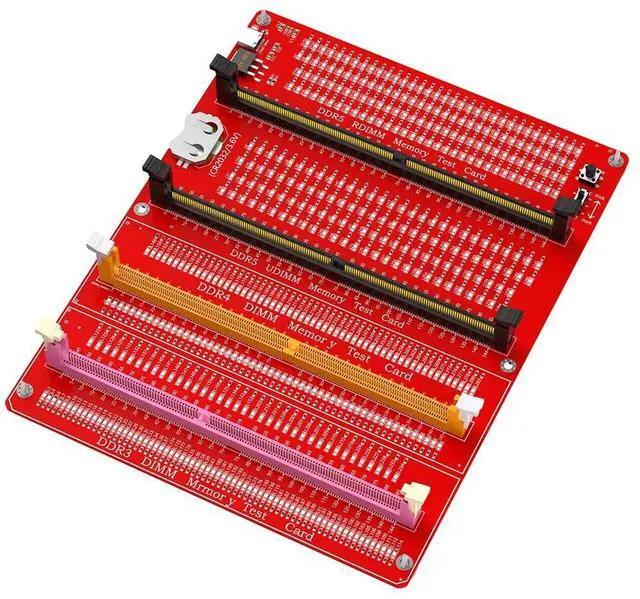
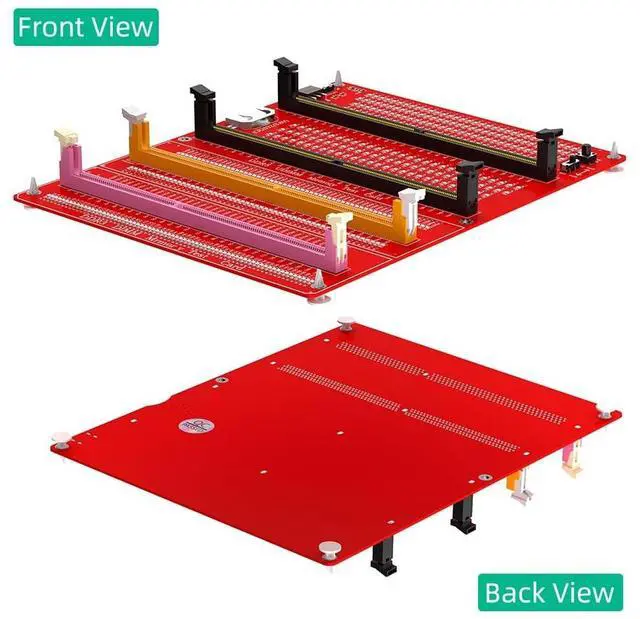
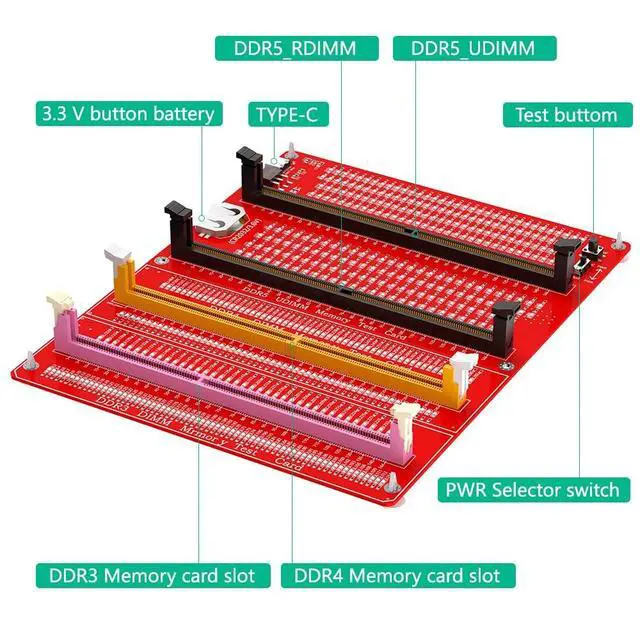
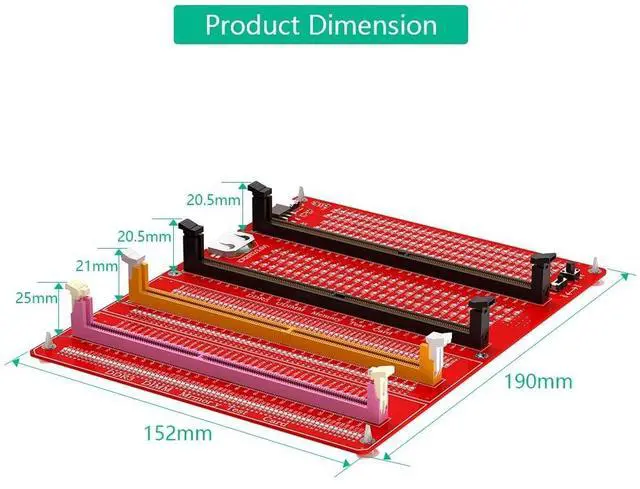
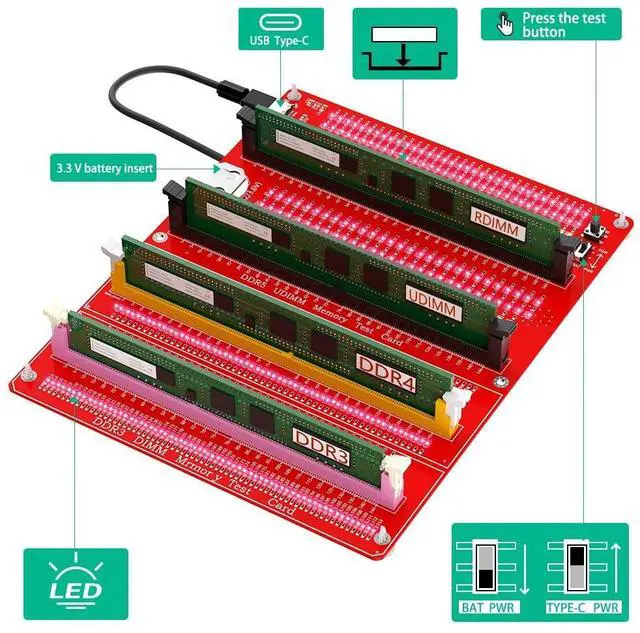


Sintech 4in1 Combo DDR3/4/5 RDIMM/UDIMM Memory Tester, Desktop Computer DDR3 DDR4 DDR5 RDIMM/UDIMM Memory Test Card with LED Indicators
- It was used to test if there is open/short circuit of desktop DDR3/4/5 memory card
- Computer Memory Failures: The failures of computer memory are mainly due to poor contact of the gold pins, wear and tear of the gold pins, broken PCBs, damage to the data line exclusion, open and short circuits in the video memory, and poor memory performance, etc.
- LED Indicators: LED indicators are used to test all data lines of the memory, and the normal brightness is regarded as normal. When a hardware fault occurs in the loop of these data lines, bright or no light is abnormal.
- How to USE: If the test indicator flashes, it means that the gold pin is in poor contact. If there is no indicator light, it means that the hardware has an open circuit failure. Check the wear of the gold pin, whether the exclusion is damaged, and whether the PCB is disconnected.
- Easy To Use: Insert the LIR2032 battery(Not include CR2032 battery in Package) into the battery holder of the test card, or connect the t
+
+
Overview
Specs
Reviews

Any questions? Our AI mode will help you find out quickly.
Try me now
It was used to test if there is open/short circuit of desktop DDR3/4/5 memory card ^^ Computer
Memory Failures: The failures of computer memory are mainly due to poor contact of the gold pins, wear and tear of the gold pins, broken PCBs, damage to the data line exclusion, open and short circuits in the video memory, and poor memory performance, etc.
^^ LED Indicators: LED indicators are used to test all data lines of the memory, and the normal brightness is regarded as normal. When a hardware fault occurs in the loop of these data lines, bright or no light is abnormal.
^^ How to USE: If the test indicator flashes, it means that the gold pin is in poor contact. If there is no indicator light, it means that the hardware has an open circuit failure. Check the wear of the gold pin, whether the exclusion is damaged, and whether the PCB is disconnected.
^^ Easy To Use: Insert the LIR2032 battery (Not include CR2032 battery in Package) into the battery holder of the test card, or connect the type C cable, and then insert the memory card to test.
Memory Failures: The failures of computer memory are mainly due to poor contact of the gold pins, wear and tear of the gold pins, broken PCBs, damage to the data line exclusion, open and short circuits in the video memory, and poor memory performance, etc.
^^ LED Indicators: LED indicators are used to test all data lines of the memory, and the normal brightness is regarded as normal. When a hardware fault occurs in the loop of these data lines, bright or no light is abnormal.
^^ How to USE: If the test indicator flashes, it means that the gold pin is in poor contact. If there is no indicator light, it means that the hardware has an open circuit failure. Check the wear of the gold pin, whether the exclusion is damaged, and whether the PCB is disconnected.
^^ Easy To Use: Insert the LIR2032 battery (Not include CR2032 battery in Package) into the battery holder of the test card, or connect the type C cable, and then insert the memory card to test.
Warranty & Returns
Warranty, Returns, And Additional Information
Warranty
- Please contact the Seller directly for warranty information. Warranty information may also be found on the Manufacturer's website.
- CONTACT
Return Policies
- Return for refund within: 30 days
- Return for replacement within: non-replaceable
- This item is covered by SIMPLIZED Return Policy
Manufacturer Contact Info
- For a directory of all our manufacturers, please click below.
- Manufacturers Directory
LOADING...