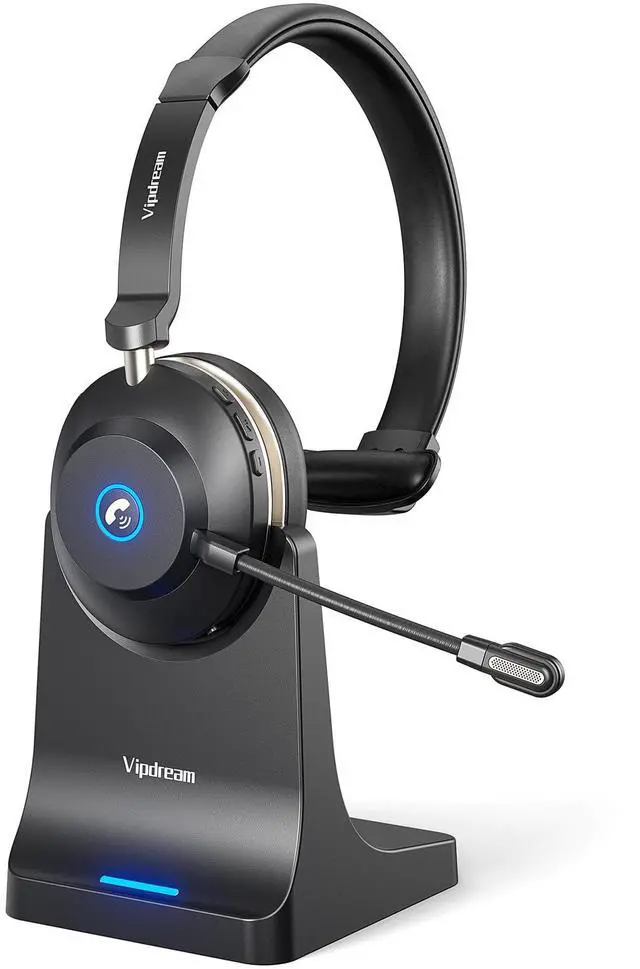
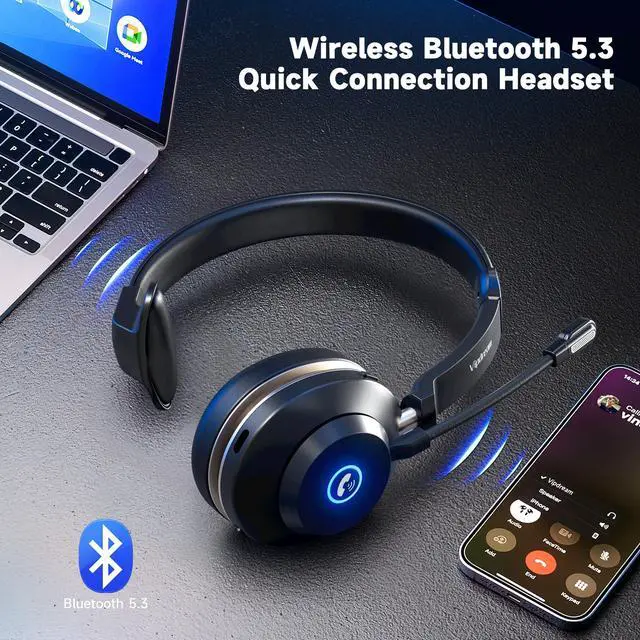
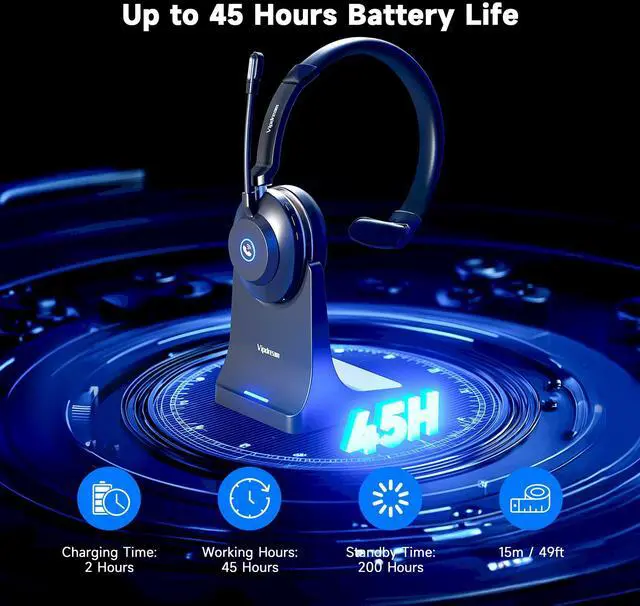
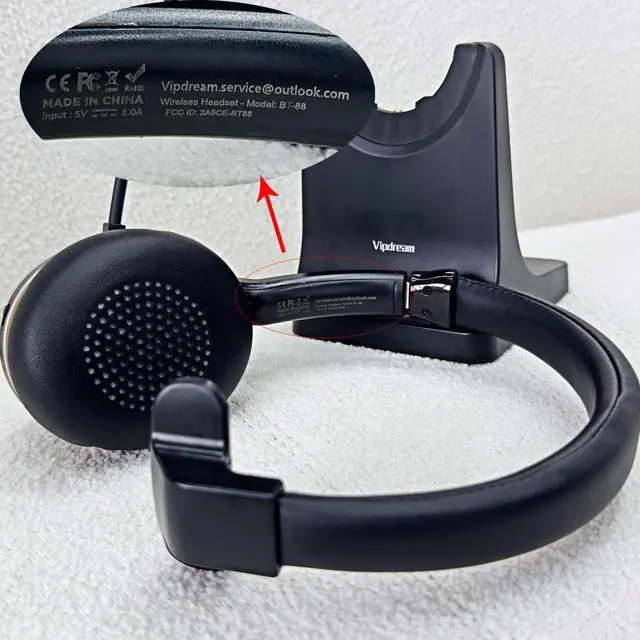
Wireless Headset with Mic for Work: 6.0 Bluetooth Headset with AI Noise Cancelling Mic,45 Hours Worktime & Mute Button,Headset with Microphone for Pc,iPhone,Computer,Remote Work,Office,Zoom, Skype
TIPS:This Wireless Headset with Mic for Work comes with mono mode as the default setting. If you want to merge the left and right channels into one, here are the steps for PC users:First, open the system settings and find the "Sound" option. Then, in the "Output" section, locate the "Mono audio" option. Finally, toggle the switch to the "On" position.Completing the above steps will switch the mono mode to the merged left-and-right channel mode.
Kindly ReminderThe buttons and mute function of the wireless Bluetooth headset are compatible with both phones and most third-party software. However, the answer/end call button only works for phone system calls and cannot be used to answer calls in third-party apps (e.g., Zoom, Cisco, Webex). For these apps, please answer or end calls directly within the software
AI Noise Cancellation Technology: This headset is equipped with advanced AI noise cancellation technology, which can efficiently filter 99.9% of background noise, ensu
+
+
Overview
Specs
Reviews
Any questions? Our AI beta will help you find out quickly.
Try me now
Wireless Headset with Mic for Work: 6.0 Bluetooth Headset with AI Noise Cancelling Mic, 45 Hours Worktime & Mute Button, Headset with Microphone for Pc, iPhone, Computer, Remote Work, Office, Zoom, Skype
Learn more about the Detailed Specifications
Additional Information
First Listed on Newegg
October 26, 2025
There are no reviews yet.
Do you own this product?
Warranty & Returns
Warranty, Returns, And Additional Information
Warranty
Please contact the Seller directly for warranty information. Warranty information may also be found on the Manufacturer's website.