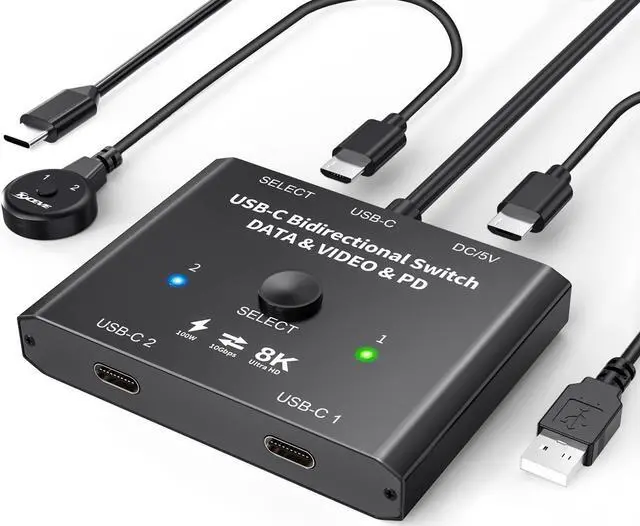
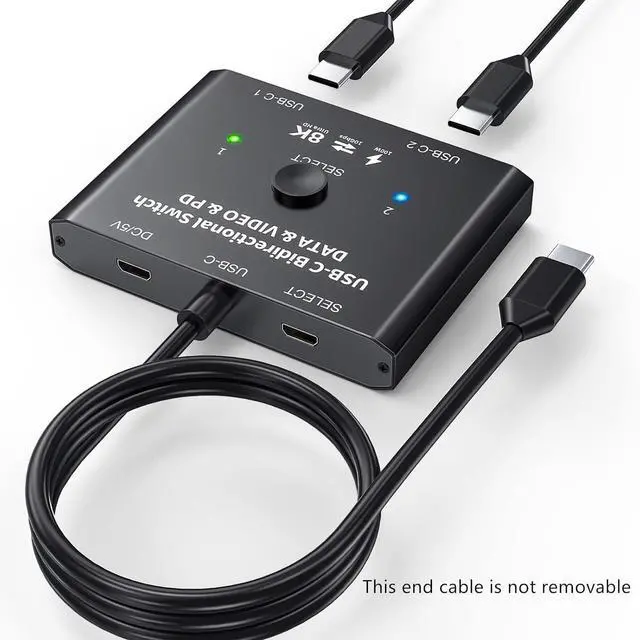
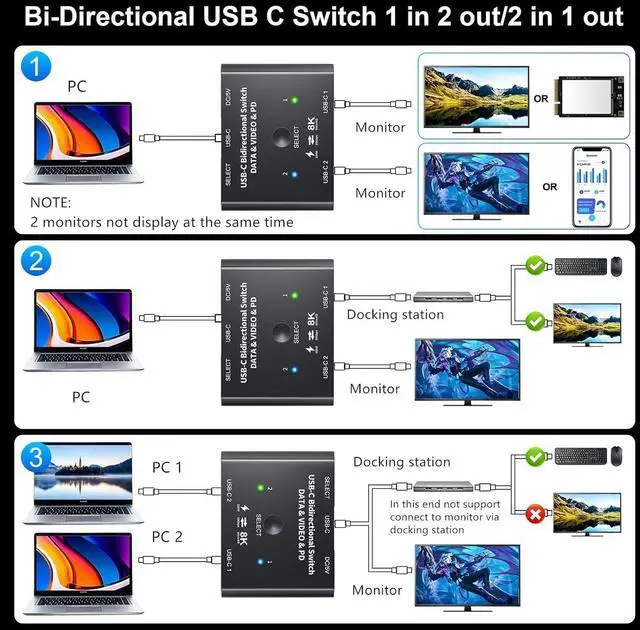
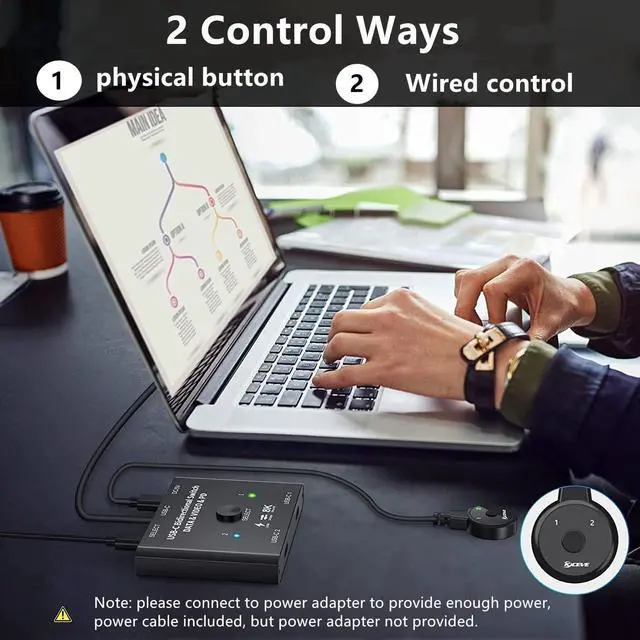
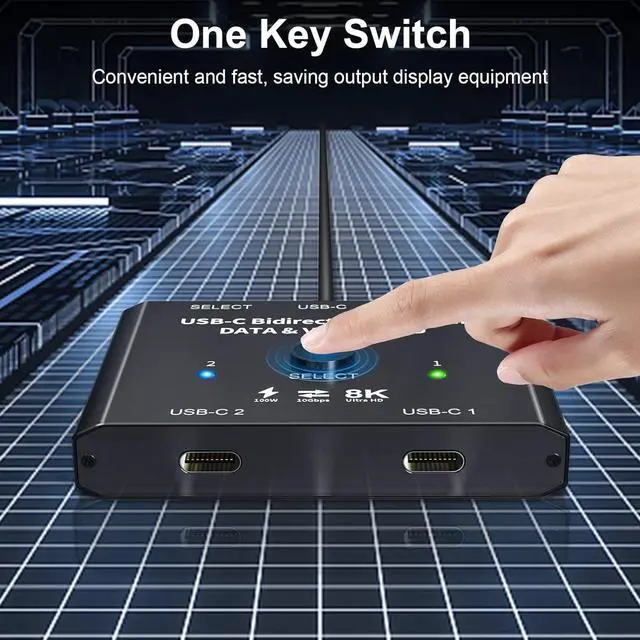
Note1. need use standard USB-C USB 3.1 Gen2 cable and use USB DC 5Vpower cable to power the switch. 2. use a Type-C 20G USB male to male cable and the distance should not exceed 50 cm. 3. If it does not work, please turn off the power and wait for five minutes before turning it back on. ^^ USB C Switch This USB-C switch allow 2 Laptops share 1USB C monitor. The USB-C port requires compatible with USB C ALT DP (alternative display port mode Full-featured TYPEC interface). This USB-C switch max 8K@60Hz 4K@120Hz 1080P@165Hz via our USB C Switch to your USB-C or HDMI Displays.
Support ultra-wide screen output (3440*1440, etc. ). ^^ USB C Switch This USB-C switch allow 2 Laptops share 1USB C monitor. The USB-C port requires compatible with USB C ALT DP (alternative display port mode Full-featured TYPEC interface). This USB-C switch max 8K@60Hz 4K@120Hz 1080P@165Hz via our USB C Switch to your USB-C or HDMI Displays. Support ultra-wide screen output (3440*1440, etc. ). ^^ Compatible with some USB-C docking stationsIf my monitor has HDMI or DP ports, My can connect a docking station with HDMI/DP ports to the USB-C switch.
we can also connect USB devices such as keyboard and mouse to the USB port of the docking station by using the USB-C Switch as a USB C KVM SwitchRequires DIY skills ^^ Supports dual monitor expansionIf you have two HDMI or DP monitors, use this USB C switcher with USB C docking station (with HDMI/DP), you can get dual display expansion output. Note that Windows can extend two different screens, while Mac OS can extend two identical screens.