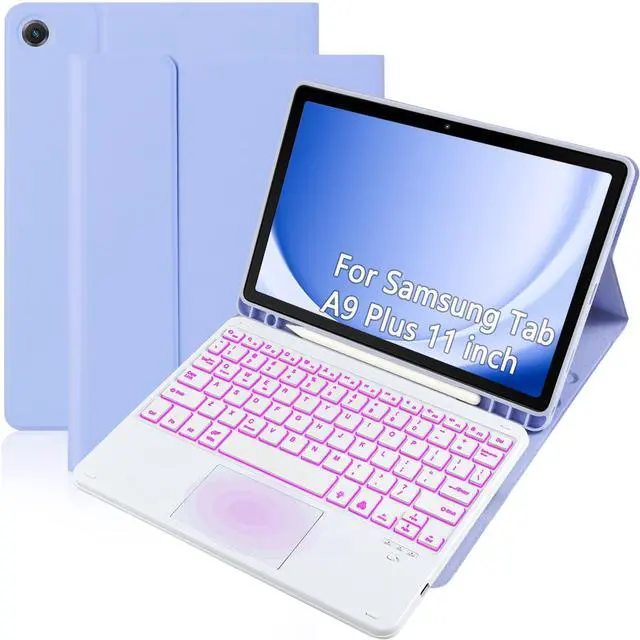
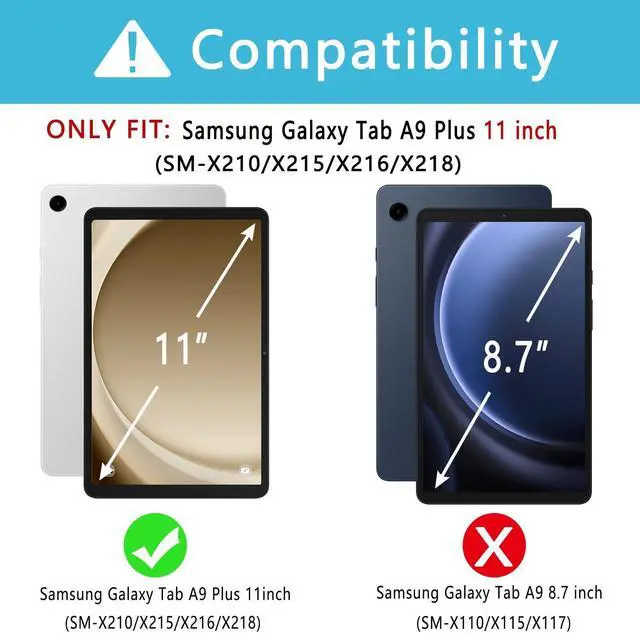
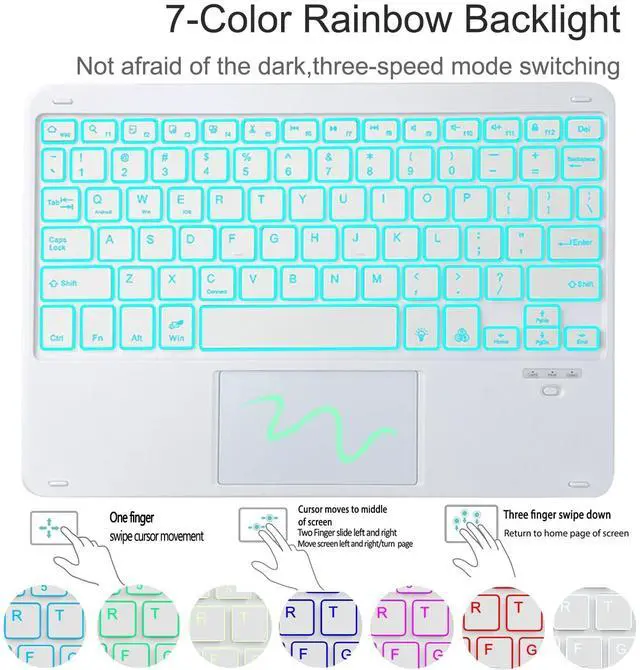
Compatible ModelsThis keyboard cover is compatible with Samsung Galaxy tablet A9+ 11-inch (2023 version), models include SM-X210/X215/X216/X218. Please check your tablet model "SM-Xxxx" in your tablet "Settings" before purchasing. (This product does not include: tablet, pencil! ) ^^ Smart TouchpadThe precise smart touchpad supports multi-finger gestures such as clicking, pinching, sliding, and scrolling. You can accurately control the tablet with just your fingertips, realize the mouse function, enjoy a laptop-like experience, and improve your work efficiency ^^ How to pair
Bluetooth keyboard with tablet1: Turn on the keyboard power.
2: Turn on the Pad, Settings-Turn on Bluetooth.
3: Press the [Fn] + [C] keys on the keyboard to turn on Bluetooth pairing.
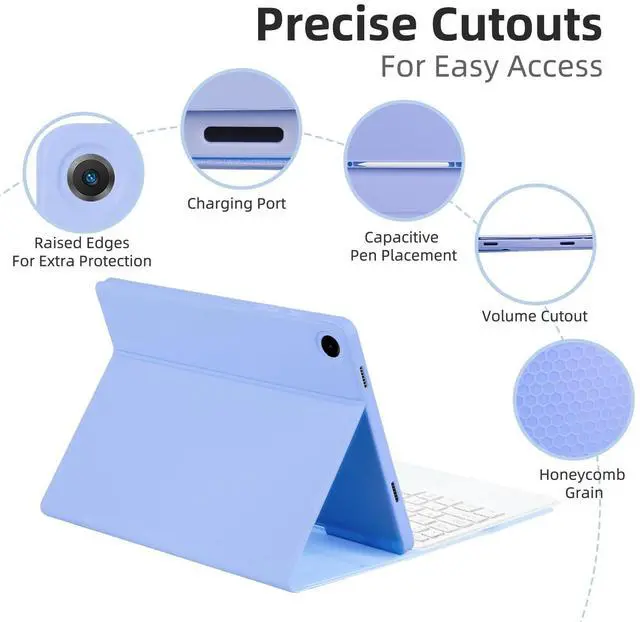
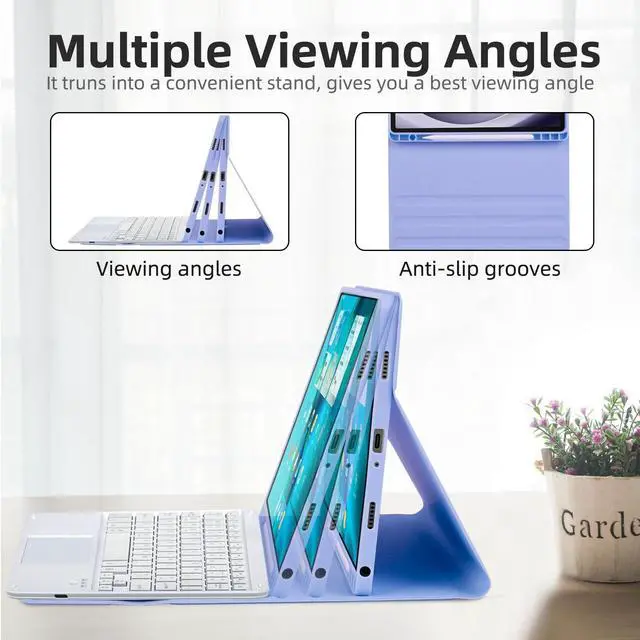
4: Find the name of the keyboard on the tablet: Keyboard, click Pair, and the connection will be successful ^^ 7-Color Backlight, Multi-Function KeyboardSuitable for Samsung Tablet A9+ RGB backlight keyboard, 7 adjustable backlight colors, breathing light backlight mode can be automatically switched. The backlit keyboard can be used in the dark, providing a comfortable typing experience. Rich function shortcut keys allow you to use Samsung Tablet A9+ more efficiently and comfortably, such as editing documents, navigating applications, and creating presentations ^^ Precise Hole Location, Honeycomb Design, With Pen Slot The mold of the A9+ protective case is made based on the real A9+ tablet, and the precise cutouts provide perfect protection and convenience for daily use. The soft TPU inner shell adopts a honeycomb design, which is beneficial to the heat dissipation of the tablet and improves the performance of the tablet. Equipped with a pen slot design, you can access your S Pen anytime and anywhere, making storage more convenient ^^ Multi-Angle Adjustment, Detachable KeyboardThe protective case has 3 anti-slip grooves, supporting 100 degree/110 degree/120 degree angles, allowing you to use the tablet at a comfortable tilt angle and enjoy reading, drawing, watching, chatting, etc.
The detachable Bluetooth keyboard can be used alone and can be removed when not in use, making it very convenient to carry