• $63.99
  • Free 30-day Returns
  • Price alert
    Shop it at NeweggBusiness.

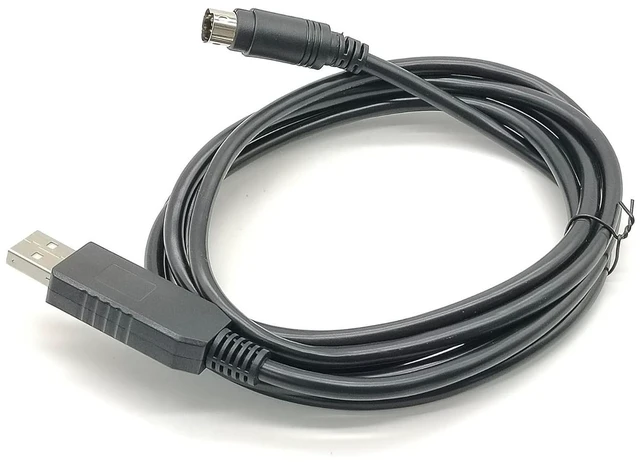
    Pidwaok USB to Mini 7-Pin DIN Cable for ROOMBA Battery, 1.8m Configuration Cable

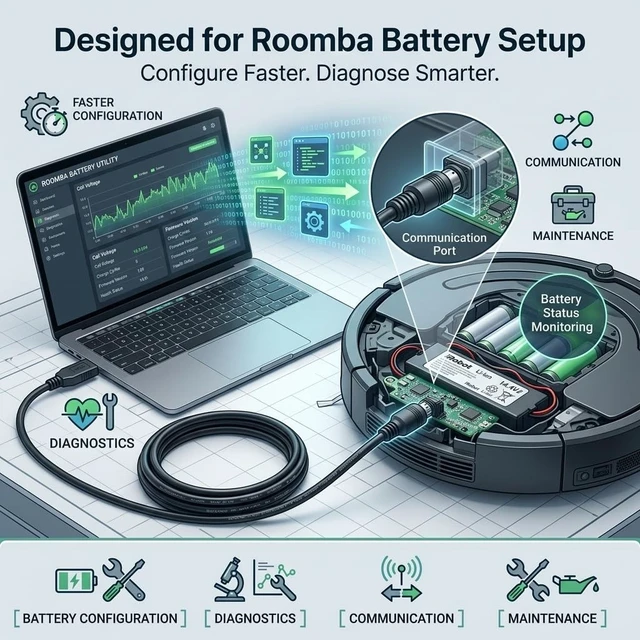
    • Dedicated USB-to-Mini 7-Pin DIN Interface for ROOMBA Battery Communication: This cable establishes a stable USB connection between your computer and ROOMBA robotic vacuum batteries via the Mini 7-pin DIN port, enabling reliable battery data transfer and configuration.
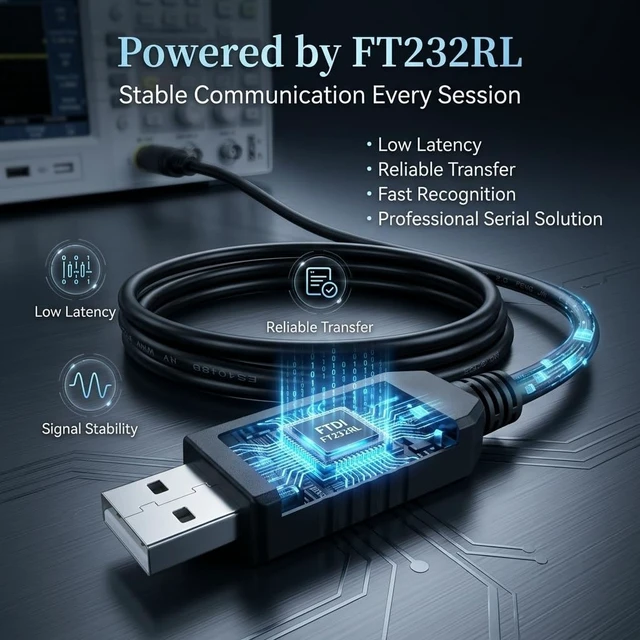
    • Reliable Communication for Intelligent Battery Management System (BMS) Configuration: Ensures accuratetransmission of battery status, charge cycles, and health data between ROOMBA batteries and PC software for performance optimization and diagnostics.
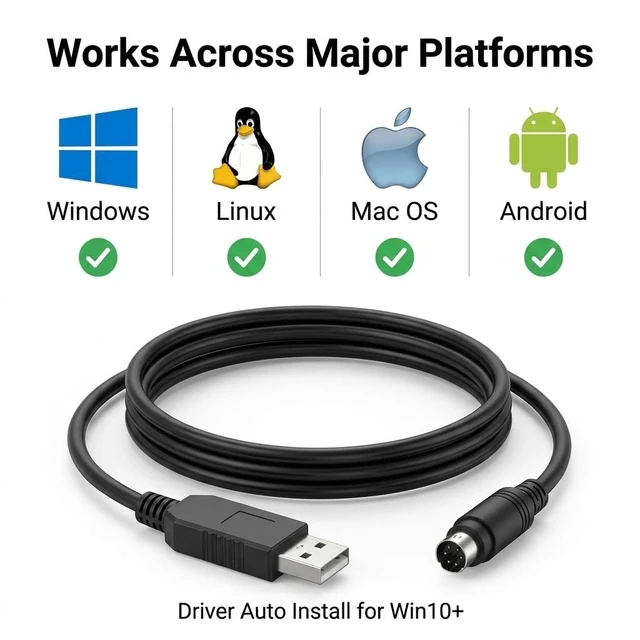
    • Plug-and-Play Setup with Driver Support for Quick Integration: Features easy installation with driver support for common operating systems, allowing immediate connectivity to ROOMBA batteries without requiring additional adapters.
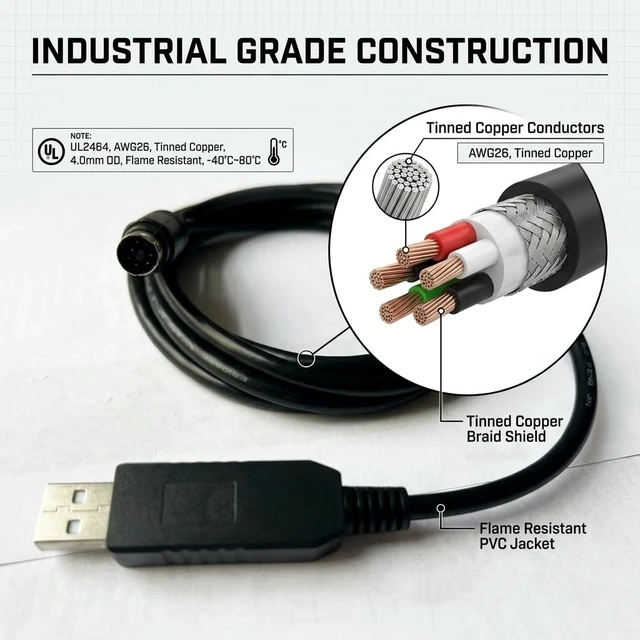
    • Durable 1.8-Meter Cable for Home Appliance Service Environments: The 1.8-meter shielded cable is built for use in repair workshops and home service settings, providing flexible placement while protecting signals from interference.
    • Essen
    +
    +
    Overview
    Specs
    Reviews
    avatar

    Any questions? Our AI mode will help you find out quickly.

    Package includes: 1pcsKindly
    reminder: 1. Before placing an order, please ensure the device model matches the product title. If unsure, contact us. While these serial cables carry identical signals, their pinout sequences differ across devices and are not universally compatible. 2. Upon use, immediately check your computer's Device Manager to verify if the port requires driver installation. A yellow exclamation mark indicates driver installation is needed.
    Note: Windows 10 and later systems include drivers that install automatically upon USB insertion. If automatic installation fails, contact us for a driver link.

    Warranty & Returns

    Warranty, Returns, And Additional Information

    Warranty

    • Please contact the Seller directly for warranty information. Warranty information may also be found on the Manufacturer's website.
    • CONTACT

    Return Policies

    Manufacturer Contact Info

    LOADING...