Wireless Bluetooth Mini Portable Mouse
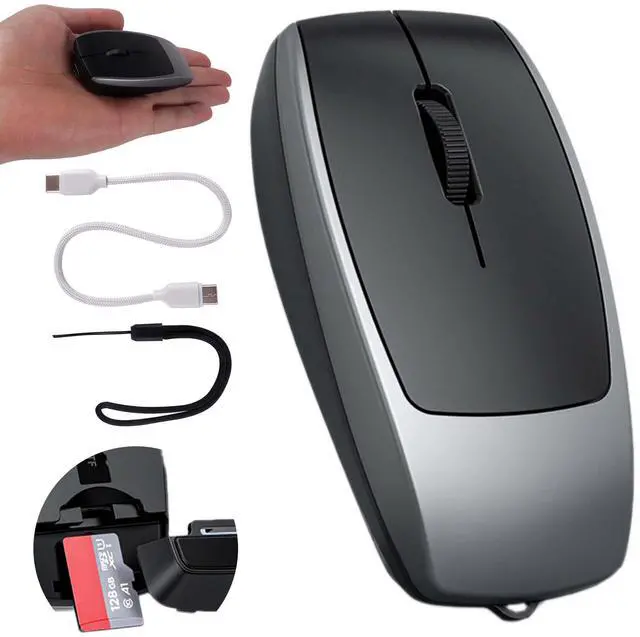
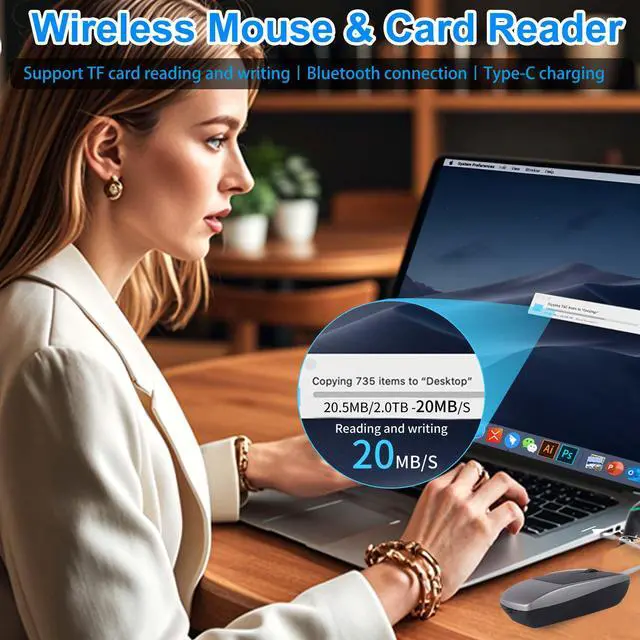
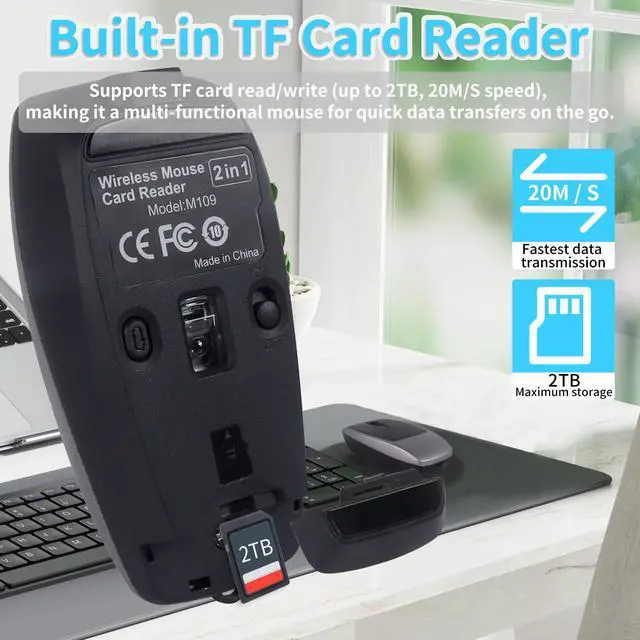
The mini portable mouse has Bluetooth mouse function and card reader function, which can be used in one machine.
The wireless silent mouse for tablets has three adjustable levels, which can switch different according to different usage scenarios to meet your usage needs.
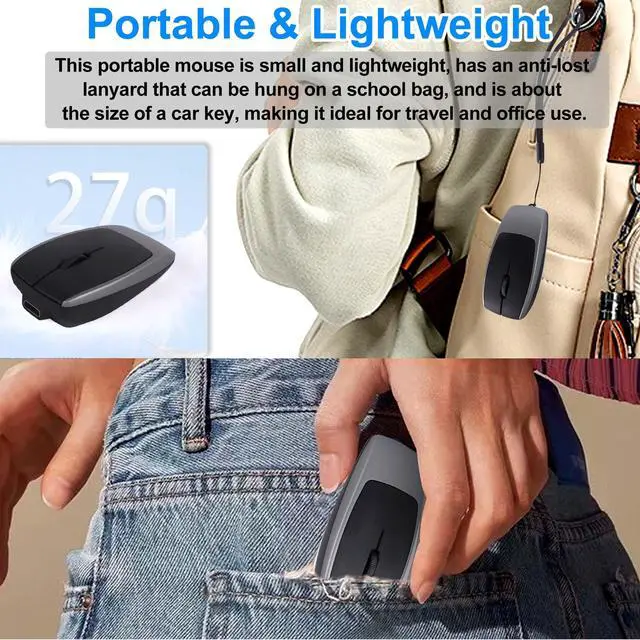
The wireless rechargeable optical mouse uses skin-friendly materials, feels comfortable, can be used by both hands, is compact, and is equipped with an anti-lost lanyard, which can be easily carried out, suitable for business trips and travel.
The wireless mouse rechargeable has a built-in rechargeable battery, long battery life, and ultra-long standby time.
The bluetooth mouse for laptop has a variety of colors to choose from, which is a good choice whether it is given to friends, relatives, or elders.
Indicator light description: When reading and writing data, Bluetooth flashes to indicate; the green light is always on when charging, and the green light goes out when fully charged; when the mouse is low on power, the red light flashes to indicate; long press the bottom sensitivity switch for 2 seconds to re-pair Bluetooth.
Product details:
Product size: 7.8 x 3.8 x 2.2 cm
Product weight: 27 g
Default sensitivity: 800/1200/1600
Material: ABS
Working distance: 10M
Battery capacity: 120mAh
Charging data cable length: 20cm
TF card read and write speed: 20MB/S, supports up to 2TB of read and write transmission capacity.
Product includes:
1x wireless mouse
1x C To C data cable (20cm)
1x anti-lost lanyard
1x User Manual
System Support:
The wireless Bluetooth travel mouse supports Windows, MacOS, Linux, IOS, Android systems and devices with Bluetooth and the latest systems.
Wireless Bluetooth Connection Step 1: Push the power switch at the bottom of the wireless optical mouse to the "ON" position, the blue light at the Bluetooth indicator of the mouse will light up and flash, and it will enter the pairing mode.
Step 2: Turn on the tablet/computer/mobile phone, click the "BT" interface in the settings menu, connect the paired mouse (BT 5.1M ouse), and the blue light will go out immediately after connecting to the device, and enter normal mode.
Step 3: Move the mouse or press the left and right buttons to use it normally.
Note: If you cannot find the BT 5.1 Mouse device, press and hold the bottom sensitivity switch for 2 seconds to restart the Bluetooth pairing mode, and you can search for the BT 5.1 Mouse device, connect the device and use it.
TF card reading and writing Step 1: Open the TF card slot cover at the end of the wireless mini mouse.
Step 2: Insert the TF card into the mouse along the prompt direction.
Step 3: Use a TYPE-C data cable with data transmission function, insert one end into the Bluetooth portable mouse and the other end into the computer/tablet/mobile phone.
Step 4: After inserting the data cable, the TF card indicator light flashes quickly to read the TF card data, and the indicator light is always on after the reading is successful.
Step 5: Open the disk of the computer/tablet/mobile phone to see the read mobile disk.
Step 6: You can read and write to the disk, and the indicator light will flash quickly during reading and writing.
Step 7: After reading and writing, right-click the mobile disk to eject it safely, then press the TF card to eject the TF card from the card slot. You can also keep the TF card inside the wireless silent mouse, then buckle the TF card slot cover, and use the Bluetooth mouse normally.