

Your Browsing History
- Free 30-day Returns
$64.99


Meet Your Seller


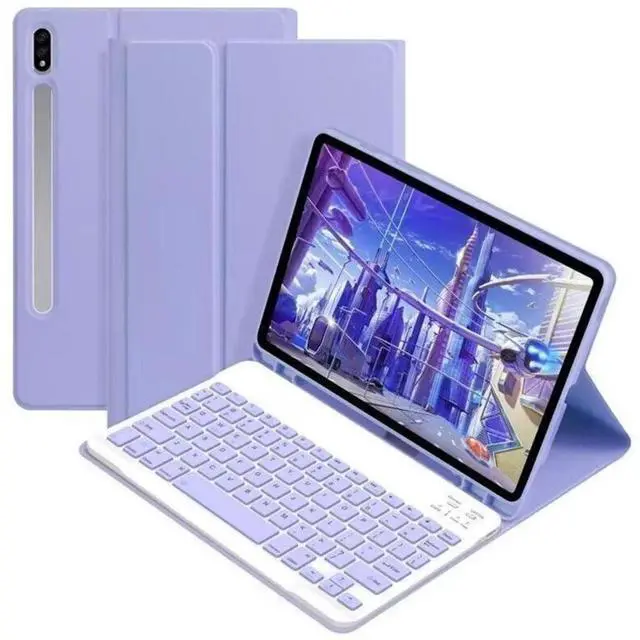
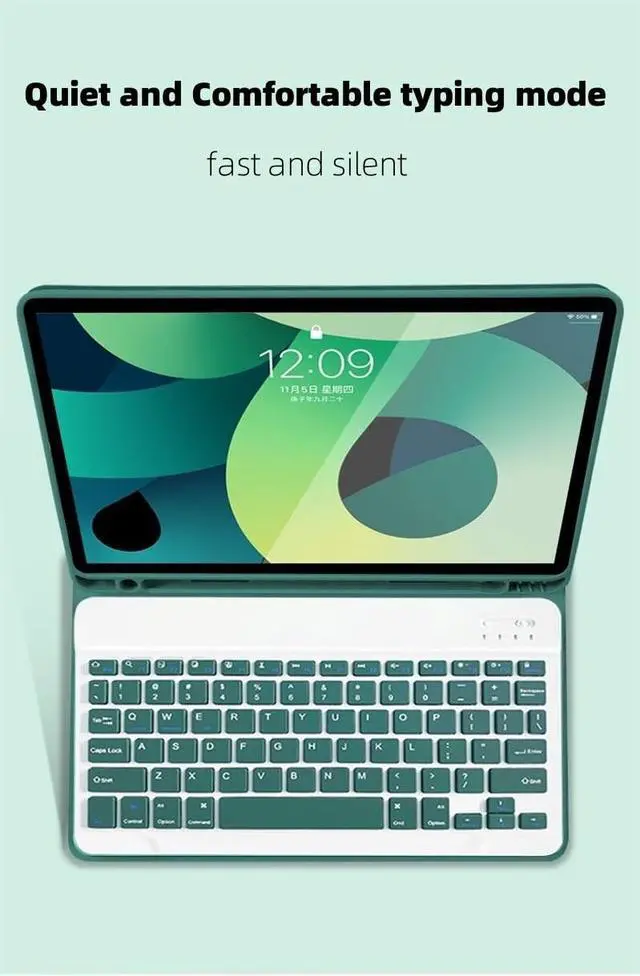


AnMengXinLing Case with Keyboard for Galaxy Tab S10 Lite/S10 FE/S9FE/S9/S8/S7, Candy Colors Slim Protective Cover with Magnetic Detachable Keyboard with S Pen Holder, Purple
- Compatibility - Galaxy Tab S10 Lite 5G 10.9 inch (Model SM-X400/X406B) 2025 Release, Galaxy Tab S10 FE 5G 2025 Release 10.9 inch (Models: SM-X520/SM-X526/SM-X526B), Galaxy Tab S9 FE 5G 10.9 inch (Models: SM-X510/X516B/X518U) 2023 Release, Galaxy Tab S9 11 inch (Models: SM-X710/X716B/X718U) 2023 Release, Galaxy Tab S8 2022 (Model: SM-X700/X706) and Galaxy Tab S7 2020 (Model: SM-T870/T875/T878)
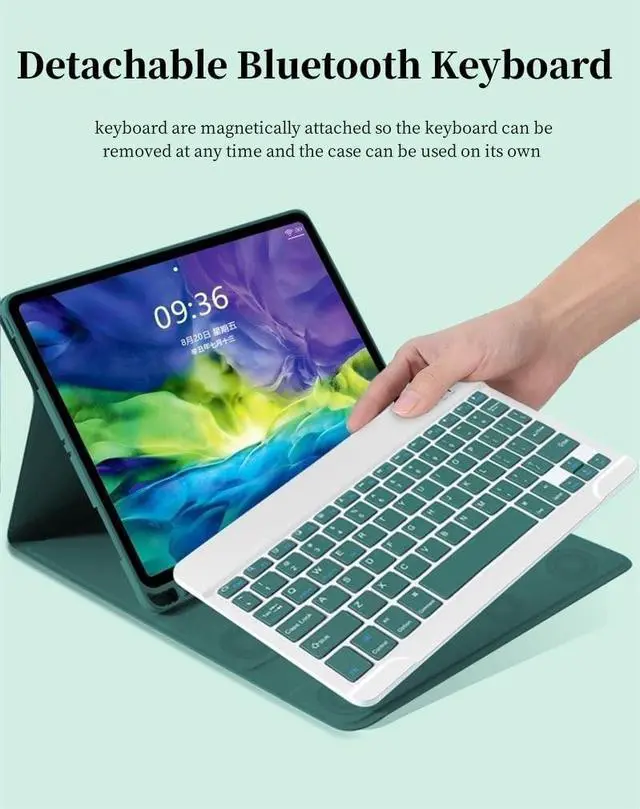
- Multifunction Detachable Bluetooth KeyboardYou can remove the Wireless keyboard whenever you want from this cover. This keyboard works with iPadOS, iOS, Android and Windows system.such as iPad / iPad Air / iPad Pro / iPad Mini / Phone / Android Tablet / Smartphone and more.
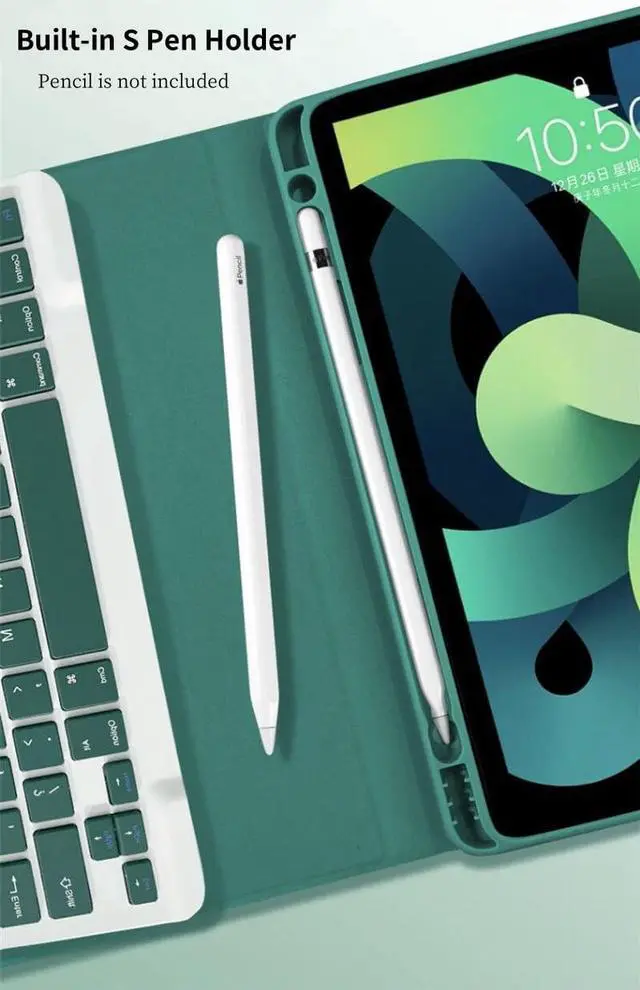
- Galaxy Tablet Case with S Pen HolderThe unique S Pen slot makes it easy to grab your S Pen anywhere, anytime, avoiding losing it. NOTE: PEN AND TABLET ARE NOT INCLUDED.
- Full Protection Case with KeyboardThe Tab case has full edge coverage and great protection. Precise cutouts allow full access to all features (buttons,
+
+
Overview
Specs
Reviews

Any questions? Our AI mode will help you find out quickly.
Try me now
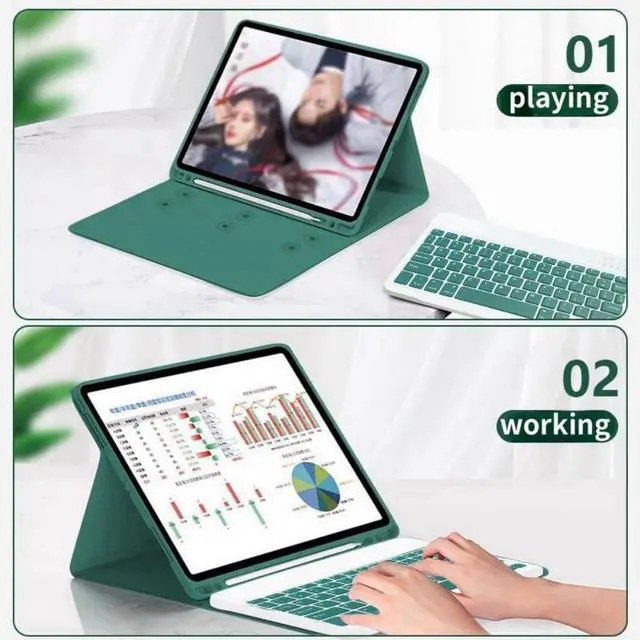
Galaxy Tab keyboard caseFolio MagneticBuilt-in S Pen Holder360 Full Body Protective CaseCandy Color Keyboard and CaseDaily Life Waterproof Detachable Magnetic Keyboard3 Magnetic Stand Angle (support 120/125/135 viewing angles)Samsung Tablet Wireless Connection1, Turn on the power, the power indicator Iights on for 1 second ( if the indicator is red, please charge in time )2, Press the connect key for 2 second, the Wireless indicator blue Iights flicker into the pairing state, and the effectjve time is about 120 seconds. 3, Open the Wireless search function of the external device, click the " Wireless Keyboard " searched.
4, After the pairing is successful, the indicator lights go out, and you can use the keyboard. 5, if your tablet is Galaxy Tab (Android System), you need press "Fn + Q" together, note: press this two button together. now it can work well. 6, if there is no operation in 10 minutes, the keyboard will go to sleep state and wait for 2~3 seconds by any key to wake up
4, After the pairing is successful, the indicator lights go out, and you can use the keyboard. 5, if your tablet is Galaxy Tab (Android System), you need press "Fn + Q" together, note: press this two button together. now it can work well. 6, if there is no operation in 10 minutes, the keyboard will go to sleep state and wait for 2~3 seconds by any key to wake up
Warranty & Returns
Warranty, Returns, And Additional Information
Warranty
- Please contact the Seller directly for warranty information. Warranty information may also be found on the Manufacturer's website.
- CONTACT
Return Policies
- Return for refund within: 30 days
- Return for replacement within: 30 days
- This item is covered by HAIZHILANSTORE Return Policy
Manufacturer Contact Info
- For a directory of all our manufacturers, please click below.
- Manufacturers Directory
LOADING...