Your Browsing History
Meet Your Seller
HEZOOMS 8k DisplayPort Splitter 1 in 3 Out 8K@30Hz 4K@120Hz DP 1.4 Splitter Triple MST SST Hub Adapter 1x3 Port for 1 DisplayPort Ultra HD Source to 3 HD Display Port
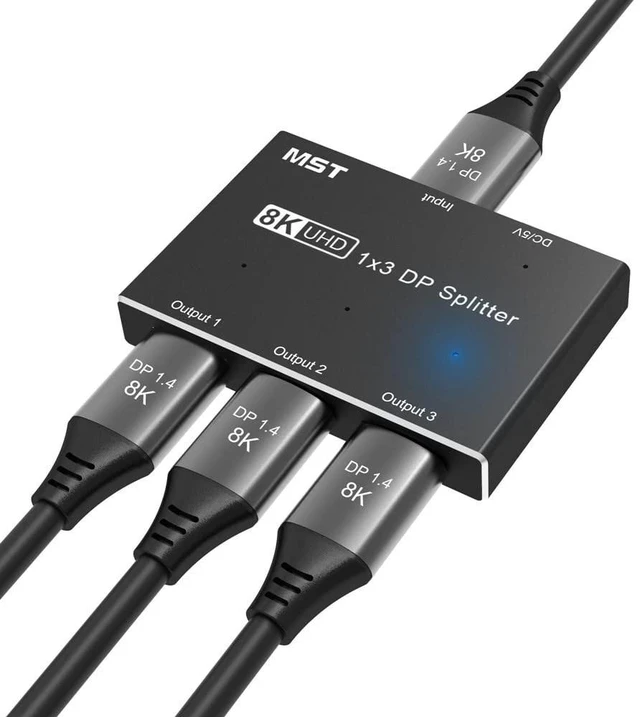
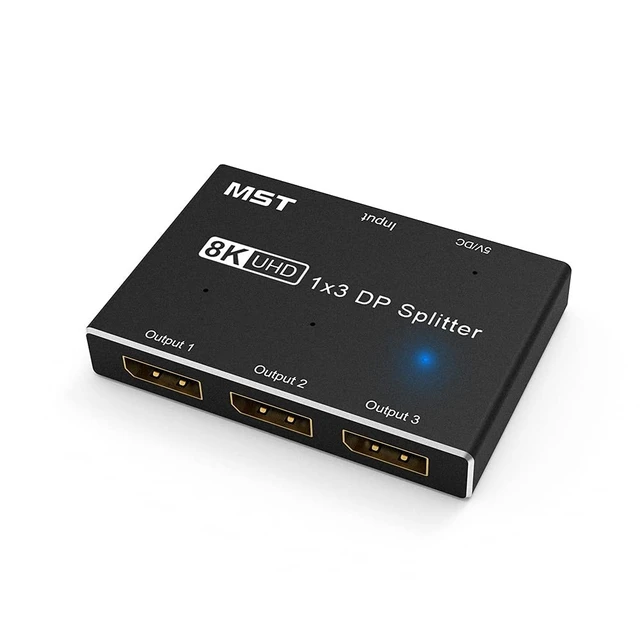
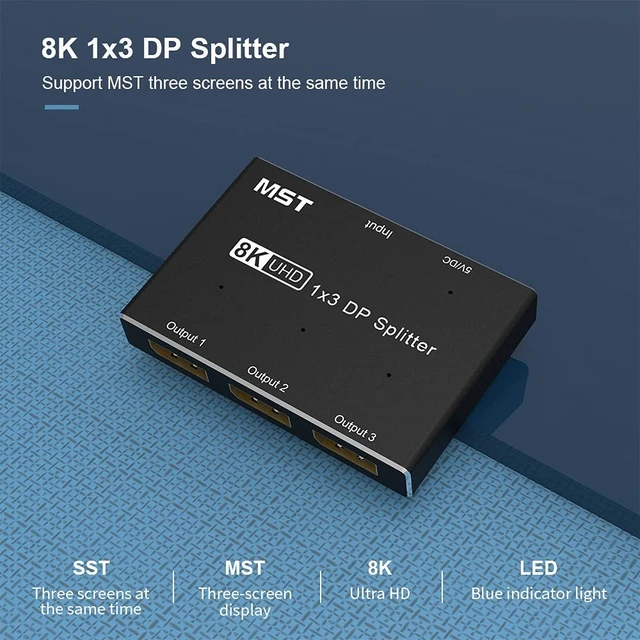
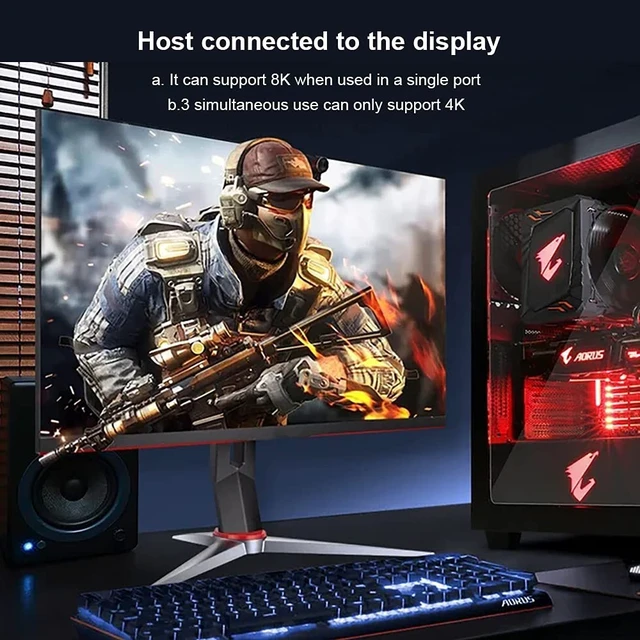
- NEW 1x3 DisplayPort Splitter: Split a DP signal into 3 signals. In SST mode, it outputs 3 identical screens; in MST mode, it supports outputting 3 different screens. DP Splitter outputs 8K@30Hz, 4K@120Hz on one port; 4K@60Hz on two ports; 4K@30Hz on three ports at the same time (depending on your graphics card, monitor, operating system and DP cable support). Note: Apple system MST mode can only expand one screen (limited by iOS). To use, please connect the included USB cable to power the splitter. Power adapter is not included, please bring your own.
- If you want to output 8K@30Hz, 4K@120Hz through DP splitter, please make sure your source device, your cable and monitor all support the resolution you need to output, and output under a single port. Special reminder: When the DP splitter is only plugged into the power cord, the splitter LED indicator will not light up (the DP splitter is not broken). Only after the DP splitter is connected to the computer host and monitor through the
+
+
Overview
Specs
Reviews
Any questions? Our AI mode will help you find out quickly.
Try me now
NEW 1x3
DisplayPort Splitter: Split a DP signal into 3 signals. In SST mode, it outputs 3 identical screens; in MST mode, it supports outputting 3 different screens. DP Splitter outputs 8K@30Hz, 4K@120Hz on one port; 4K@60Hz on two ports; 4K@30Hz on three ports at the same time (depending on your graphics card, monitor, operating system and DP cable support).
Note: Apple system MST mode can only expand one screen (limited by iOS). To use, please connect the included USB cable to power the splitter. Power adapter is not included, please bring your own. ^^ If you want to output 8K@30Hz, 4K@120Hz through DP splitter, please make sure your source device, your cable and monitor all support the resolution you need to output, and output under a single port.
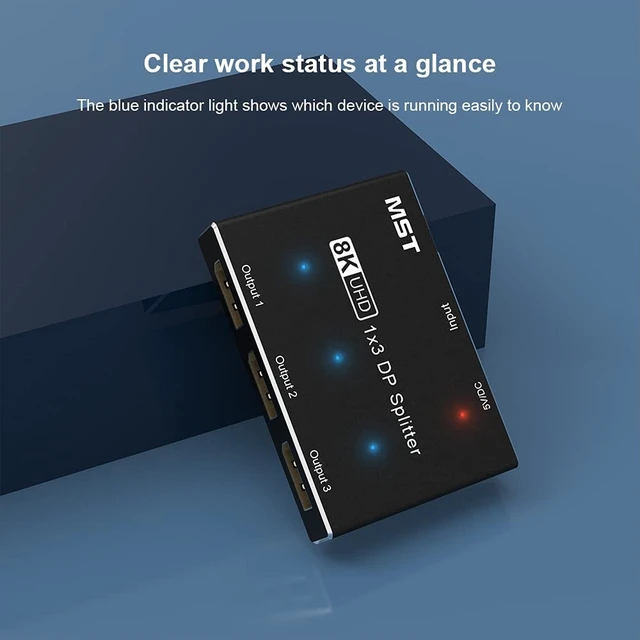
Special reminder: When the DP splitter is only plugged into the power cord, the splitter LED indicator will not light up (the DP splitter is not broken). Only after the DP splitter is connected to the computer host and monitor through the DP cable, and then the power cord is plugged in, and the signal source is detected, the LED will light up. ^^ This 1x3 DP splitter is compact and efficient. It allows you to distribute one HD source to three displays simultaneously. compatible with DP 1.4DP 1.3DP 1.2DP 1.0, Support 3D and 4K8K ultra HD. Please run it on the computer where the discrete graphics card is installed. It is recommended to use a GTX 20 series or higher, and the graphics card must support DSC.
Note: The integrated graphics card is not compatible with the DP splitter due to insufficient video memory and bit width limitation.
^^ DisplayPort Splitter
Compatible resolution: 8K@30Hz 4K@120Hz60Hz 1440P@165Hz144Hz120Hz60Hz 1080P@240Hz165Hz144Hz120Hz60Hz. (actual Depends on your graphics card, monitor, operating system and DP cable support). If you output an 8K signal, we recommend using an DP 1.4 8K standard Cable.
^^ Support operating system: Apple (iOS) system, Windows system, Android system. pls make sure that the DP soure has already implemented full support for MST/SST. Splitter Support SST (Mirror) and MST (Extended) mode,
Support HDR 4:4: 4, 4:2: 2, 4:2: 0. DP cable direct connections are recommended for reliability and compatibility. this Displayport MST SST splitter does not work with any hub. The length of the DP cables connected to both ends of the Splitter should not exceed 3 meters respectively.

DisplayPort Splitter: Split a DP signal into 3 signals. In SST mode, it outputs 3 identical screens; in MST mode, it supports outputting 3 different screens. DP Splitter outputs 8K@30Hz, 4K@120Hz on one port; 4K@60Hz on two ports; 4K@30Hz on three ports at the same time (depending on your graphics card, monitor, operating system and DP cable support).
Note: Apple system MST mode can only expand one screen (limited by iOS). To use, please connect the included USB cable to power the splitter. Power adapter is not included, please bring your own. ^^ If you want to output 8K@30Hz, 4K@120Hz through DP splitter, please make sure your source device, your cable and monitor all support the resolution you need to output, and output under a single port.
Special reminder: When the DP splitter is only plugged into the power cord, the splitter LED indicator will not light up (the DP splitter is not broken). Only after the DP splitter is connected to the computer host and monitor through the DP cable, and then the power cord is plugged in, and the signal source is detected, the LED will light up. ^^ This 1x3 DP splitter is compact and efficient. It allows you to distribute one HD source to three displays simultaneously. compatible with DP 1.4DP 1.3DP 1.2DP 1.0, Support 3D and 4K8K ultra HD. Please run it on the computer where the discrete graphics card is installed. It is recommended to use a GTX 20 series or higher, and the graphics card must support DSC.
Note: The integrated graphics card is not compatible with the DP splitter due to insufficient video memory and bit width limitation.
^^ DisplayPort Splitter
Specifications
: one port output display 8K@30Hz or 4K @ 120Hz, Three ports output supports 4K@30Hz image.Compatible resolution: 8K@30Hz 4K@120Hz60Hz 1440P@165Hz144Hz120Hz60Hz 1080P@240Hz165Hz144Hz120Hz60Hz. (actual Depends on your graphics card, monitor, operating system and DP cable support). If you output an 8K signal, we recommend using an DP 1.4 8K standard Cable.
^^ Support operating system: Apple (iOS) system, Windows system, Android system. pls make sure that the DP soure has already implemented full support for MST/SST. Splitter Support SST (Mirror) and MST (Extended) mode,
Support HDR 4:4: 4, 4:2: 2, 4:2: 0. DP cable direct connections are recommended for reliability and compatibility. this Displayport MST SST splitter does not work with any hub. The length of the DP cables connected to both ends of the Splitter should not exceed 3 meters respectively.
Warranty & Returns
Warranty, Returns, And Additional Information
Warranty
- Please contact the Seller directly for warranty information. Warranty information may also be found on the Manufacturer's website.
- CONTACT
Return Policies
- Return for refund within: 30 days
- Return for replacement within: 30 days
- This item is covered by SmartJoy Shop Return Policy
Manufacturer Contact Info
- For a directory of all our manufacturers, please click below.
- Manufacturers Directory
LOADING...