Your Browsing History
Meet Your Seller
Sponsored Products
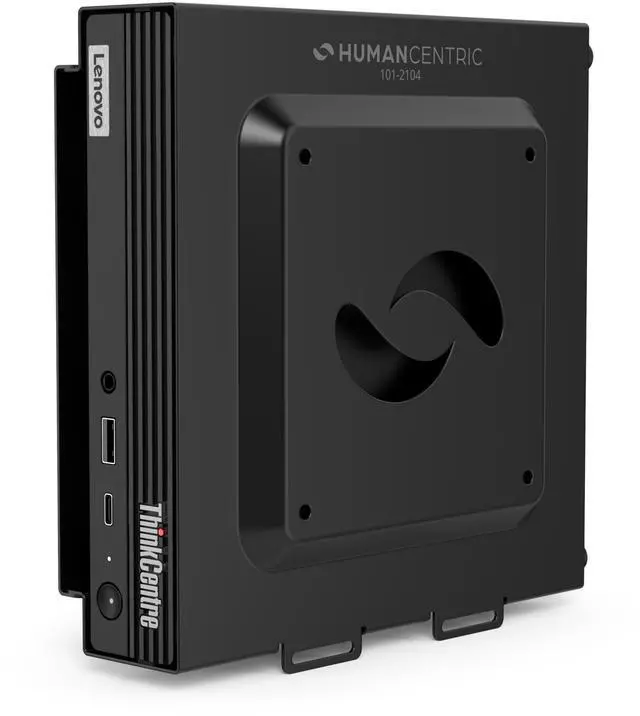
HumanCentric VESA Mount Compatible with Lenovo Thinkcentre Tiny M90q Gen 2, M80q Gen3, M90q Gen3, M70q Gen 2, Thinkstation P3 Tiny, M60e, M75q Gen2, M70q, Mount Behind Monitor
- Specifically designed for compatibility with a wide range of Lenovo Thinkcentre Tiny models, including M90q Gen 2, M80q Gen3, M90q Gen3, M90q Gen 2, M70q Gen 2, Thinkstation P3 Tiny, M60e, M75q Gen2, and M70q.
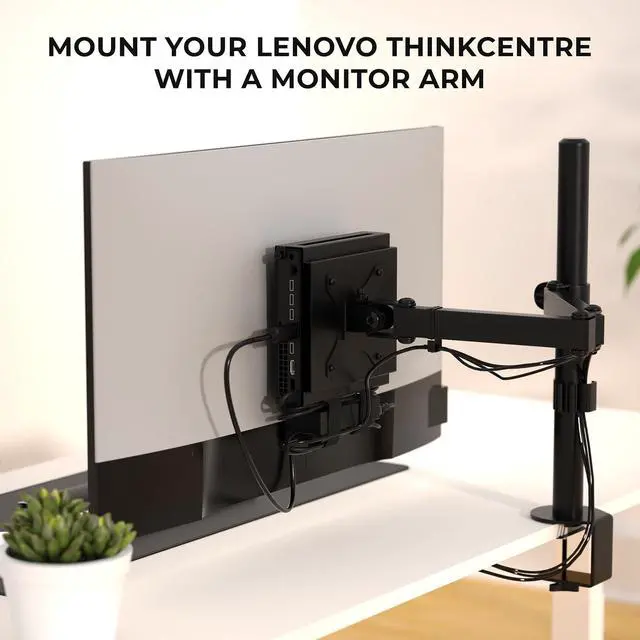
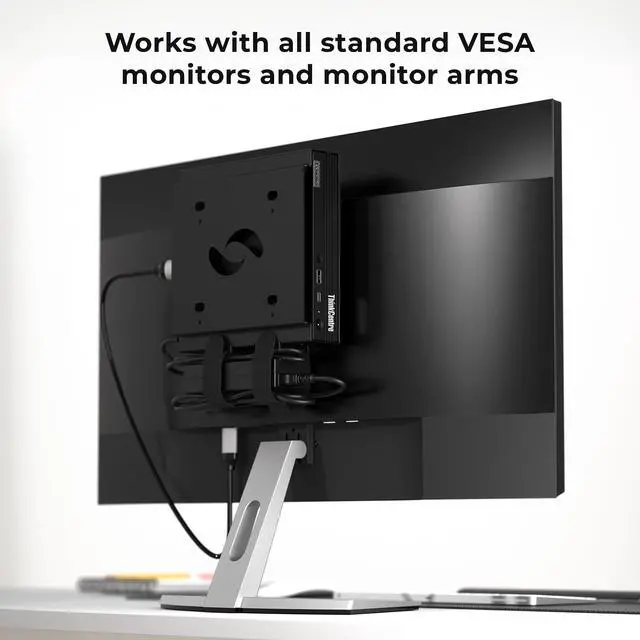
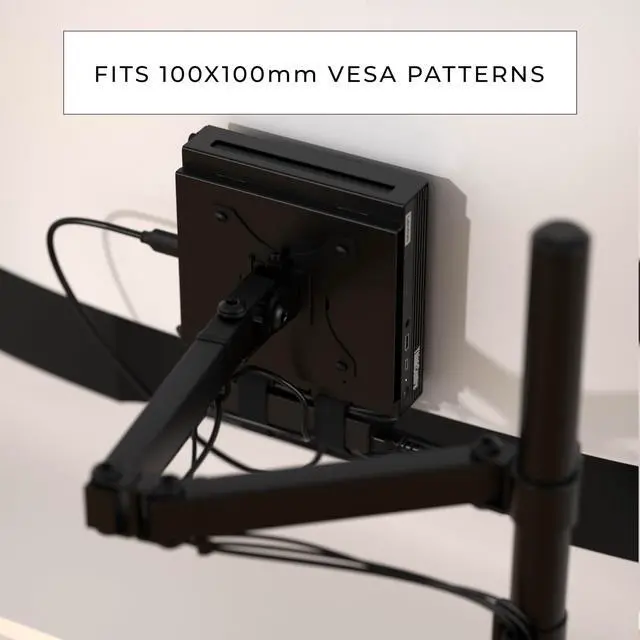
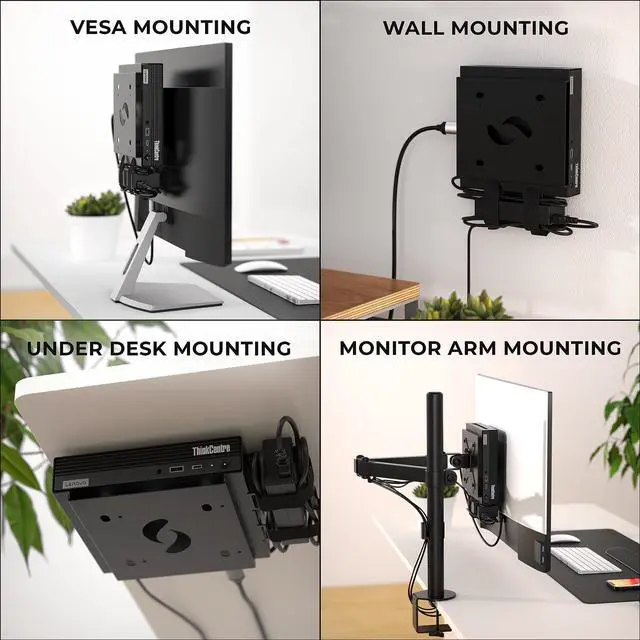
- Versatile mounting options: Attach your Thinkcentre Tiny to the back of a monitor with a VESA pattern of 100 x 100 mm, or use a standard monitor mount. (Please ensure your monitor has a four-hole VESA pattern before installation).
- ThinkCentre Tiny VESA mount includes mounting hardware for hassle-free installation in both under-desk and wall mount setups, providing flexible and convenient mounting solutions.
- Tailored exclusively for the Thinkcentre Tiny PC, ensuring a perfect fit and secure attachment to the device.
- Promotes a clutter-free and organized workspace by lifting the Thinkcentre Tiny off the desk surface, maximizing desk space utilization and creating a clean and tidy setup.

+
+
Overview
Specs
Reviews
Any questions? Our AI beta will help you find out quickly.
Try me now
Specifically designed for compatibility with a wide range of Lenovo Thinkcentre Tiny models, including M90q Gen 2, M80q Gen3, M90q Gen3, M90q Gen 2, M70q Gen 2, Thinkstation P3 Tiny, M60e, M75q Gen2, and M70q.
^^ Versatile mounting options: Attach your Thinkcentre Tiny to the back of a monitor with a VESA pattern of 100 x 100 mm, or use a standard monitor mount. (Please ensure your monitor has a four-hole VESA pattern before installation). ^^ ThinkCentre Tiny VESA mount includes mounting hardware for hassle-free installation in both under-desk and wall mount setups, providing flexible and convenient mounting solutions. ^^ Tailored exclusively for the Thinkcentre Tiny PC, ensuring a perfect fit and secure attachment to the device. ^^ Promotes a clutter-free and organized workspace by lifting the Thinkcentre Tiny off the desk surface, maximizing desk space utilization and creating a clean and tidy setup.
Warranty & Returns
Warranty, Returns, And Additional Information
Warranty
- Please contact the Seller directly for warranty information. Warranty information may also be found on the Manufacturer's website.
- CONTACT
Return Policies
- Return for refund within: 30 days
- Return for replacement within: 30 days
- This item is covered by DuronTechnologies Return Policy
Manufacturer Contact Info
- For a directory of all our manufacturers, please click below.
- Manufacturers Directory
LOADING...