

Your Browsing History
- Free 30-day Returns
- $5.99 Shipping ()
$146.99
Most customers receive within 5-9 days.

Meet Your Seller

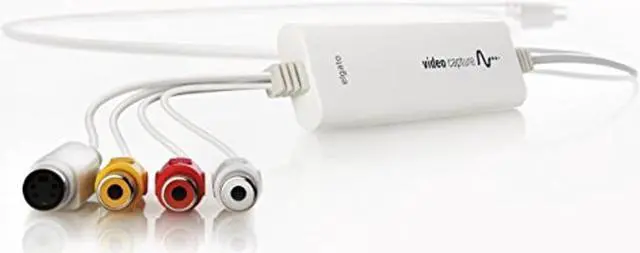
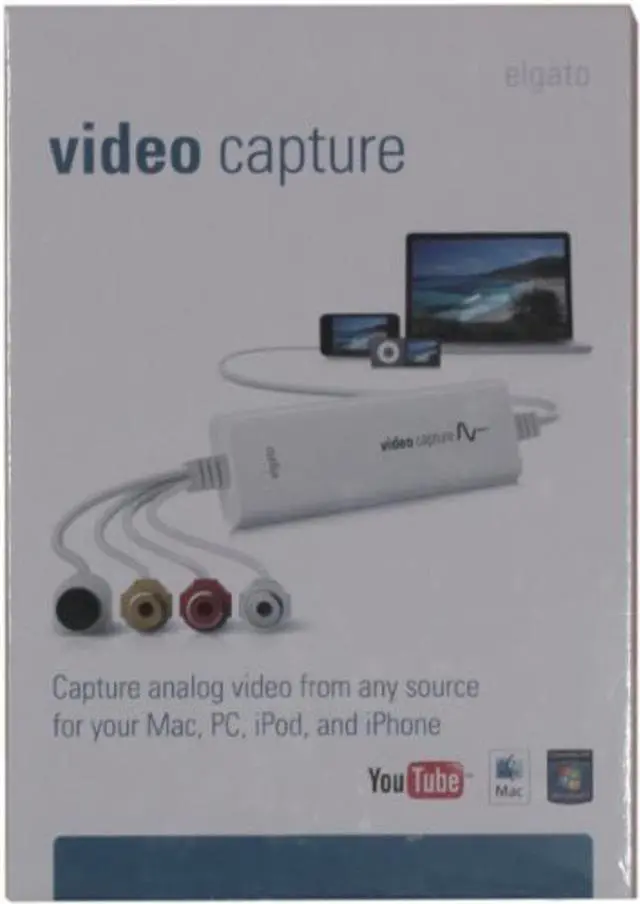
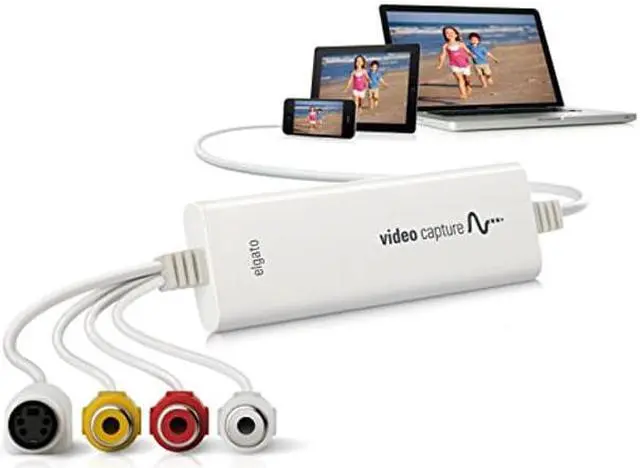
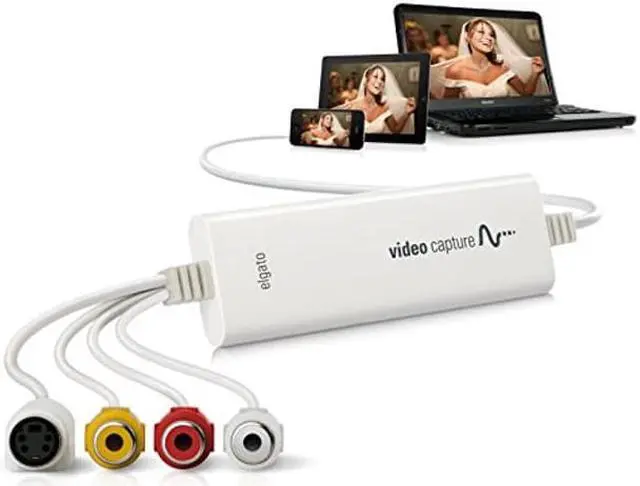


Elgato Video Capture - Digitize Video for Mac, PC or iPad (USB 2.0)
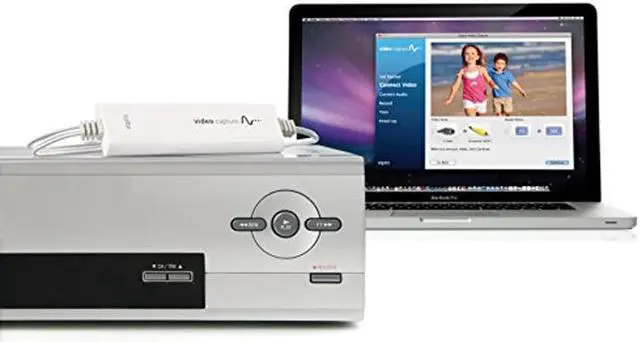
- Transfer video from a VCR or other analog video source to your Mac or PC
- Put family memories and family videos on your computer
- Easy-to-use software guides you through every step and turns your analog into digital
- Captures video in the universal H.264 digital format - ready for iPad, iMovie, Windows Live Movie Maker, and YouTube
- World-ready; handles NTSC, SECAM, PAL and PAL/60 video
- Comes with Elgato Video Capture, Composite-to-Scart adapter, Composite video/RCA stereo cable
- Video resolution: 640x480 (4:3) or 640x360 (16:9)
+
+
Overview
Specs
Reviews

Any questions? Our AI mode will help you find out quickly.
Try me now
Transfer video to your Mac or PC from a VCR, DVR, camcorder, or any other analogue video device as a high quality H. 264 file. Elgato Video Capture's easy-to-use software assists you through every step, from connecting an analogue video device to capturing video and choosing how you will watch and share it. There is no easier way to digitize home video to playback on your computer, to sync with an iPad or iPhone, to edit in iMovie or Windows Live Movie Maker, or to upload to YouTube. Elgato Video Capture comes with Elgato Video Capture software for Mac and Windows.
System Requirements Mac: OS X 10.6.
8 or later PC: Windows 7 or later, 2 GHz Intel Core 2 Duo (or comparable), sound card Technical
Video resolution: 640x480 ( 4:3 ) or 640x360 ( 16:9 ) Video format
Mac Software: H. 264 at 1.4 MBit/sec or MPEG-4 at 2.4 MBit/se Video format
PC Software: H. 264 at 1.4
MBit/se Audio: AAC, 48kHZ, 128 kBit/sec Generated files can be synced with video capable iPads, iPods, iPhones and Apple TV and can be edited in iMovie or Windows Live Movie Maker without re-encoding.
System Requirements Mac: OS X 10.6.
8 or later PC: Windows 7 or later, 2 GHz Intel Core 2 Duo (or comparable), sound card Technical
Specifications
Elgato Video Capture automatically detects NTSC, SECAM, PAL and PAL/60 video formats for worldwide compatibility.Video resolution: 640x480 ( 4:3 ) or 640x360 ( 16:9 ) Video format
Mac Software: H. 264 at 1.4 MBit/sec or MPEG-4 at 2.4 MBit/se Video format
PC Software: H. 264 at 1.4
MBit/se Audio: AAC, 48kHZ, 128 kBit/sec Generated files can be synced with video capable iPads, iPods, iPhones and Apple TV and can be edited in iMovie or Windows Live Movie Maker without re-encoding.
Warranty & Returns
Warranty, Returns, And Additional Information
Warranty
- Please contact the Seller directly for warranty information. Warranty information may also be found on the Manufacturer's website.
- CONTACT
Return Policies
- Return for refund within: 30 days
- Return for replacement within: 30 days
- This item is covered by To the Internet media Return Policy
Manufacturer Contact Info
- For a directory of all our manufacturers, please click below.
- Manufacturers Directory
LOADING...