Your Browsing History
Meet Your Seller
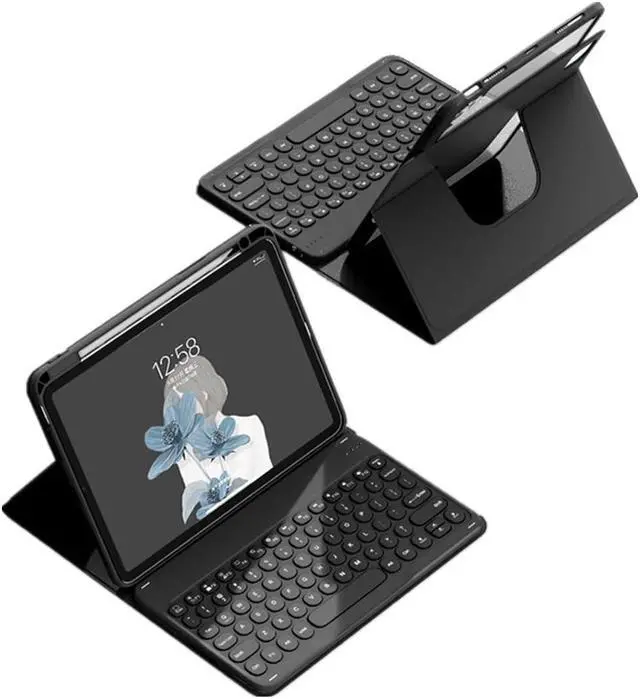
SENLAN Rotatable iPad 10 Keyboard Case - Magnet Detachable Transparent Back Cover - BT Keyboard with Pencil Holder - Horizontal/Vertical Stand (iPad 10th Gen 2022, Black)
- Compatibility - iPad 10th generation 10.9 inch 2022 Release (Rear cover model: A2696/ A2757/A2777).
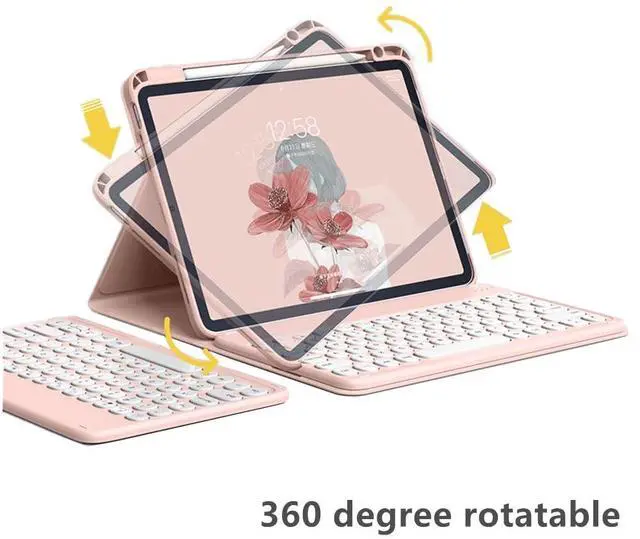
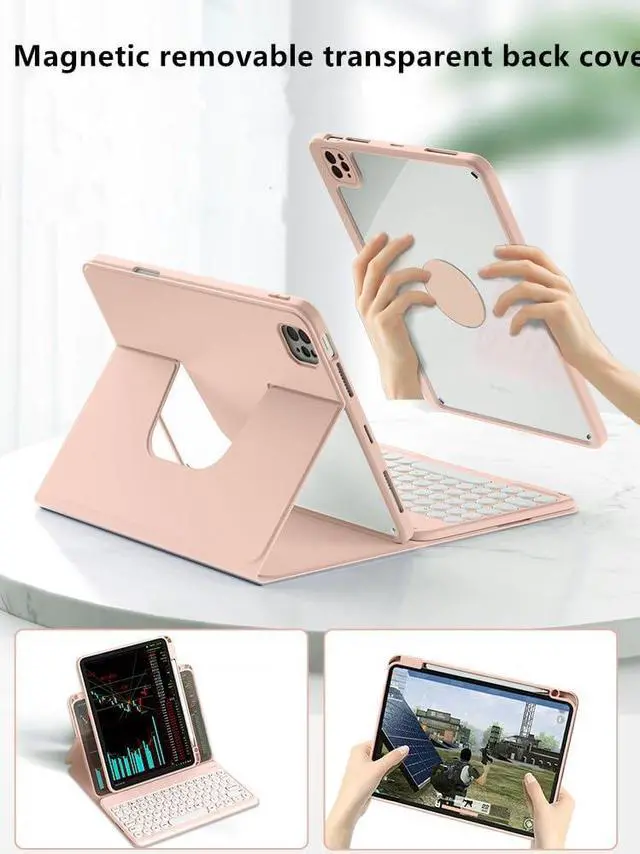
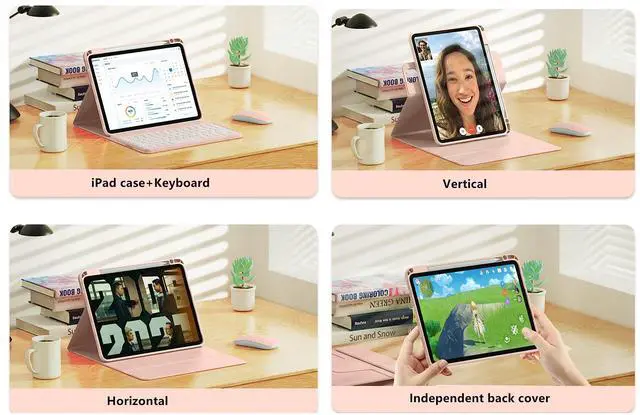
- 360deg rotatable case - Magnetic inner case cannot float but stand upright in the case slot with 360deg horizontally and vertically rotatable. The transparent hardback cover shows off the original beauty of your device. 360-degree rotating structure in the case for flexible landscape and portrait viewing. Provide protection and convenience when you play or work with iPad, making you use iPad case easily.
- Magnetic detachable keyboard - The magnetic keyboard and case are separated, magnetically attached, the keyboard can be removed from the case. The iPad keyboard can be attached to the case magnetically, if not needed, it can be removed. BT connectivity is easy to operate
- Durable Material - Hardshell back cover with flexible TPU bumper protects your iPad from shocks, drops and impacts. Soft microfiber interior front prevents your tablet from scratched.
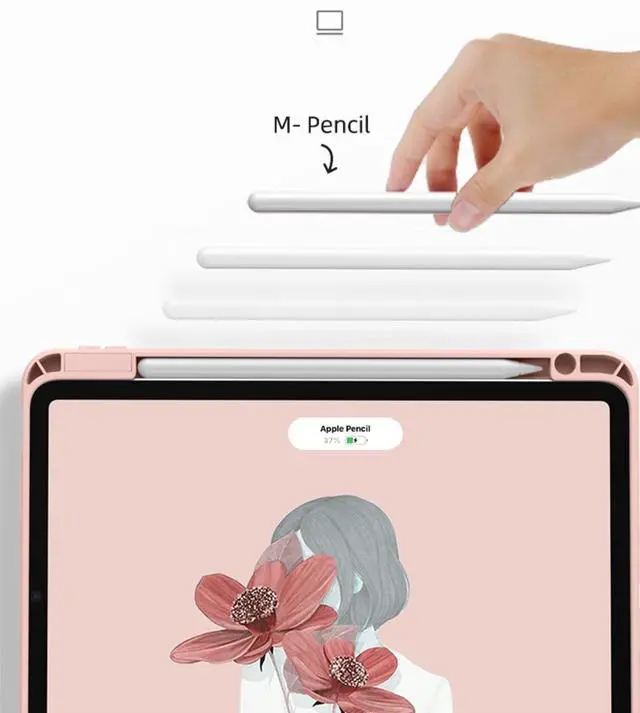
- With Penc
+
+
Overview
Specs
Reviews
Any questions? Our AI mode will help you find out quickly.
Try me now
Bluetooth keyboard connection steps:
1: After turning the power switch to the ON position, the power indicator light will be on for 3 seconds. Press Fn+C to enter the code matching mode, and the bluetooth indicator light will start to flash. Then the bluetooth keyboard automatically enter the pairing mode.
2: Open and unlock your tablet and click on the " Settings" icon.
3. In the settings menu, click on the" Bluetooth "menu.
4. Turn on the Bluetooth switch and the tablet will automatically search for Bluetooth keyboard devices.
5. Discover the
Bluetooth keyboard device: Bluetooth Keyboard * *, and click on it, the Bluetooth keyboard will automatically connect.
6. After the Bluetooth connection is successful, the pairing indicator is off, and " Connected " will appear in the list of Bluetooth devices.

1: After turning the power switch to the ON position, the power indicator light will be on for 3 seconds. Press Fn+C to enter the code matching mode, and the bluetooth indicator light will start to flash. Then the bluetooth keyboard automatically enter the pairing mode.
2: Open and unlock your tablet and click on the " Settings" icon.
3. In the settings menu, click on the" Bluetooth "menu.
4. Turn on the Bluetooth switch and the tablet will automatically search for Bluetooth keyboard devices.
5. Discover the
Bluetooth keyboard device: Bluetooth Keyboard * *, and click on it, the Bluetooth keyboard will automatically connect.
6. After the Bluetooth connection is successful, the pairing indicator is off, and " Connected " will appear in the list of Bluetooth devices.
Warranty & Returns
Warranty, Returns, And Additional Information
Warranty
- Please contact the Seller directly for warranty information. Warranty information may also be found on the Manufacturer's website.
- CONTACT
Return Policies
- Return for refund within: 30 days
- Return for replacement within: 30 days
- This item is covered by kaipuda Return Policy
Manufacturer Contact Info
- For a directory of all our manufacturers, please click below.
- Manufacturers Directory
LOADING...