

Your Browsing History
- Free 30-day Returns
- $5.00 Shipping ()
$289.99
Most customers receive within 5-9 days.

Meet Your Seller

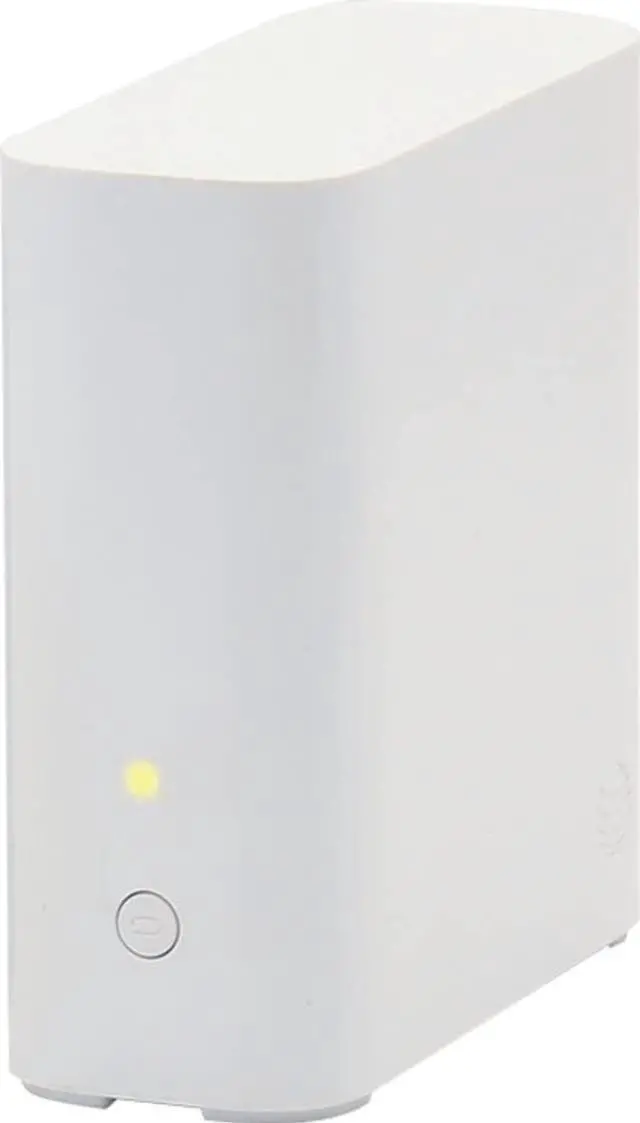
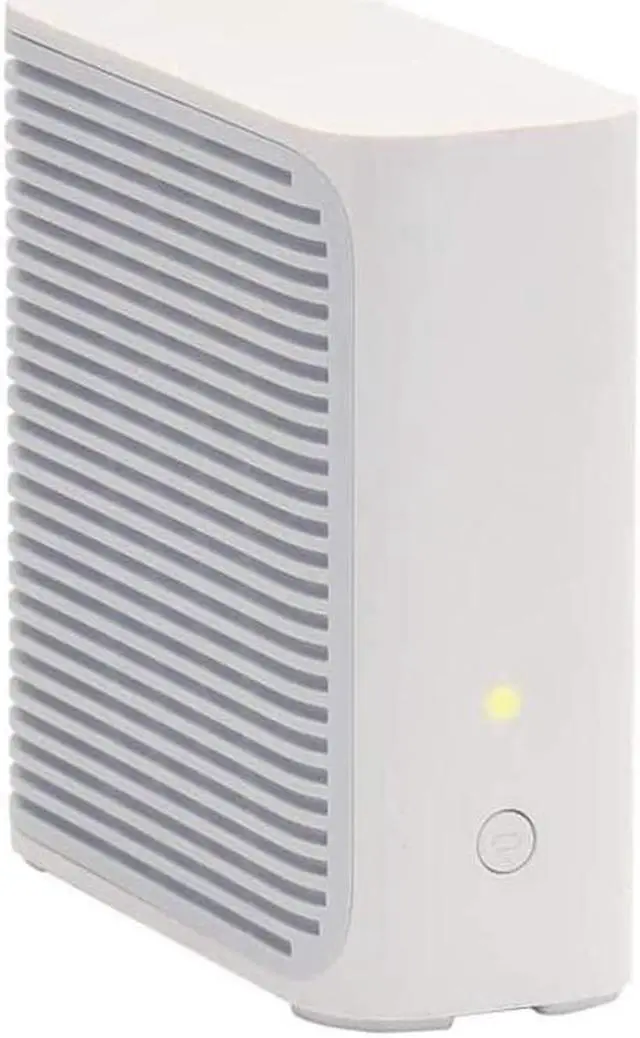
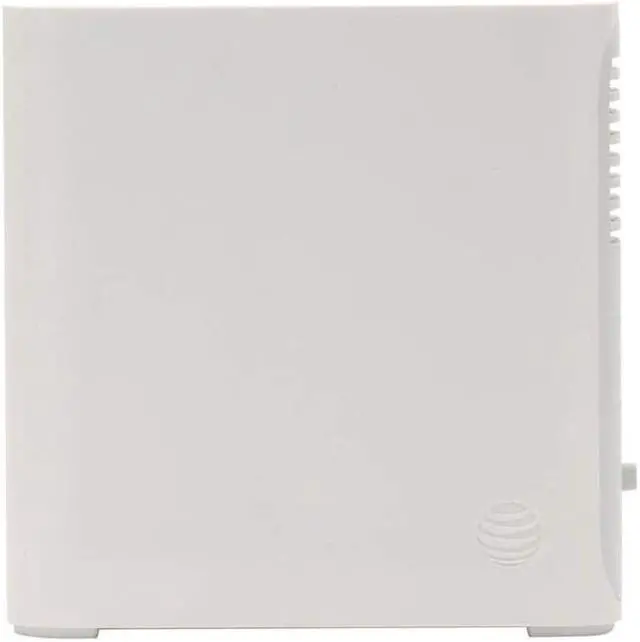
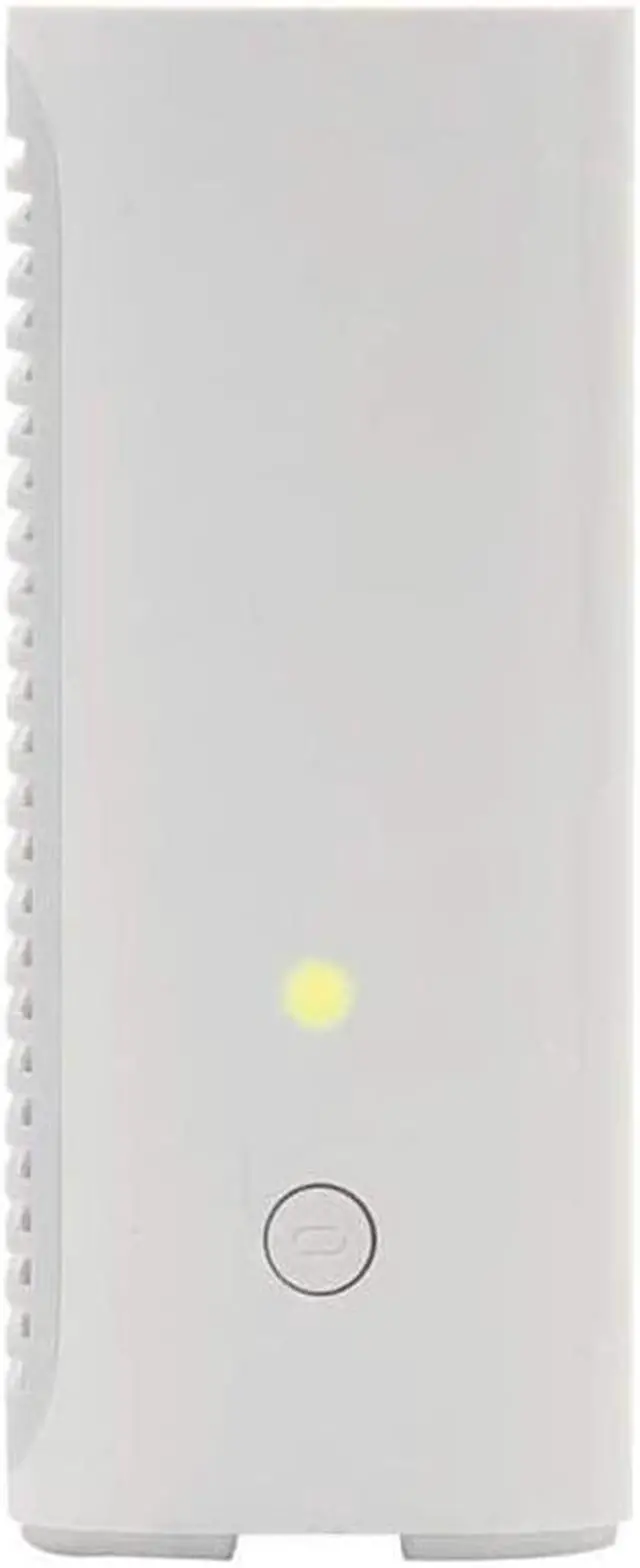
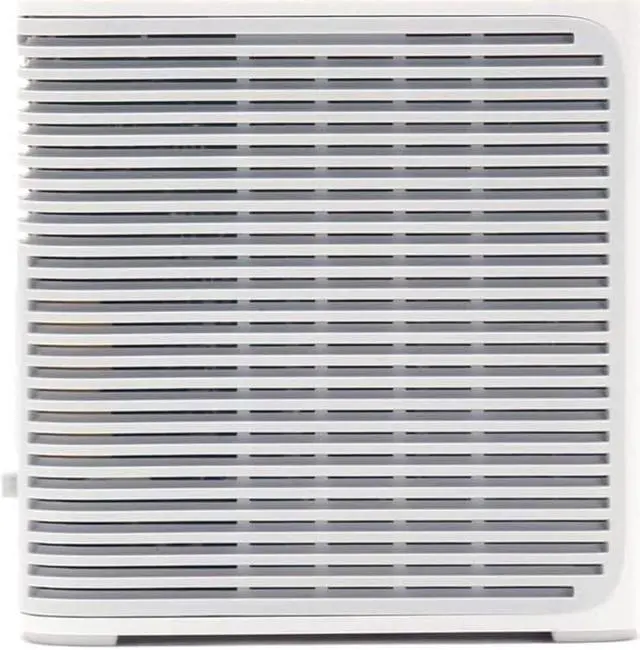


AT&T Airties Air 4921 Smart Wi-Fi Extender Wireless Access Point 1600Mbps Dual Band 3x3 802.11ac
- Requires AT&T Internet subscription with a 5268AC, BGW210, BGW320, or NVG599 AT&T Wi-Fi gateway. The Smart Wi-Fi Extender is not compatible with any other modems/routers.
- Seamless connectivity: Expand your home Wi-Fi coverage and reduce signal weak spots and dead zones.
- Whole Home Wi-Fi Solution: 1600Mbps dual-band (2.4 GHz and 5 GHz) concurrent wireless mesh access point
- Ports: 2 Gigabit Ethernet LAN, Power; Both Ethernet ports may be used for back haul to gateway or front haul to client devices
- WPS Button: For simple setup and secure connection with WPS supported wireless devices
+
+
Overview
Specs
Reviews

Any questions? Our AI mode will help you find out quickly.
Try me now
Seamless connectivity: Expand your home Wi-Fi coverage and reduce signal weak spots and dead zones. The AT&T Smart Wi-Fi Extender utilizes state-of-the-art mesh technology to expand your home Wi-Fi and cover locations with a weak Wi-Fi signal. Requires AT&T Internet subscription with a 5268AC, BGW210, BGW320, or NVG599 Wi-Fi gateway. The Smart Wi-Fi Extender is not compatible with AT&T Fixed Wireless Internet.
Personalize your Wi-Fi: Smart Extenders work with the free Smart Home Manager app to help you personalize and manage your home Wi-Fi network and connected devices. Will Extenders work with my Wi-Fi gateway? The Smart Wi-Fi Extender works with the latest gateway models: 5268AC, BGW210, BGW320, NVG599. If you have one of those, you're all set. How many Smart Extenders do I need? Here are guidelines based on home size or layout: Homes between 2, 000-3, 000 sq ft or 2 floors: 1 Smart Extender Homes between 3, 000-4, 000 sq ft or 3 floors: 2 Smart Extenders Homes larger than 4, 000
sq ft: 3 Smart Extenders Other factors such as physical obstructions or home layout may impact your Wi-Fi signal. Use the Smart Home Manager app to locate and fix weak Wi-Fi locations as you place additional Smart Extenders. We do not recommend having more than three Smart Extenders in a single home. Technical
Wi-Fi Solution: 1600Mbps dual-band ( 2.4 GHz and 5 GHz) concurrent wireless mesh access point
Wireless Connection: 1300AC + 300N Mbps dual-band wireless AP compliant with 802.11 ac & 802.11 n standards
Ports: 2 Gigabit Ethernet LAN, Power; Both Ethernet ports may be used for back haul to gateway or front haul to client devices
Backward Compatible: Compatible with 802.11 a/b/g wireless standards
Wireless Security Options: WPA2-Enterprise, WPA2-Personal, WPA-Enterprise, WPA-Personal
WPS Button: For simple setup and secure connection with WPS supported wireless devices
Personalize your Wi-Fi: Smart Extenders work with the free Smart Home Manager app to help you personalize and manage your home Wi-Fi network and connected devices. Will Extenders work with my Wi-Fi gateway? The Smart Wi-Fi Extender works with the latest gateway models: 5268AC, BGW210, BGW320, NVG599. If you have one of those, you're all set. How many Smart Extenders do I need? Here are guidelines based on home size or layout: Homes between 2, 000-3, 000 sq ft or 2 floors: 1 Smart Extender Homes between 3, 000-4, 000 sq ft or 3 floors: 2 Smart Extenders Homes larger than 4, 000
sq ft: 3 Smart Extenders Other factors such as physical obstructions or home layout may impact your Wi-Fi signal. Use the Smart Home Manager app to locate and fix weak Wi-Fi locations as you place additional Smart Extenders. We do not recommend having more than three Smart Extenders in a single home. Technical
Specifications
Whole HomeWi-Fi Solution: 1600Mbps dual-band ( 2.4 GHz and 5 GHz) concurrent wireless mesh access point
Wireless Connection: 1300AC + 300N Mbps dual-band wireless AP compliant with 802.11 ac & 802.11 n standards
Ports: 2 Gigabit Ethernet LAN, Power; Both Ethernet ports may be used for back haul to gateway or front haul to client devices
Backward Compatible: Compatible with 802.11 a/b/g wireless standards
Wireless Security Options: WPA2-Enterprise, WPA2-Personal, WPA-Enterprise, WPA-Personal
WPS Button: For simple setup and secure connection with WPS supported wireless devices
Warranty & Returns
Warranty, Returns, And Additional Information
Warranty
- Please contact the Seller directly for warranty information. Warranty information may also be found on the Manufacturer's website.
- CONTACT
Return Policies
- Return for refund within: 30 days
- Return for replacement within: 30 days
- This item is covered by Tactifans Outdoor Sport Goods Return Policy
Manufacturer Contact Info
- For a directory of all our manufacturers, please click below.
- Manufacturers Directory
LOADING...