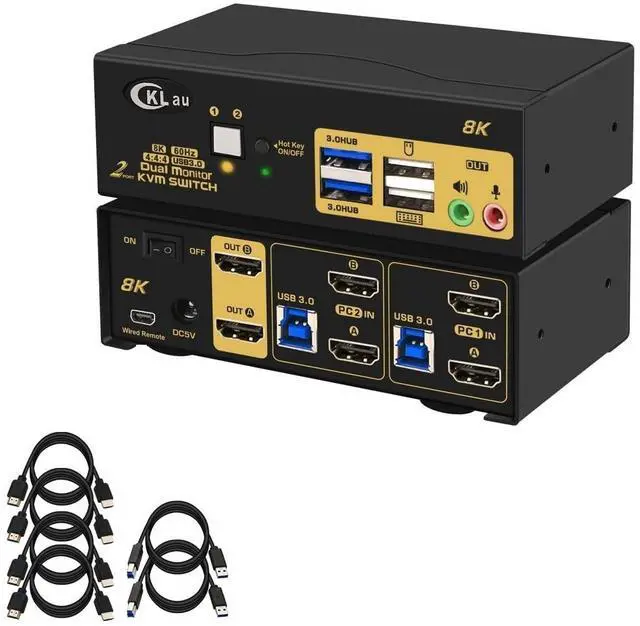
1. 2 Port KVM Switch 2
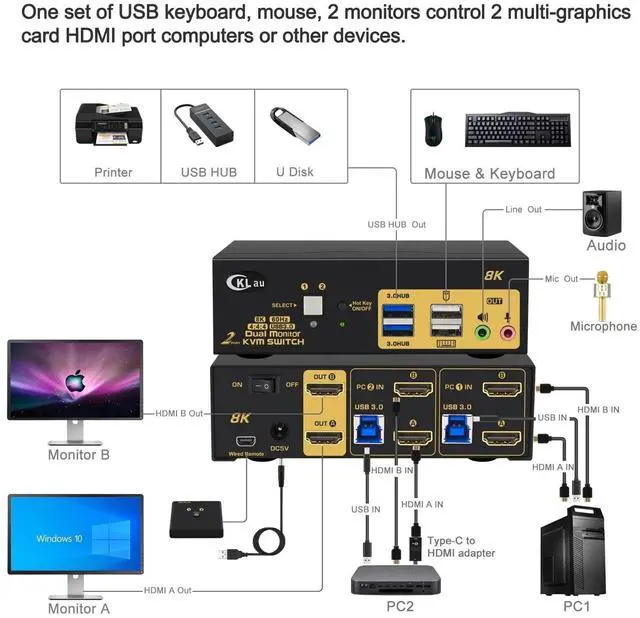
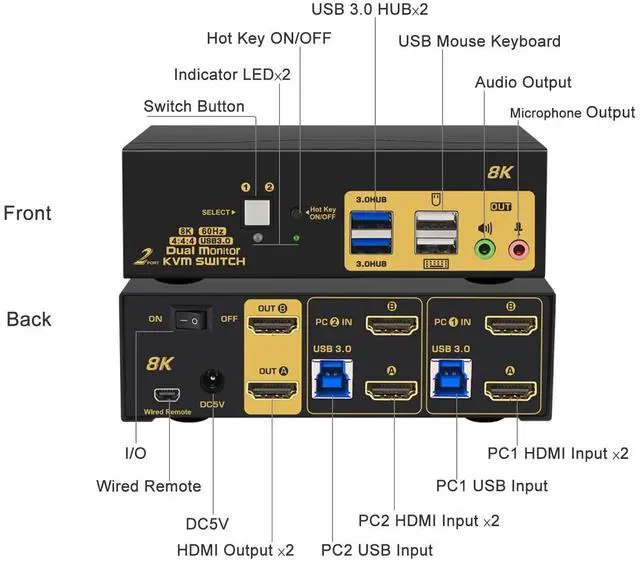
Monitors: 2 computers/laptops sharing one set of keyboard & mouse, 2 monitors, audio, microphone and 2 pcs USB 3.0 peripheral devices. Support HDMI 2.1, HDCP 2.2, HDR 10.
(Tips:
1. This KVM switch required each of your computers with 2 video output.
2. This KVM switch without EDID emulation, windows size and location maybe moving after switching. ) ^^ 2. KVM Switch Dual
Monitor 8K: We are certified HDMI adopter over 10 years. Excellent image processing and transmission capacity, make the output signal is more smooth and steady. Drive-free for Windows 10/7/2000/XP/Vista, Linux, Mac, Debian, Ubuntu, Fedora, Raspbian, Ubuntu, etc. ^^ 3. KVM Switch Dual
Monitor HDMI: Resolution compatible Resolution compatible 10240x4320@60Hz, 7680x4320@60Hz, 5120x2880@50/60Hz, 4096x2160@50/60/100/120Hz, 3840x2160@60/120/144Hz, 3840x1620@60/120/144Hz, 3440x1600@60/120/144Hz, 3440x1440@60/120/144Hz, 3840x1080@60/120/144/165/240Hz, 3200x1800@60/120/144/165/240Hz, 2560x1440@60/120/144/165/240Hz, 2048x1536@60/120/144/165/240Hz, 2048x1280@60/120/144/165/240Hz, 2048x1080@60/120/144/165/240Hz, 1920x1200@60/120/144/165/240Hz, etc. ^^ 4. 8K KVM Switch
USB 3.0: Support wired/wireless/unify keyboard and mouse, Apple keyboard (hot key is changeable), touch screen, OLED screen, 16:9 widescreen, 21:9 ultra-wide monitors, etc. ^^ 5. KVM Switch
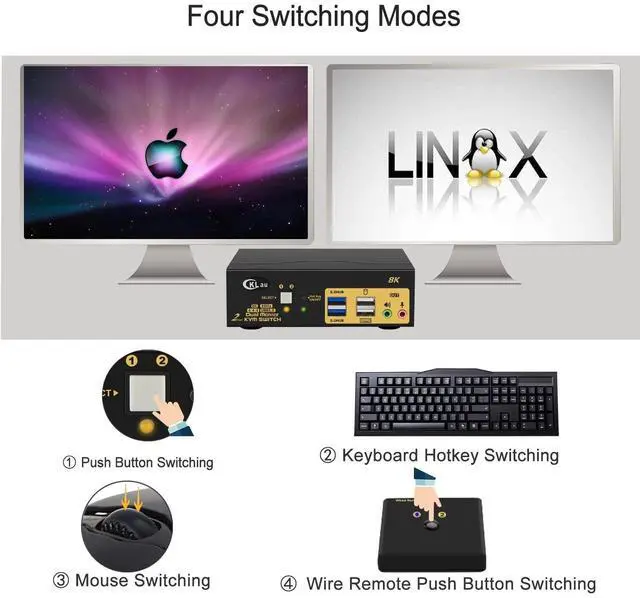
HDMI Dual Monitor: Four
switching way optional: keyboard hotkey switching (Num Lock + Num Lock + 1 / 2 + Enter, or Ctrl + Ctrl + 1 / 2 + Enter, or Scroll Lock+ Scroll Lock+1 / 2 + Enter), mouse switching (click mouse wheel 2 times), manual button switching, wired remote push button switching.
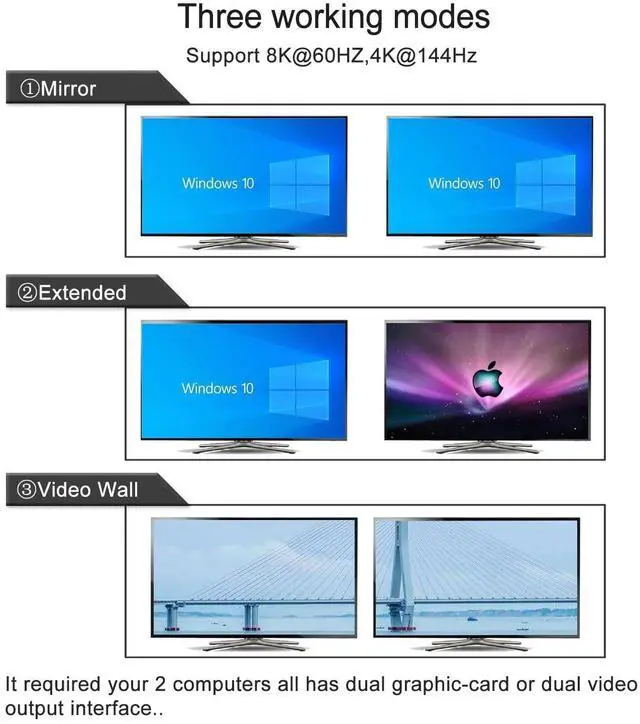
3 display mode optional: extended display, mirror display, splic display. ^^ 6.
IMPORTANT: If only one computer is BIOS-based, start by turning it on, logging in, and waiting for the display. Switch to the second computer and turn it on. If both computers are BIOS-based, start the KVM, then the first BIOS computer, log in, wait for the display, switch the KVM to the second computer, and finally, turn on the second BIOS computer. In short, don't start both BIOS computers simultaneously to avoid issues like a black screen or disabling your keyboard and mouse.