Your Browsing History
- Free 30-day Returns
$117.99
Meet Your Seller
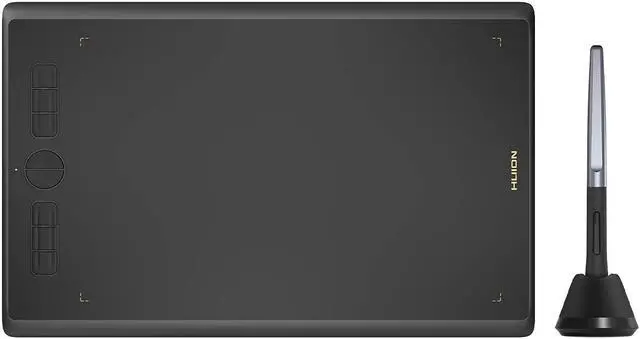
Drawing Tablet HUION Inspiroy H610X 10x6 inch Large Graphics Tablet with Battery-Free Stylus for Digital Art & Graphic Design, Compatible with Mac, Windows PC, Linux & Android
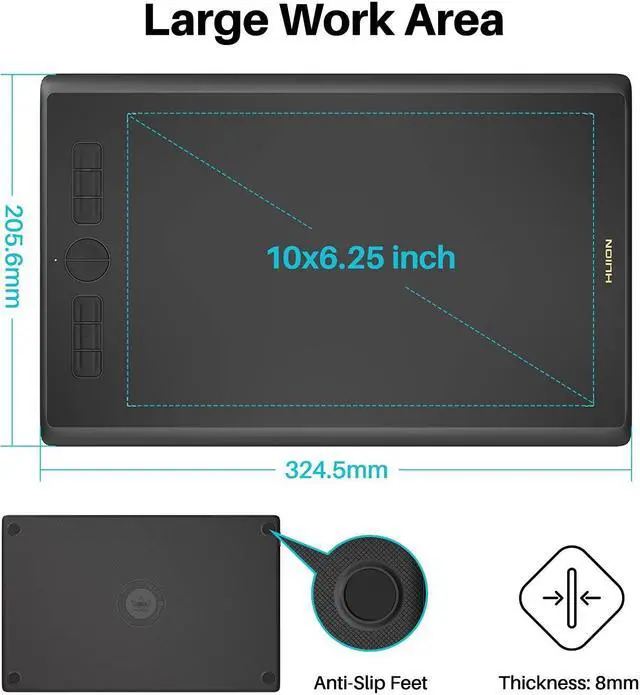
- Large Work Area - HUION Inspiroy H610X drawing tablet comes with 10x6.25 inches work area for drawing, sketching and modeling, which can match the screen of most laptops to assist you in better creation
- Matte Surface - The newly upgraded matte surface and fully covered panel bring you a natural pen-on-paper drawing experience and a tidy desk
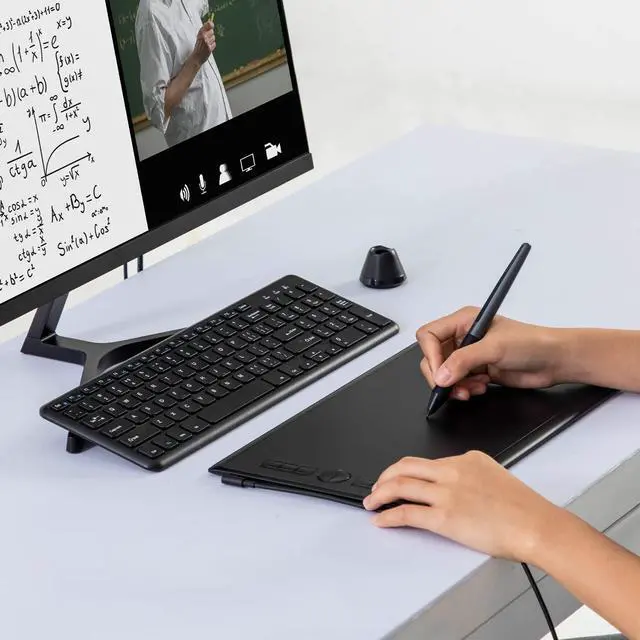
- Online Teaching and Learning - With the PW100 battery-free stylus teachers and students can write, calculate, annotate or teach like in the classroom. Inspiroy H610X is ideal for science subjects like biology or physiology, as teachers can write formulas and equations or annotate abstract shapes, and students can take notes, share work and solve problems through video apps. Its compatible with Word, PDF, OneNote, Zoom and so on
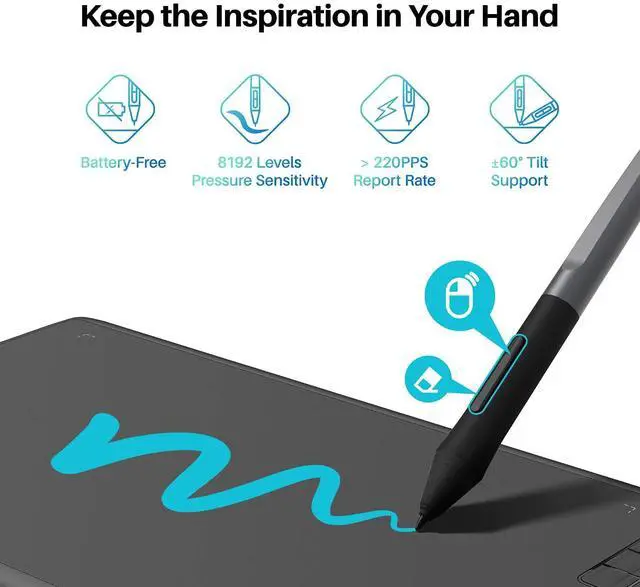
- ±60° Tilt Function - H610X is equipped with ±60° tilt function to provide smoother and more natural lines when you choose different brushes, making your creation more realistic
- 8192 Pen Pressure - The
+
+
Overview
Specs
Reviews
See all Q & A
Any questions? Our AI beta will help you find out quickly.
Try me now
FAQ
Q: Do I need to install a driver when connecting the tablet to an Android phone or tablet?
A: No, you dont need to install a driver. The pen tablet can work without installing any driver into your phone or tablet.
Q: Will the express keys and the pen buttons work in the phone mode?
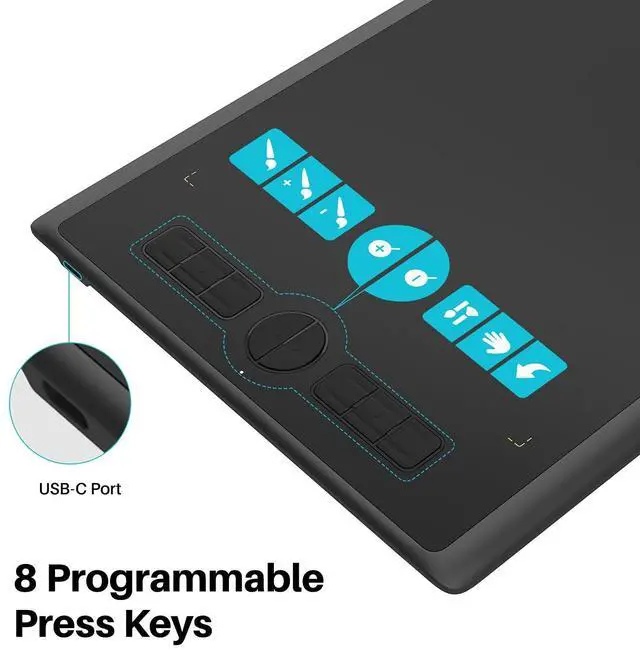
A: No, the express keys and the pen buttons cannot work in the phone mode.
Q: Press Keys does not work
A:
1. Make sure the Press Keys function were enabled in the driver.
2. Make sure you have correctly defined the Press Keys.
Warranty
Every HUION product comes with a one-year warranty
HUION customer service support provides lifetime technical support.
Q: Do I need to install a driver when connecting the tablet to an Android phone or tablet?
A: No, you dont need to install a driver. The pen tablet can work without installing any driver into your phone or tablet.
Q: Will the express keys and the pen buttons work in the phone mode?
A: No, the express keys and the pen buttons cannot work in the phone mode.
Q: Press Keys does not work
A:
1. Make sure the Press Keys function were enabled in the driver.
2. Make sure you have correctly defined the Press Keys.
Warranty
Every HUION product comes with a one-year warranty
HUION customer service support provides lifetime technical support.
Warranty & Returns
Warranty, Returns, And Additional Information
Warranty
- Please contact the Seller directly for warranty information. Warranty information may also be found on the Manufacturer's website.
- CONTACT
Return Policies
- Return for refund within: 30 days
- Return for replacement within: 30 days
- This item is covered by To the Internet media Return Policy
Manufacturer Contact Info
- For a directory of all our manufacturers, please click below.
- Manufacturers Directory
LOADING...