

Your Browsing History
- Free 30-day Returns
$61.99

Meet Your Seller


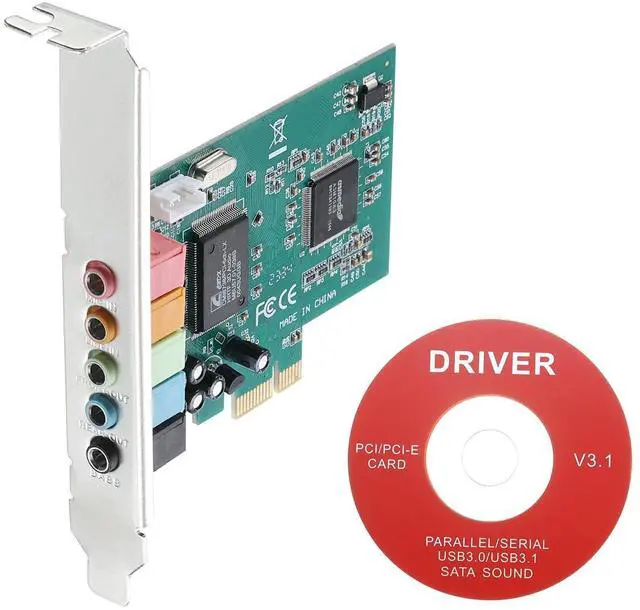
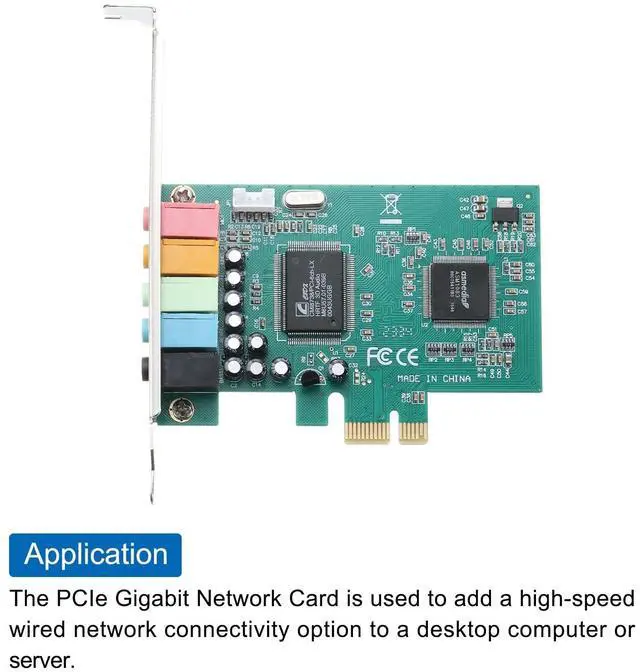


MECCANIXITY PCIe Sound Card, Internal 5.1 Stereo Audio Card 24 Bit with CD Computer Case Built-in PCIe Channel Adapter Board for Desktop, PC, Computer
- Provides surround sound field and clear sound quality, suitable for home theater, large-scale 3D games, music listening, karaoke and other entertainment. Support most systems.
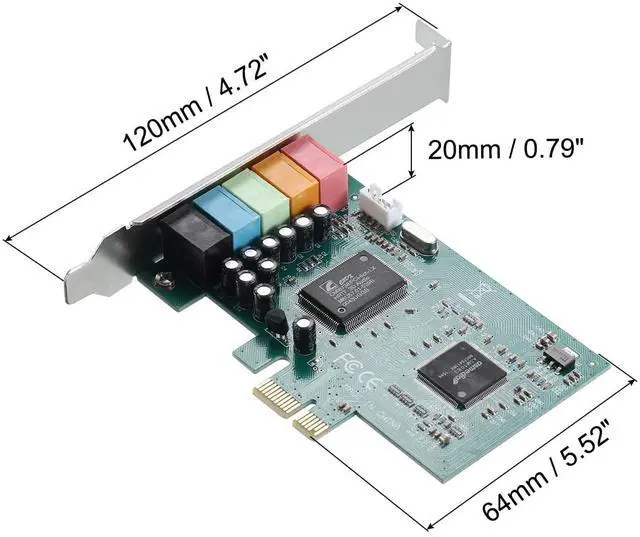
- Interface: 1x MIC (Red), 1x LINE (Orange), 1x F-OUT (Green), 1x EARPHONE (Blue), 1x BASS (Black); Total Size: 120 x 64 x 20mm/4.72 x 2.52 x 0.79-inch (L*W*H); In the package of: 1 x Stereo Audio Card, 1 x CD
- The sound card provides superior audio quality compared to the built-in sound capabilities of most computers. It can deliver crisp and clear audio with improved depth. With a 5.1 expand sound card, you can experience surround sound, making it perfect for gaming, watching movies, or listening to music.
- Steps of installation: 1. After installing the CD driver, the 3D audio control panel will appear in the lower right corner of the computer desktop; 2. Select "Speaker" to set up successfully.
- To plug in the PCI sound card, please stop the motherboard's own sound card or other external sound
+
+
Overview
Specs
Reviews

Any questions? Our AI mode will help you find out quickly.
Try me now
What is this?
Provides surround sound field and clear sound quality, suitable for home theater, large-scale 3D games, music listening, karaoke and other entertainment. Support most systems.
What will I get?
The PCIe Sound Card, we provide here, is
in size of:
Color: Green
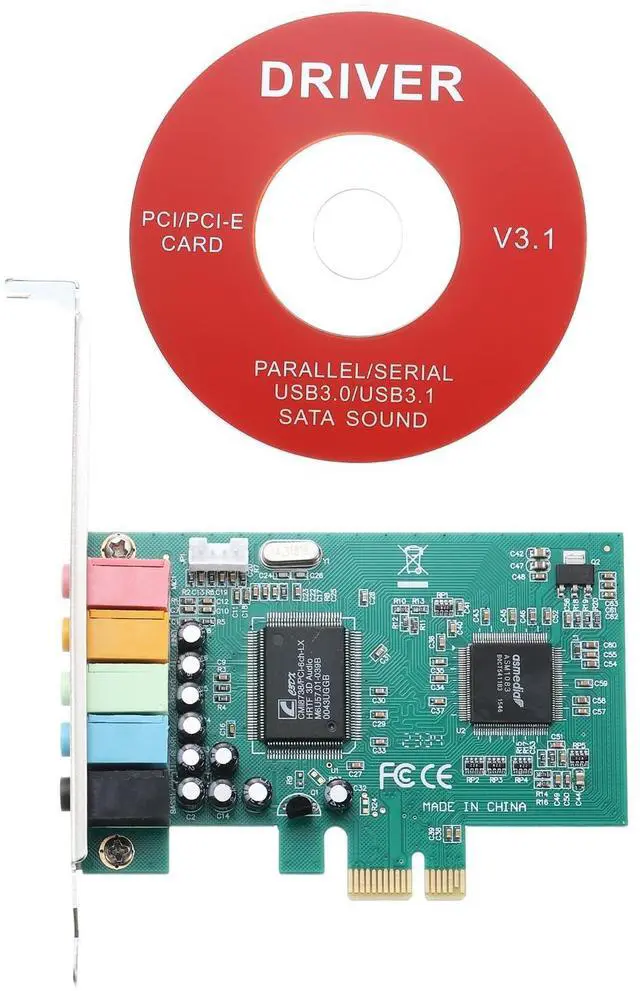
Interface: 1x MIC (Red), 1x LINE (Orange), 1x F-OUT (Green), 1x EARPHONE (Blue), 1x BASS (Black)
Total Size: 120 x 64 x 20mm/ 4.72 x 2.52 x 0.79 -inch (L*W*H)
In the package of: 1 x Stereo Audio Card, 1 x CD
Are there any advantages of the product?
The sound card provides superior audio quality compared to the built-in sound capabilities of most computers. It can deliver crisp and clear audio with improved depth.
With a 5.1 expand sound card, you can experience surround sound, making it perfect for gaming, watching movies, or listening to music.
How to use it?
Steps of installation:
1. After installing the CD driver, the 3D audio control panel will appear in the lower right corner of the computer desktop;
2. Select "Speaker" to set up successfully.
What should I notice?
To plug in the PCI sound card, please stop the motherboard's own sound card or other external sound cards.
Provides surround sound field and clear sound quality, suitable for home theater, large-scale 3D games, music listening, karaoke and other entertainment. Support most systems.
What will I get?
The PCIe Sound Card, we provide here, is
in size of:
Color: Green
Interface: 1x MIC (Red), 1x LINE (Orange), 1x F-OUT (Green), 1x EARPHONE (Blue), 1x BASS (Black)
Total Size: 120 x 64 x 20mm/ 4.72 x 2.52 x 0.79 -inch (L*W*H)
In the package of: 1 x Stereo Audio Card, 1 x CD
Are there any advantages of the product?
The sound card provides superior audio quality compared to the built-in sound capabilities of most computers. It can deliver crisp and clear audio with improved depth.
With a 5.1 expand sound card, you can experience surround sound, making it perfect for gaming, watching movies, or listening to music.
How to use it?
Steps of installation:
1. After installing the CD driver, the 3D audio control panel will appear in the lower right corner of the computer desktop;
2. Select "Speaker" to set up successfully.
What should I notice?
To plug in the PCI sound card, please stop the motherboard's own sound card or other external sound cards.
Warranty & Returns
Warranty, Returns, And Additional Information
Warranty
- Please contact the Seller directly for warranty information. Warranty information may also be found on the Manufacturer's website.
- CONTACT
Return Policies
- Return for refund within: 30 days
- Return for replacement within: 30 days
- This item is covered by StarDragon Return Policy
Manufacturer Contact Info
- For a directory of all our manufacturers, please click below.
- Manufacturers Directory
LOADING...