• $134.99
  • Free 30-day Returns
  • Price alert
    Shop it at NeweggBusiness.

    Meet Your Seller

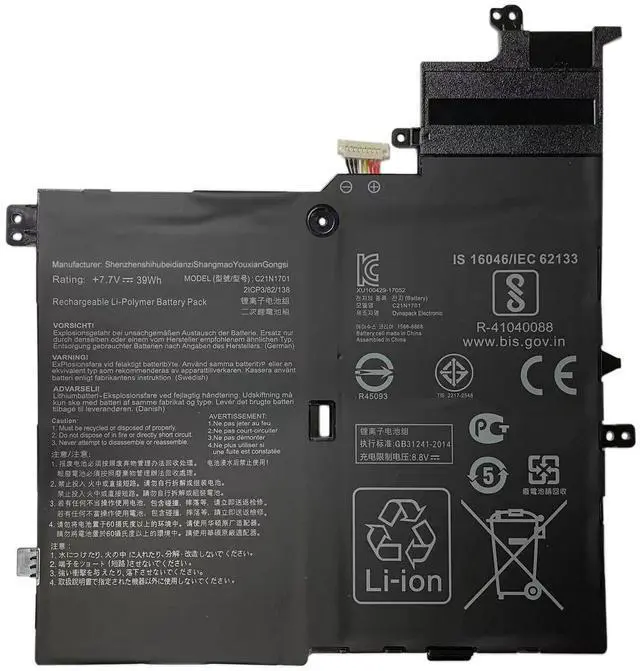
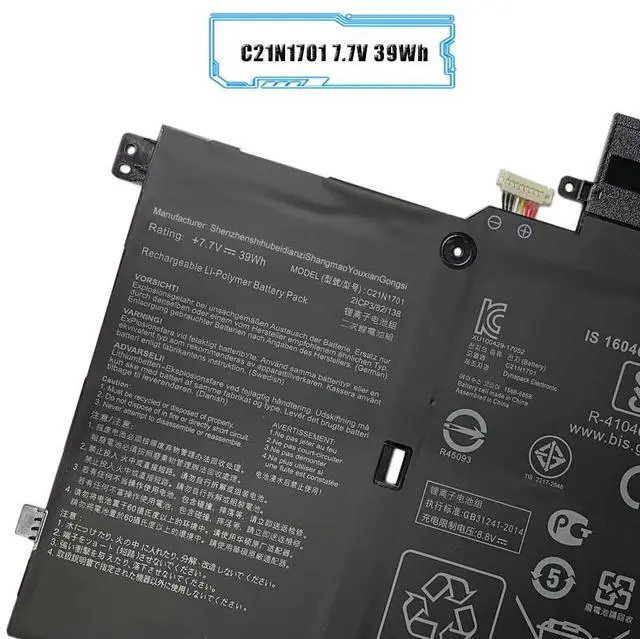
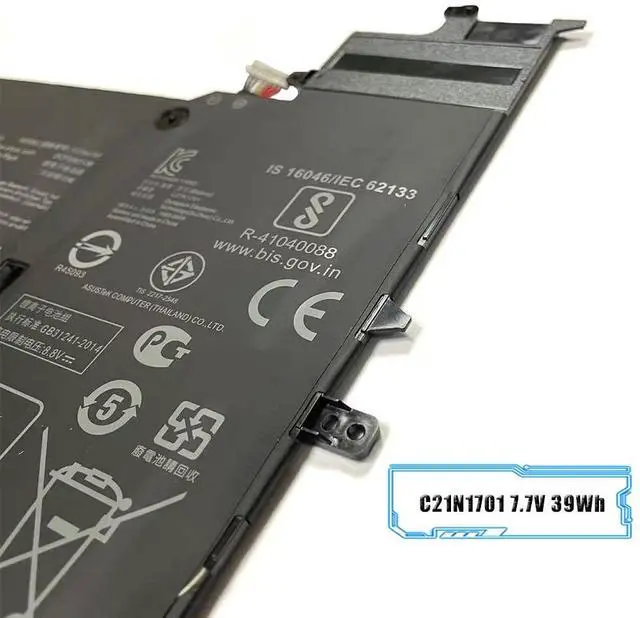
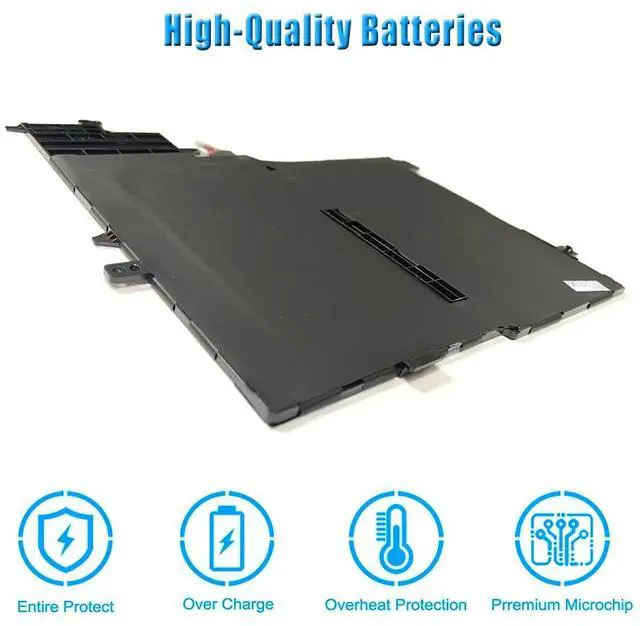
    LIXIEKE C21N1701 7.7V 39Wh Laptop Battery Replacement for ASUS VivoBook S460UA S460U K406UA S406UA-BM360T S406UA-BM146T S406UA-BM148T C21PQC5

    • [SPECIFICATION] Battery Type: Li-ion; Voltage: 7.7V; Capacity: 39Wh; Package Included: 1X Battery. ATTENTION: In order to purchase the correct battery, we recommendthat you open the back cover of your laptop and confirm the original battery model

    • [COMPATIBLE PART NUMBER] C21N1701 C21PQC5 0B200-02640000.
    • [COMPATIBLE MODEL] For ASUS VivoBook S460UA S460U K406UA S406UA-BM360T S406UA-BM146T S406UA-BM148T Series.
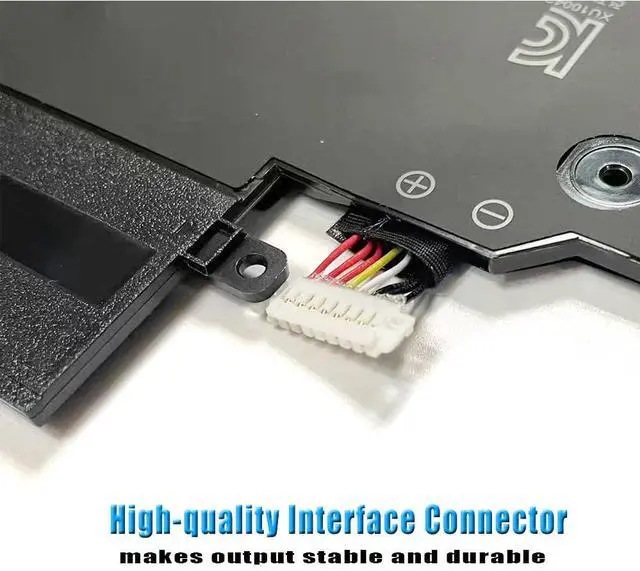
    • [CERTIFIED AND SAFETY] Built-in circuit protection ensures both safety and stability. All products are Certified by CE & ROHS for safety. Strict guidelines for compatibility, and standards compliance for environment safety. Grade A cells ensure fast charges and low power consumption. 100% New from Manufacturer.
    • WHAT CAN YOU GETPackages includes: 1PC replacement battery.
    +
    +
    Overview
    Specs
    Reviews
    avatar

    Any questions? Our AI beta will help you find out quickly.

    Specification:
    Battery Type: Li-ion;
    Voltage: 7.7V;
    Capacity: 39Wh;
    Package Included: 1X Battery.
    Compatible Part Number:
    C21N1701 C21PQC5 0B200-02640000.
    Compatible Model:
    For Asus
    VivoBook S406U
    VivoBook S14 S406UA-BM174T
    VivoBook S14 S406UA-BV023T
    VivoBook S14 S406UA-BV026T
    VivoBook S14 S406UA
    VivoBook X406UA
    VivoBook S14 S406UA-BM013T
    VivoBook S14 X406UA
    VivoBook S14 X406U
    VivoBook S14 S406UA-BV021T
    VivoBook S14 S406UA-BV027T
    Note: This is an aftermarket replacement Parts. Any brand name is used solely for the purpose of demonstrating compatibility.
    Note:

    1. In the first cycle after purchase, please discharge the battery to 2%, and then fully charge it. Please note that the complete performance and life of the new lithium-ion battery can only be achieved after 2 to 3 complete charge and discharge cycles.

    2. If you do not use it for a long time, please charge the battery by more than 70%.

    3. In order to purchase the correct battery, we recommendthat you open the back cover of your laptop and confirm the original battery model

    Warranty & Returns

    Warranty, Returns, And Additional Information

    Warranty

    • Please contact the Seller directly for warranty information. Warranty information may also be found on the Manufacturer's website.
    • CONTACT

    Return Policies

    • Return for refund within: 30 days
    • Return for replacement within: non-replaceable
    • This item is covered by JMDesign Return Policy

    Manufacturer Contact Info

    LOADING...