• $127.99
  • Free 30-day Returns
  • Price alert
    Shop it at NeweggBusiness.

    Meet Your Seller

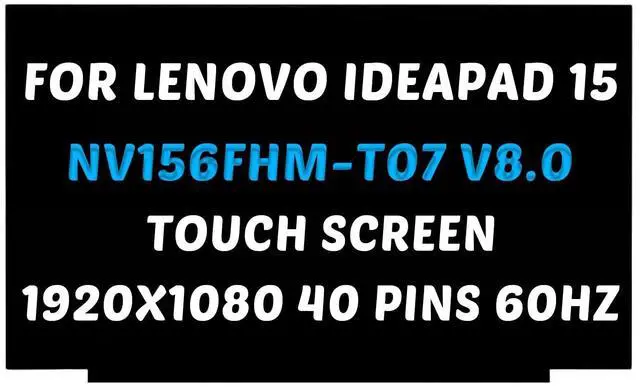
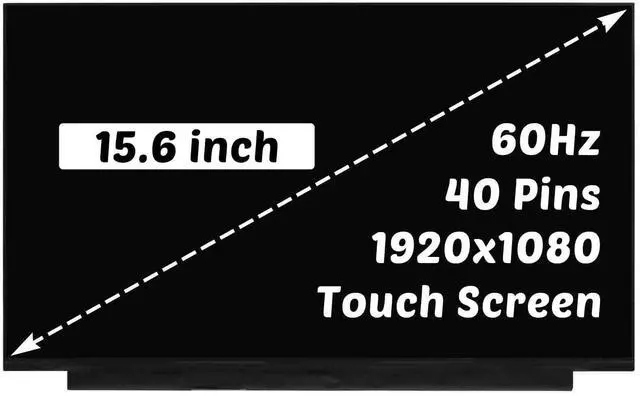
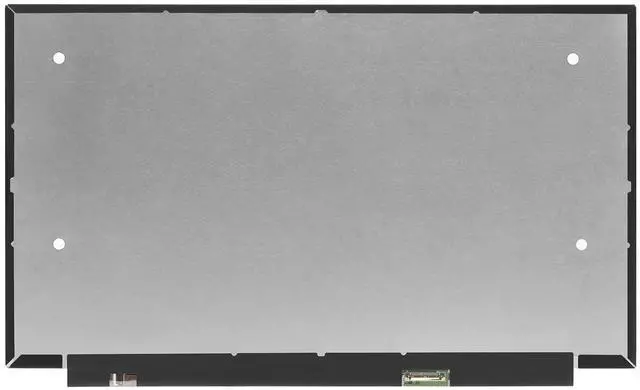
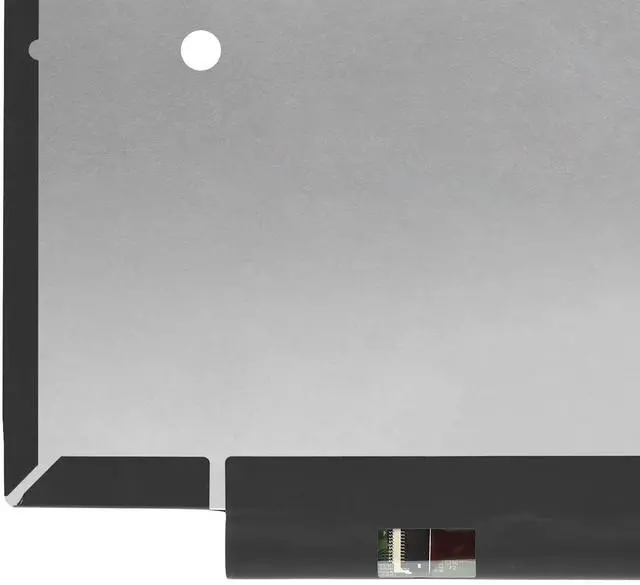
    NV156FHM-T07 Replacement for Lenovo IdeaPad Slim 3 15IAH8 15IRH8 15IRU8 15AMN8 15ABR8 Type 82XM 82X7 82XQ 82XM0032US 1920X1080 15.6 inch 40 Pins 60Hz LCD Screen Display Panel (for Touch Screen On

    • for Model Number: NV156FHM-T07 Replacement for Lenovo IdeaPad Slim 3 15IAH8 15IRH8 15IRU8 15AMN8 15ABR8 Type 82XM 82X7 82XQ 82XM0032US LCD Display Digitizer Panel. (for Touch Screen Only)
    • Screen size: 15.6 inches, maximum resolution: 1920x1080 , please refer to this information to compare with your computer, if you can not confirm, please contact me, we will be patient for you.
    • Easy to replace: If there is a broken screen, the screen does not turn on, the screen touch does not work, there are pixelated dots, the screen does not display and so on, you can buy it, he can be a good solution to your problem.
    • Note before installation: before installing the screen, please unplug the power and battery cables to avoid burning the motherboard, if the screen does not touch, do not turn on, you can use alcohol to wipe the interface to try.
    • Suitable for your screen: if you don't confirm the model of your computer, please send us a photo of the bottom of your computer, and tell us
    +
    +
    Overview
    Specs
    Reviews
    avatar

    Any questions? Our AI beta will help you find out quickly.

    for
    Model Number: NV156FHM-T07 Replacement for Lenovo IdeaPad Slim 3 15IAH8 15IRH8 15IRU8 15AMN8 15ABR8 Type 82XM 82X7 82XQ 82XM0032US LCD Display Digitizer Panel. (for Touch Screen Only) ^^
    Screen size: 15.6 inches, maximum
    resolution: 1920x1080, please refer to this information to compare with your computer, if you can not confirm, please contact me, we will be patient for you.
    ^^ Easy to replace: If there is a broken screen, the screen does not turn on, the screen touch does not work, there are pixelated dots, the screen does not display and so on, you can buy it, he can be a good solution to your problem.
    ^^ Note before installation: before installing the screen, please unplug the power and battery cables to avoid burning the motherboard, if the screen does not touch, do not turn on, you can use alcohol to wipe the interface to try. ^^
    Suitable for your screen: if you don't confirm the model of your computer, please send us a photo of the bottom of your computer, and tell us the resolution and whether it supports touch.

    Warranty & Returns

    Warranty, Returns, And Additional Information

    Warranty

    • Please contact the Seller directly for warranty information. Warranty information may also be found on the Manufacturer's website.
    • CONTACT

    Return Policies

    • Return for refund within: 30 days
    • Return for replacement within: 30 days
    • This item is covered by LingGo Return Policy

    Manufacturer Contact Info

    LOADING...