Get a $25 Newegg Promo Gift Card when you spend $250+ between 1/17/26 and 1/19/26. Learn More>
  • $57.99
  • Free 30-day Returns
  • Price alert
    Shop it at NeweggBusiness.

    Meet Your Seller

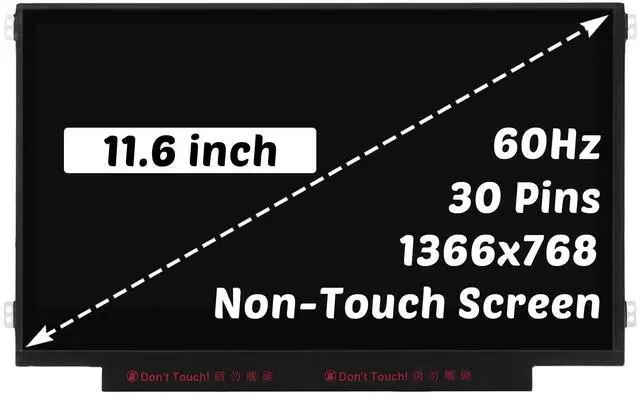
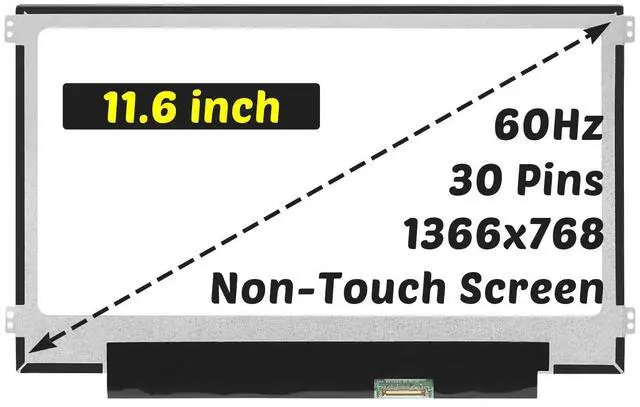
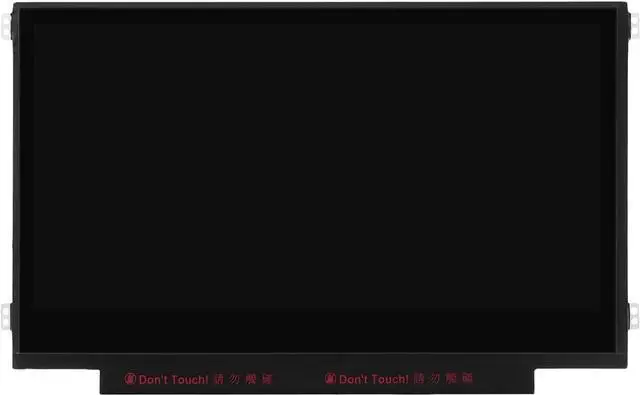
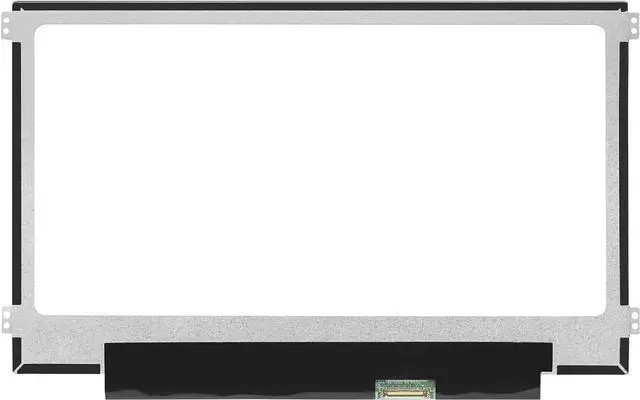
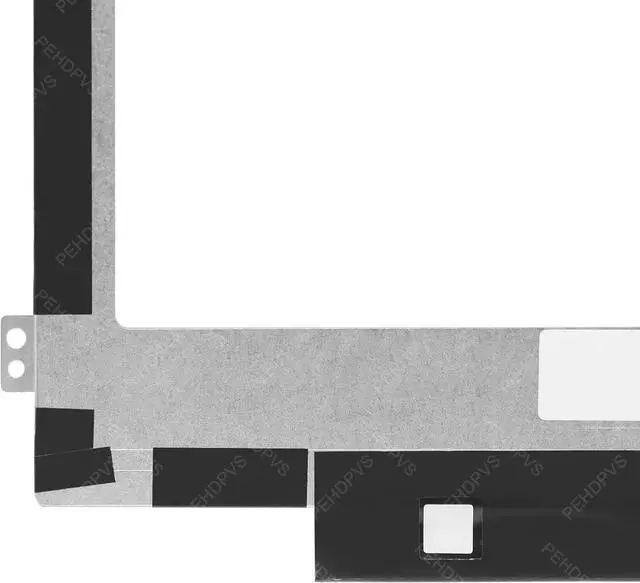
    Replacement for Acer Chromebook 11 Spin 311 C733 C720 C721 C722 C723 C730E C731 C732 C734 C736 C740 C771 CB311-9H CB311-10H CB311-11H 1366x768 11.6" 60HZ 30Pin LED LCD Non-Touch Screen Display Panel

    • for Model Number: Replacement for Acer Chromebook Spin 311 C720 C721 C722 C723 C730E C731 C732 C733 C734 C736 C740 C771 LCD Display Digitizer Panel. (for Non-Touch Screen Only)
    • Screen size: 11.6 inches, maximum resolution: 1366x768 , please refer to this information to compare with your computer, if you can not confirm, please contact me, we will be patient for you.
    • Easy to replace: If there is a broken screen, the screen does not turn on, the screen touch does not work, there are pixelated dots, the screen does not display and so on, you can buy it, he can be a good solution to your problem.
    • Note before installation: before installing the screen, please unplug the power and battery cables to avoid burning the motherboard, if the screen does not touch, do not turn on, you can use alcohol to wipe the interface to try.
    • Suitable for your screen: if you don't confirm the model of your computer, please send us a photo of the bottom of your computer, and tell us the resolution an
    +
    +
    Overview
    Specs
    Reviews
    avatar

    Any questions? Our AI beta will help you find out quickly.

    for
    Model Number: Replacement for Acer Chromebook Spin 311 C720 C721 C722 C723 C730E C731 C732 C733 C734 C736 C740 C771 LCD Display Digitizer Panel. (for Non-Touch Screen Only) ^^
    Screen size: 11.6 inches, maximum
    resolution: 1366x768, please refer to this information to compare with your computer, if you can not confirm, please contact me, we will be patient for you.
    ^^ Easy to replace: If there is a broken screen, the screen does not turn on, the screen touch does not work, there are pixelated dots, the screen does not display and so on, you can buy it, he can be a good solution to your problem.
    ^^ Note before installation: before installing the screen, please unplug the power and battery cables to avoid burning the motherboard, if the screen does not touch, do not turn on, you can use alcohol to wipe the interface to try. ^^
    Suitable for your screen: if you don't confirm the model of your computer, please send us a photo of the bottom of your computer, and tell us the resolution and whether it supports touch.

    Warranty & Returns

    Warranty, Returns, And Additional Information

    Warranty

    • Please contact the Seller directly for warranty information. Warranty information may also be found on the Manufacturer's website.
    • CONTACT

    Return Policies

    • Return for refund within: 30 days
    • Return for replacement within: 30 days
    • This item is covered by kaipuda Return Policy

    Manufacturer Contact Info

    LOADING...