

Your Browsing History

Meet Your Seller

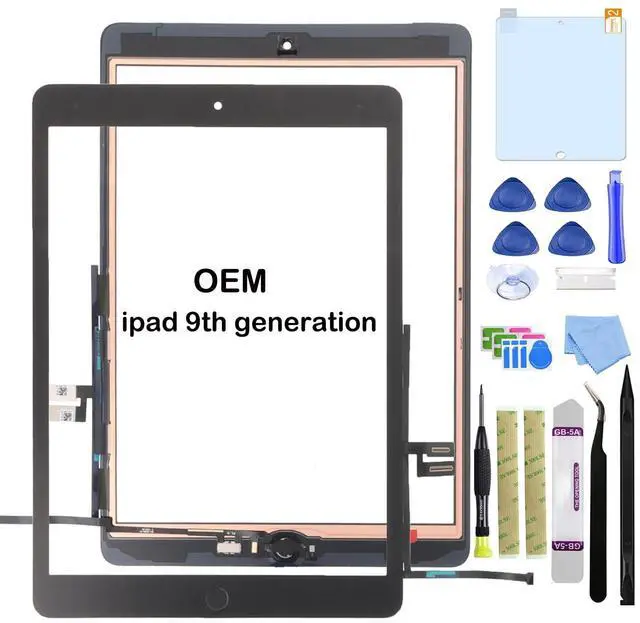
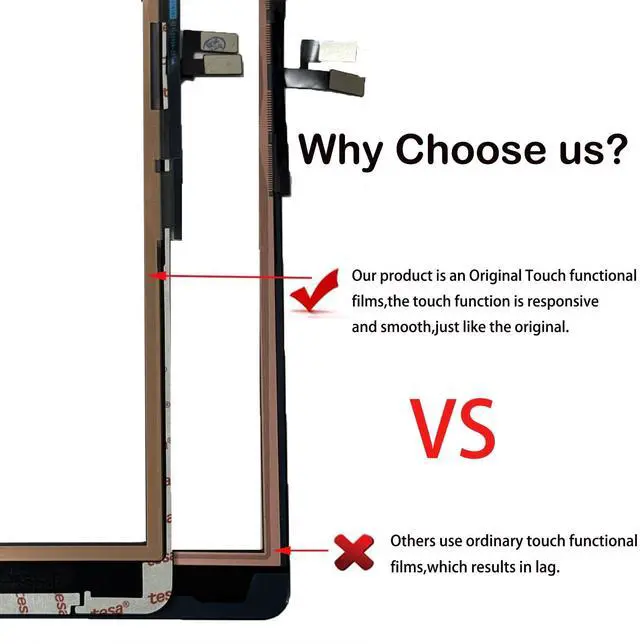
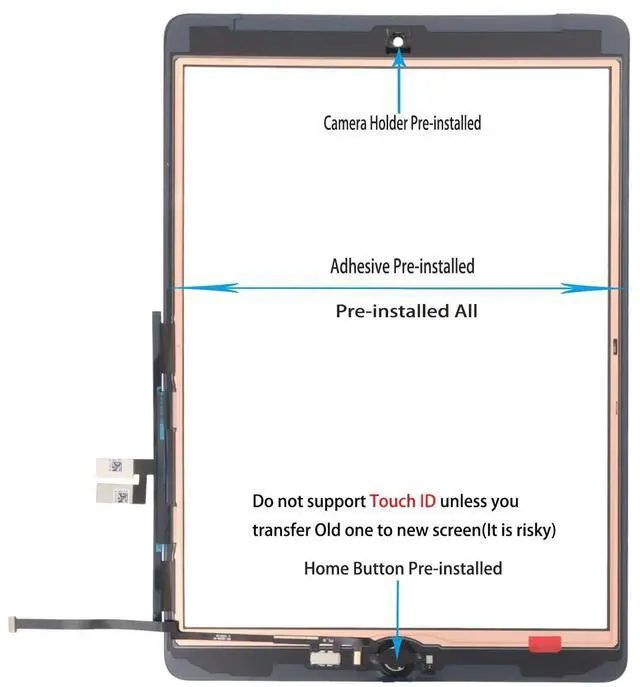


Paisrulim for iPad 9 (9th Generation) Screen Replacement, OEM Digitizer Touch Glass Replacement for ipad 9th Gen 10.2 inch (A2602 A2603 A2604 A26052021 Released) with Home Button (NO LCD)
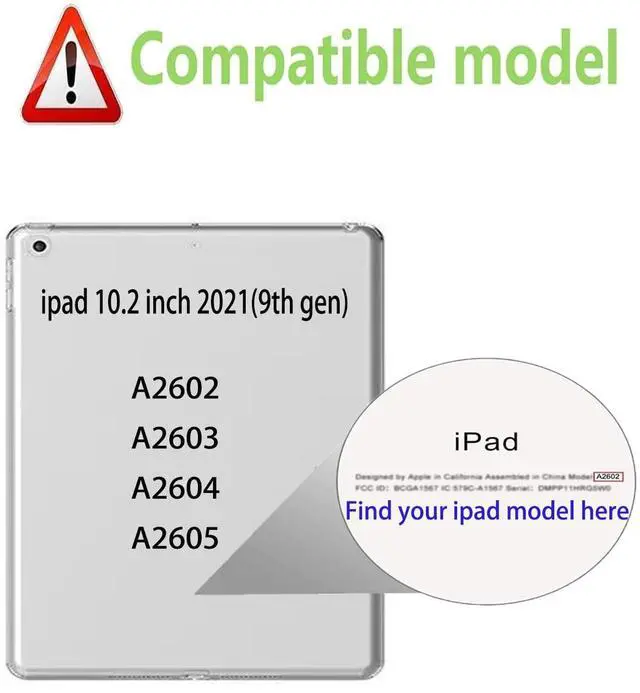
- CompatibleOnly for iPad 9th Generation touch screen replacement,models (2021 A2602 A2603 A2604 A2605) 10.2 inch, NOT for other models, please confirm your iPad model before you order the item.
- Repair touch digitizerThis iPad 9th digitizer replacement can be used for repairing or replacing any damage, like replace cracked, broken, damaged, dead, fault touch digitizer.
- Easy InstallationlYou just watch a YouTube video for iPad 9th gen screen replacement, according to the video operation, you can easily install a new touch screen.
- Quality GuaranteedAll touch screens for iPad 9th gen screen replacement parts of our products are rigorously tested. For quality problems caused by non-human factors, you can get a new replacement or refund service without worrying about installation.
- NoteWe provide the best service to our customers. If there is any installation question with this iPad 9th screen replacement, please reach out us via message for assist. We will help you solve the prob
+
+
Overview
Specs
Reviews

Any questions? Our AI mode will help you find out quickly.
Try me now
Compatible: Only fit for iPad 9th screen replacement (Model A2602 A2603 A2604 A2605) 10.2 inch. Please make sure you ipad model.
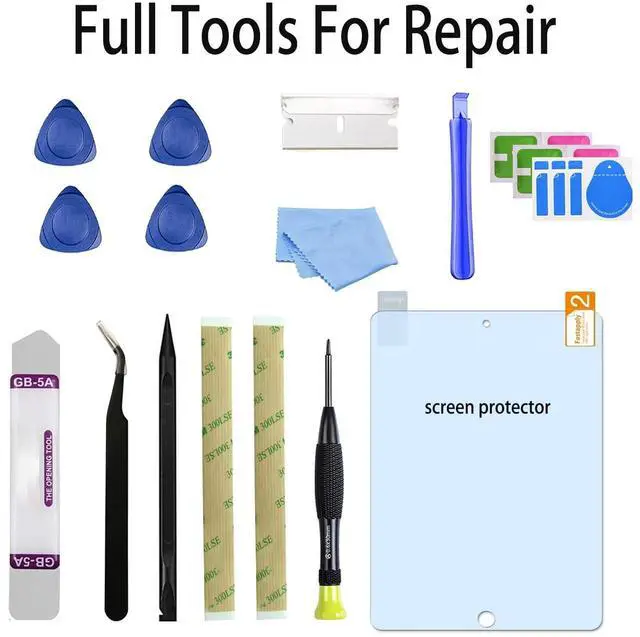
Installation Note: 1. We highly recommend watching the video to become familiar with the procedures before attempting the installation. 2. Turn off your iPad before beginning disassembly. Please disconnect battery flex cable of your iPad before you install new screen. 3. Do not press the top and bottom of the backside, or this screen replacement for iPad 9th screen will be damaged. 4. Be careful! You may tear the cable or bend the gold needle! If you still make a mistake, only the manufacturer can still help you and say install an accident/user error to get help. 5. It is recommended to heat the edges of the iPad with a heat gun or hair dryer before using a small blade, taking care not to get scratched by the blade. 6. If you have any problem need our help, please contact us via message, we will try our best to help you solve the problem.
Installation Note: 1. We highly recommend watching the video to become familiar with the procedures before attempting the installation. 2. Turn off your iPad before beginning disassembly. Please disconnect battery flex cable of your iPad before you install new screen. 3. Do not press the top and bottom of the backside, or this screen replacement for iPad 9th screen will be damaged. 4. Be careful! You may tear the cable or bend the gold needle! If you still make a mistake, only the manufacturer can still help you and say install an accident/user error to get help. 5. It is recommended to heat the edges of the iPad with a heat gun or hair dryer before using a small blade, taking care not to get scratched by the blade. 6. If you have any problem need our help, please contact us via message, we will try our best to help you solve the problem.
Warranty & Returns
Warranty, Returns, And Additional Information
Warranty
- Please contact the Seller directly for warranty information. Warranty information may also be found on the Manufacturer's website.
- CONTACT
Return Policies
- Return for refund within: 30 days
- Return for replacement within: 30 days
- This item is covered by kaipuda Return Policy
Manufacturer Contact Info
- For a directory of all our manufacturers, please click below.
- Manufacturers Directory
LOADING...