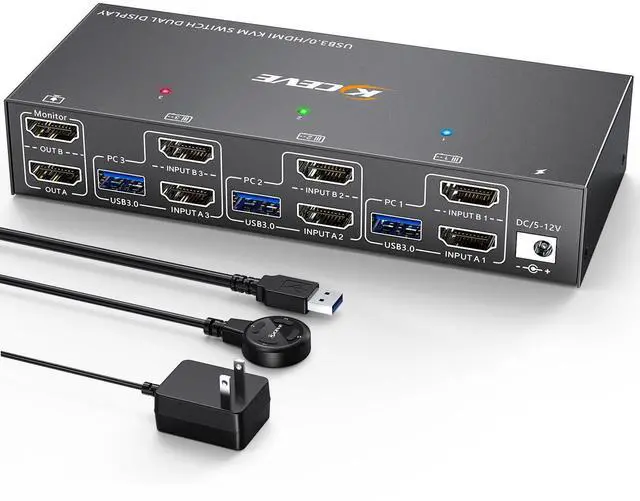
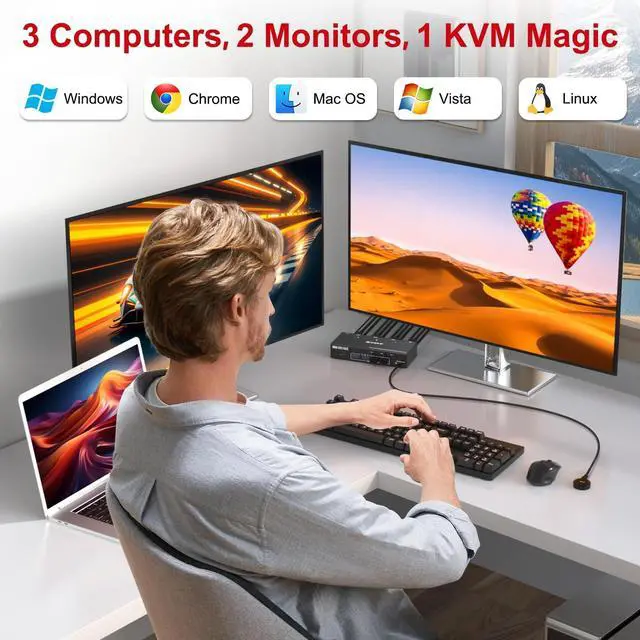
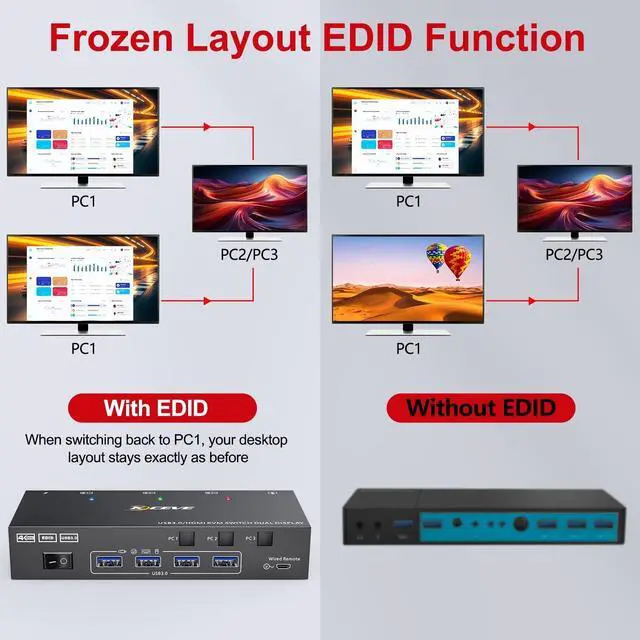
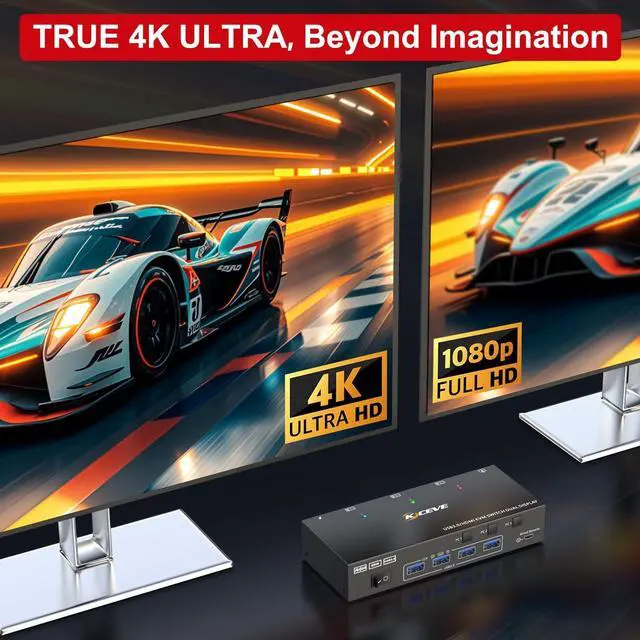
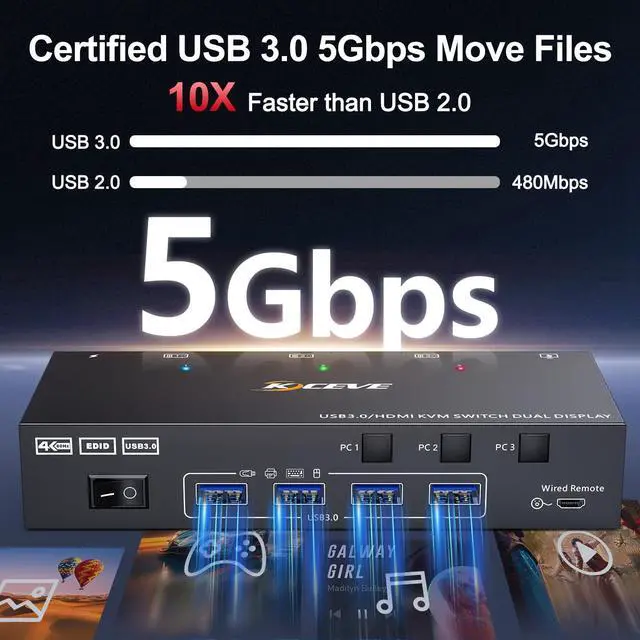
KVM Switch 3 ComputersThis HDMI KVM switch enables you to control 3 computers with 2 monitors and shared USB 3.0 peripheral devices, offering a flexible 3-in-2-out solution. It supports both extended and mirrored display modes for flexible screen setups, boosting productivity and simplifying multi-computer management. ^^ Convenient EDID ManagementThe built-in EDID function helps maintain a stable screen resolution and desktop layout for each computer, even after switching. This smart feature prevents the need for repeated screen adjustments when switching back to a previous computer. ^^ 4K@60Hz High-Definition VisualsEnjoy a crisp, smooth viewing experience with support for up to 4K@60Hz resolution.
Backward compatible with lower resolutions, this KVM delivers vibrant image qualityactual performance depends on your graphics card, monitor, and cables. ^^ 4K@60Hz High-Definition VisualsEnjoy a crisp, smooth viewing experience with support for up to 4K@60Hz resolution. Backward compatible with lower resolutions, this KVM delivers vibrant image qualityactual performance depends on your graphics card, monitor, and cables. ^^ Two Easy Ways to SwitchSwitch between computers effortlessly using either the front-panel buttons or the included remote control ( 1.5 m range). This flexibility lets you manage 3 computers from the comfort of your seating position.
LED indicators clearly show the active computer.
NOTE: keyboard hotkeys are not supported. ^^ Two Easy Ways to SwitchSwitch between computers effortlessly using either the front-panel buttons or the included remote control ( 1.5 m range). This flexibility lets you manage 3 computers from the comfort of your seating position. LED indicators clearly show the active computer.
NOTE: keyboard hotkeys are not supported. ^^ 12-Month Warranty & Reliable SupportAs a technical product, occasional compatibility questions may arise. We provide comprehensive after-sales support, including replacements and technical help, backed by a 12-month warranty. We're always here and welcome you to reach out. ^^ Important Notes1. Before purchase, please connect your computer and monitor directly to test dual-display output. 2. Each computer needs to plug in 2 HDMI cables and 1 USB cable(No cross-connections) for proper video and USB function. 3. Use the included 12V DC power adapter to ensure stable operation. 4. For best high-resolution performance, use 8K HDMI cables shorter than 5ft/ 1.5 m.