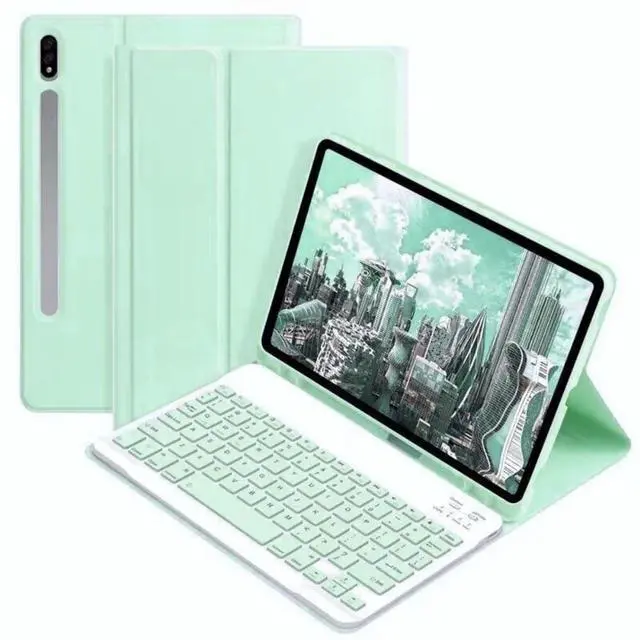
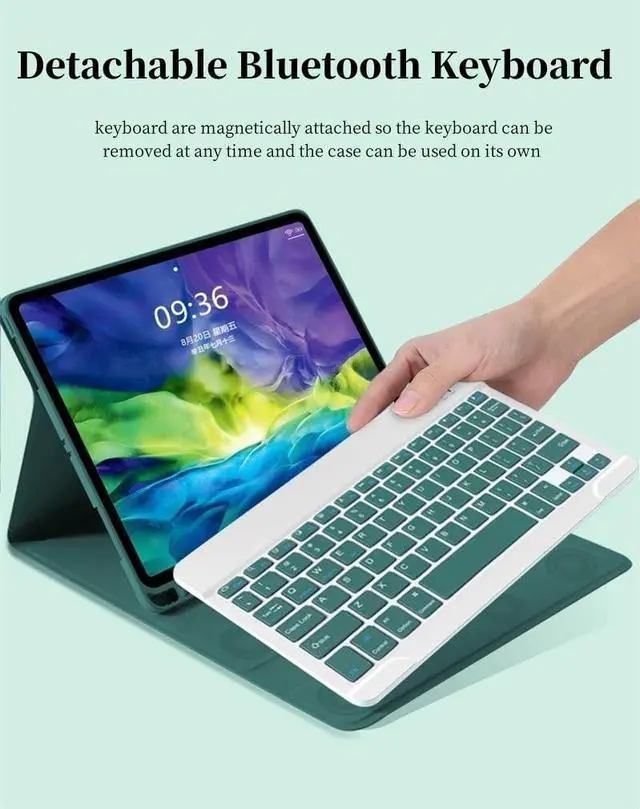
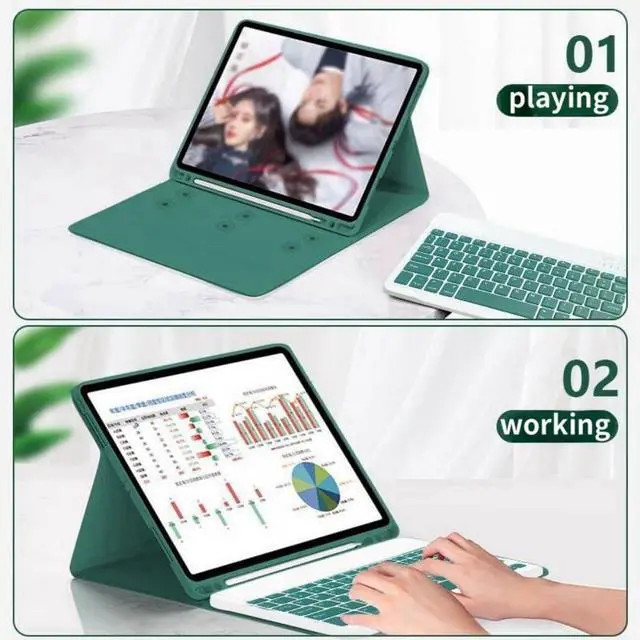
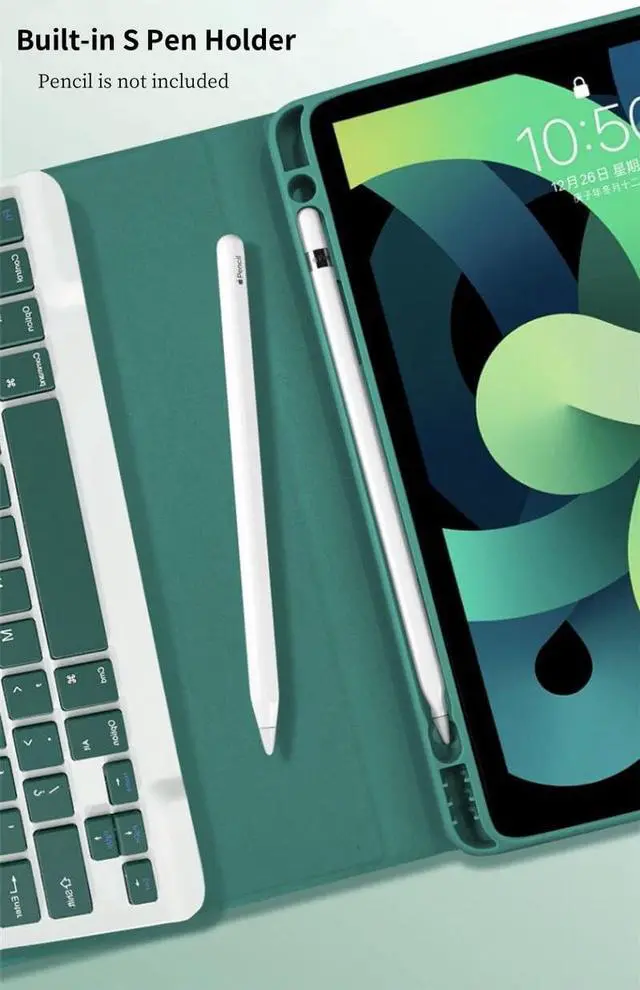
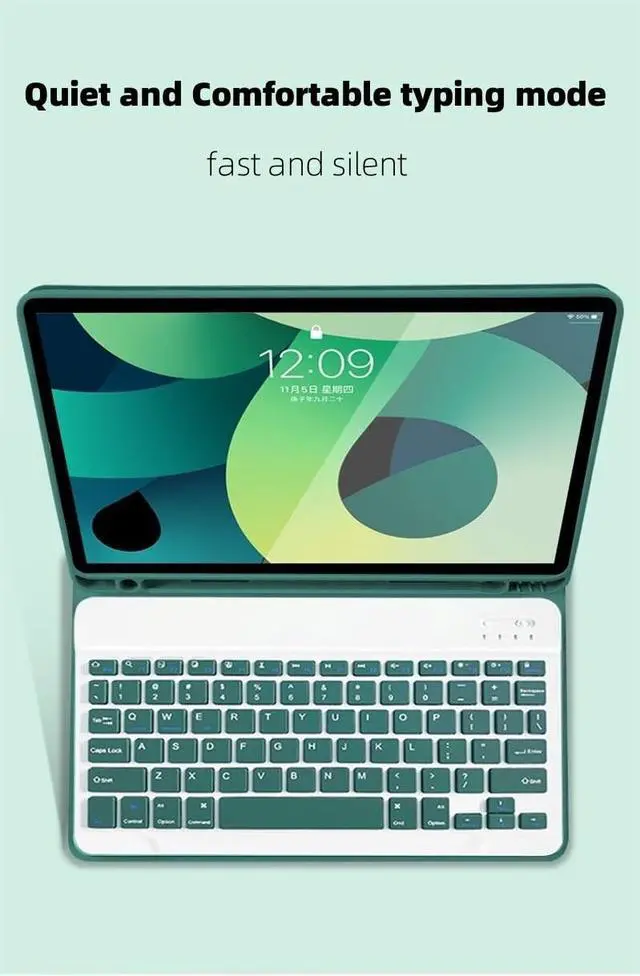
About Galaxy Tab keyboard caseFolio MagneticBuilt-in S Pen Holder360 Full Body Protective CaseCandy Color Keyboard and CaseDaily Life Waterproof Detachable Magnetic Keyboard3 Magnetic Stand Angle (support 120/125/135 viewing angles)Samsung Tablet Wireless Connection1, Turn on the power, the power indicator Iights on for 1 second ( if the indicator is red, please charge in time )2, Press the connect key for 2 second, the Wireless indicator blue Iights flicker into the pairing state, and the effectjve time is about 120 seconds. 3, Open the Wireless search function of the external device, click the " Wireless Keyboard " searched.
4, After the pairing is successful, the indicator lights go out, and you can use the keyboard. 5, if your tablet is Galaxy Tab (Android System), you need press "Fn + Q" together, note: press this two button together. now it can work well. 6, if there is no operation in 10 minutes, the keyboard will go to sleep state and wait for 2~3 seconds by any key to wake up