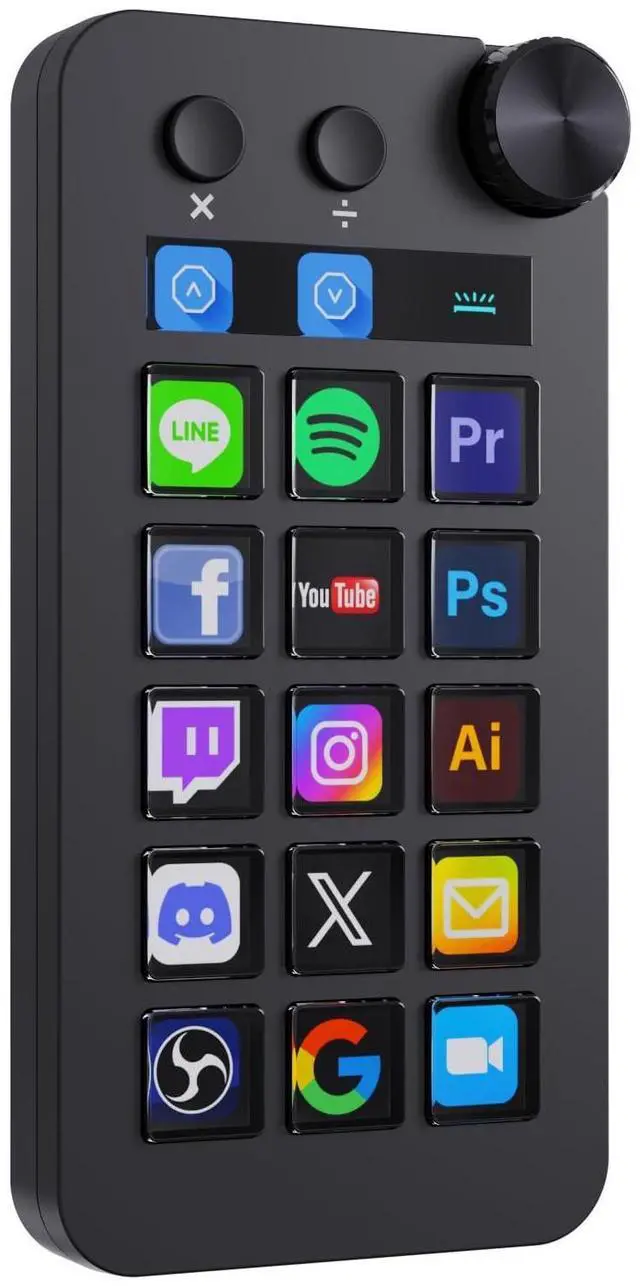
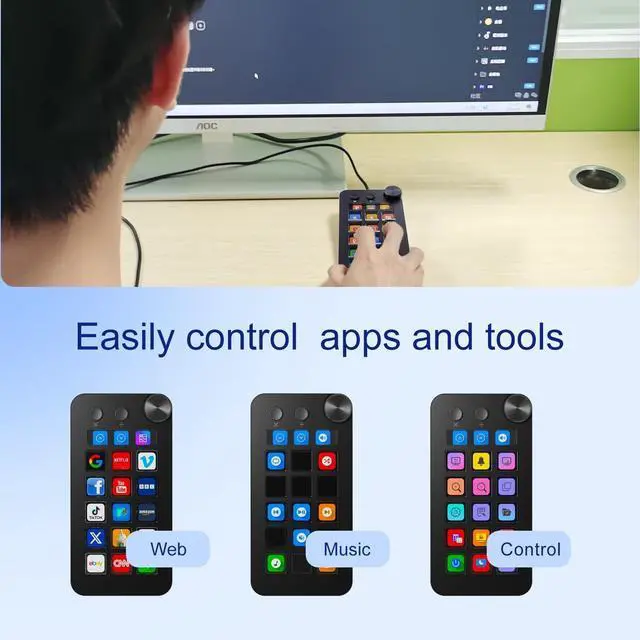
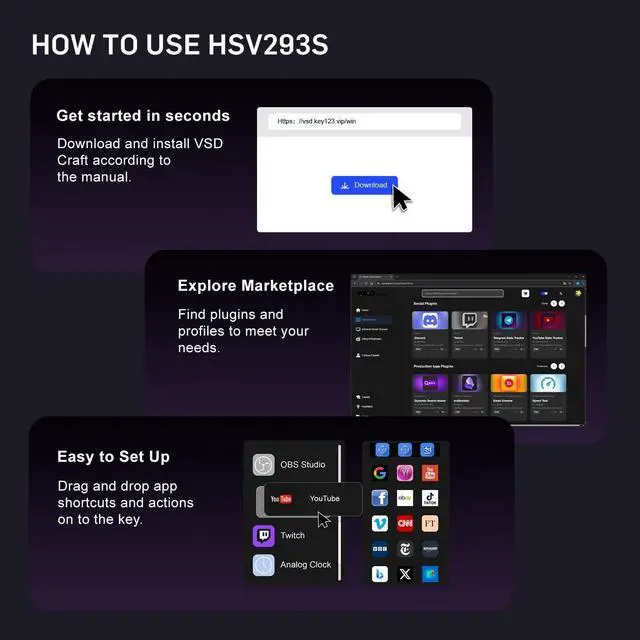
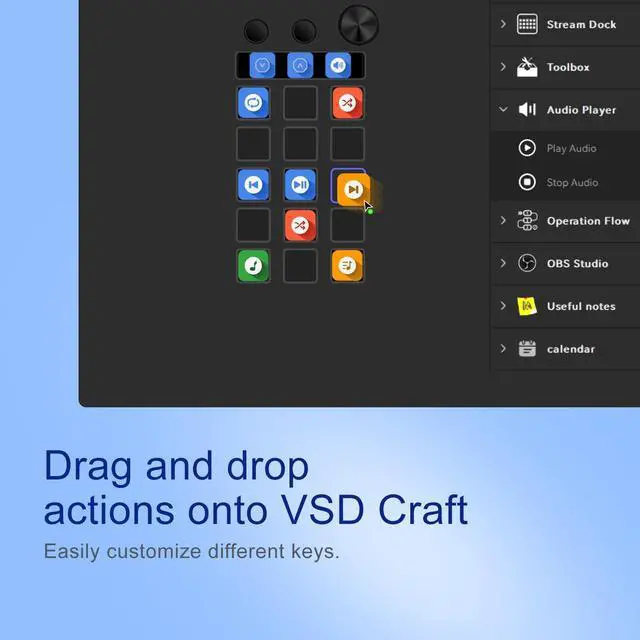
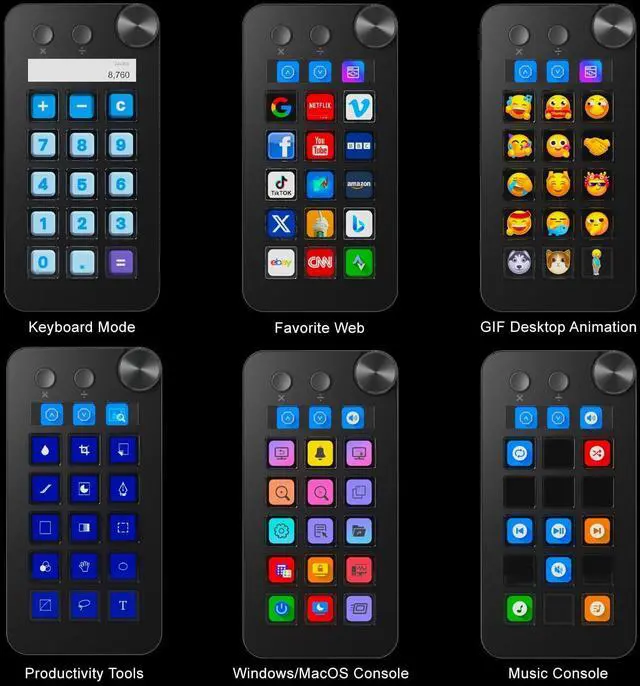
Customizable Stream Control Deck N1 Stream Controller equipped with 18 customizable macro keys, it lets you effortlessly trigger endless actions and take control of apps, tools, and platformsno need to switch window to access the functions you want. ^^ Three Collaboration ModesDifferent with other Stream Controller, N1 with three modes, you can switch modes by the rotary knob: Digital Mode, Calculator Mode, Custom Mode. ^^ One-Touch Operation Macro KeypadThe customizable USB macro keypad/Stream Controller delivers instant efficiency with its one-touch functionality. A single click triggers unlimited actionsfrom launching macros, text input, file/website access, media control, and OBS scene switching to social post launches, audio adjustments, mic muting, and light control (single or multiple actions). Designed for gamers, streamers, professionals, creatives, and anyone needing quick hotkey access, it streamlines tasks intuitively. ^^ Wide Application CompatibleN1 Stream Dock works seamlessly with PC, Windows, and macOS, plus integrates effortlessly with leading software including OBS Studio (Windows 10 64-bit+/macOS Catalina 10.15 +), Streamlabs, Twitch, YouTube, Twitter, Discord, Spotify, Voicemod, Excel, Word, and Photoshop. Simply connect via USB-C to start using in seconds and the included software is very easy to install and operate. ^^ Extensive Plugins MarketplaceThe Stream Dock equiped with VSDinside marketplace for you to download, It offers thousands of free and premium options, including 200+ plugins, icons profiles and scenes for controlling apps like Discord, Twitch, and OBS for streamers and podcasters.
^^ Supports dynamic iconsWhile most stream dock on the market are limited to static image icons, the N3 breaks new groundgoing beyond basic picture icons to support dynamic animated ones. Whats more, you can even use your favorite animations to create custom animated icon scenes for your device, transforming your interface from dull and static to uniquely vibrant and full of personality. ^^ Please NoteIf you want use Spotify integration, you must have an active Spotify Premium account. ^^ Technical SupportIf you encounter any issues during use, our dedicated engineering team is ready to assist you promptly.





 here!
here!
 Top Rated