Can't Connect the Bluetooth? Please reset the keyboard and then reconnect the
Bluetooth: 1. Turn on the keyboarad; 2. Press and hold the first and the last key at the top row of the keyboard until all indicators start flashing; 3. Bluetooth light flickers quickly, auto entering Bluetooth pairing mode (If not, press Fn + 1 or 2); 4. Search and find "Wireless keyboard".
^^ Multi-OS Compatible: The keyboard is widely compatible with Android, Windows and iOS devices. Also the basic typing function works with other OS devices such as fire tablets.
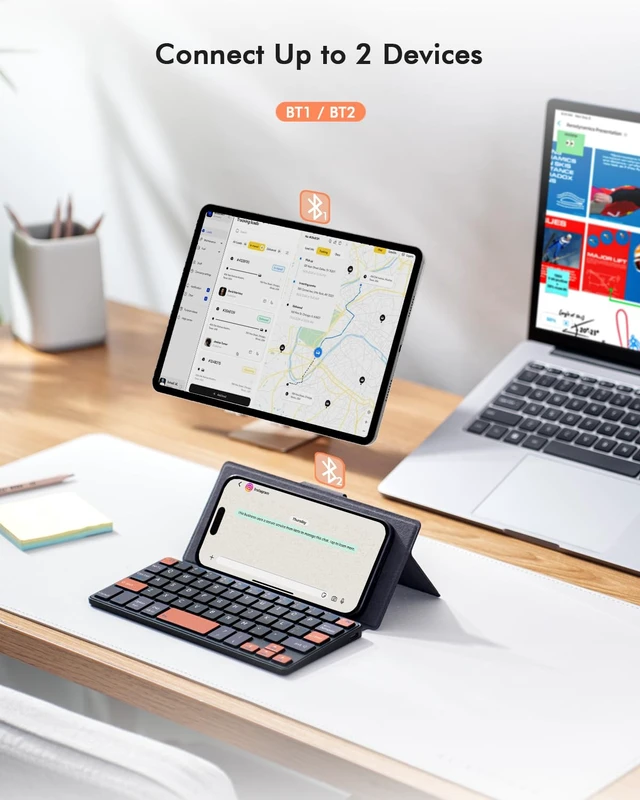
^^ Connect 2 Devices: Seamless switching between 2 Bluetooth devices (iOS/Android/Windows) with single-tap transitions (Fn+"1"/ "2"). ^^ Orange Keys for
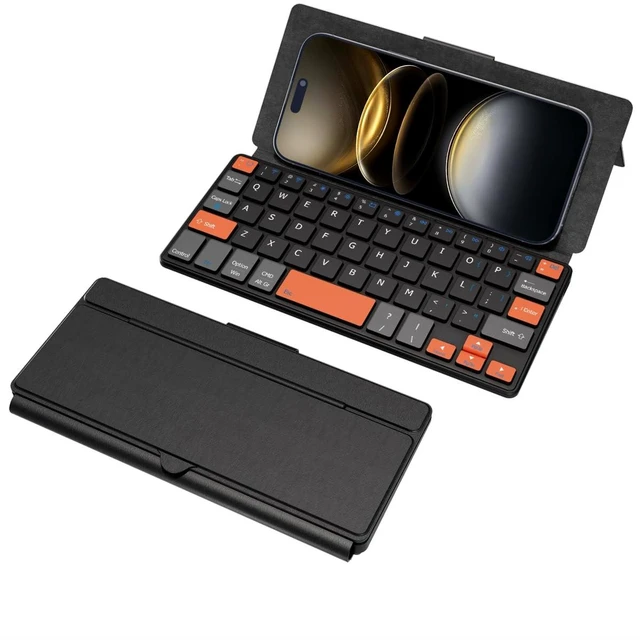
Productivity Boost: The color-coded design help you to position the keys effortlessly and reduce mistyping. The orange keys are more visible than standard keys, engineered for speed typists.
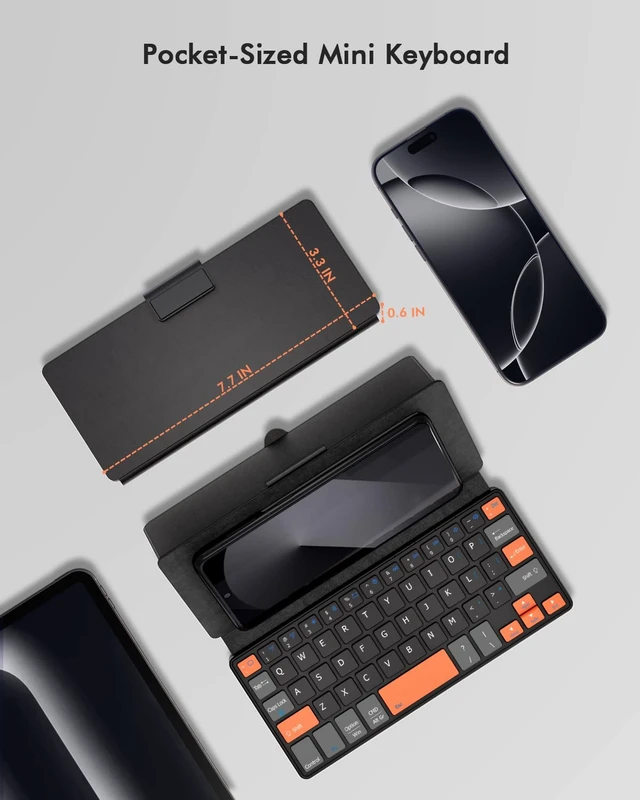
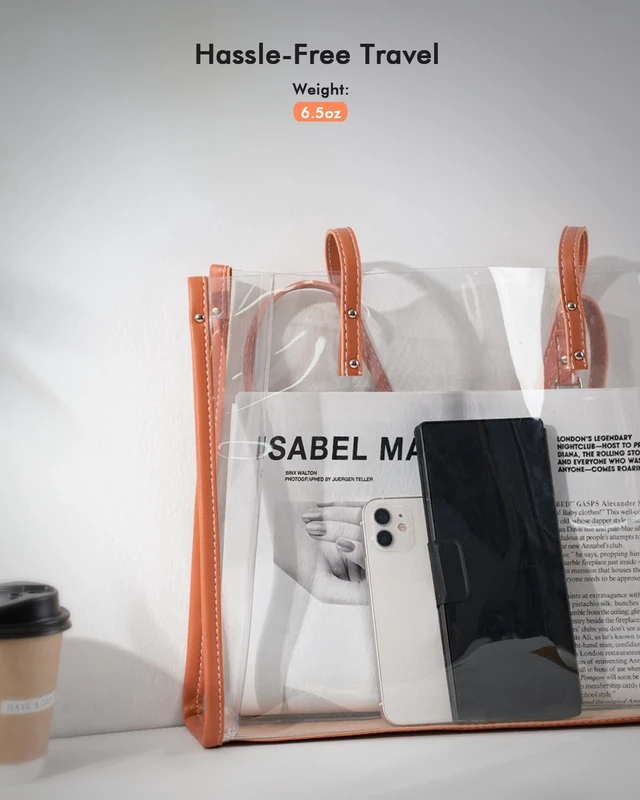
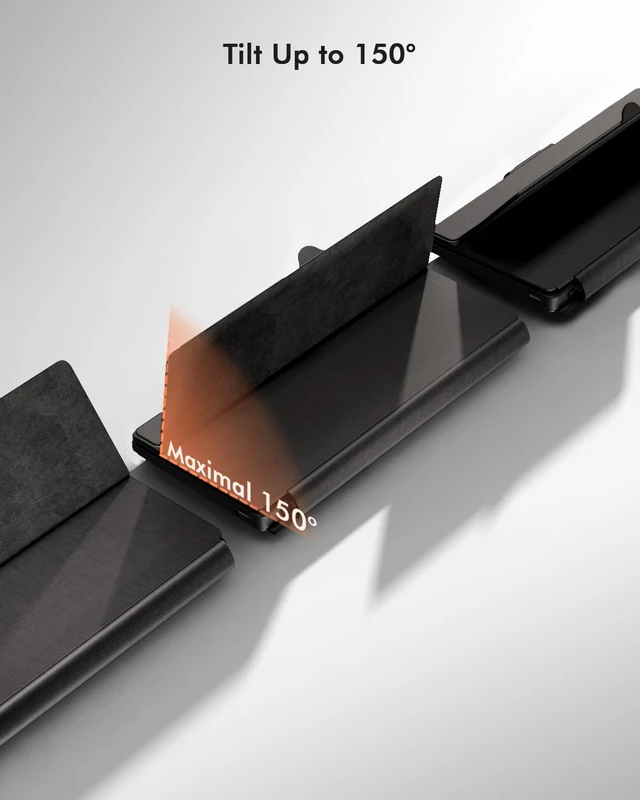
^^ Compact & Travel-Friendly: Only 6oz weight and slim 0.6 in profile fits in most handbags. The flexible hinge allows you to fold it up for travel perfect for coffee shops, flights, or campus life.





 here!
here!