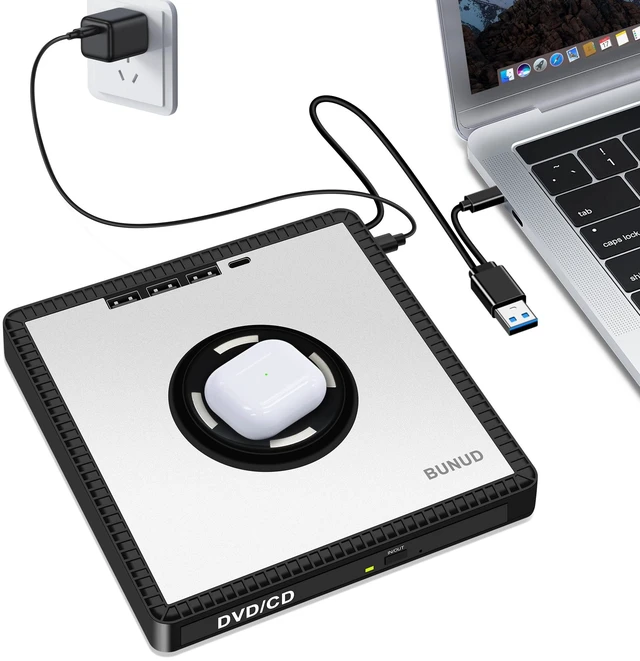
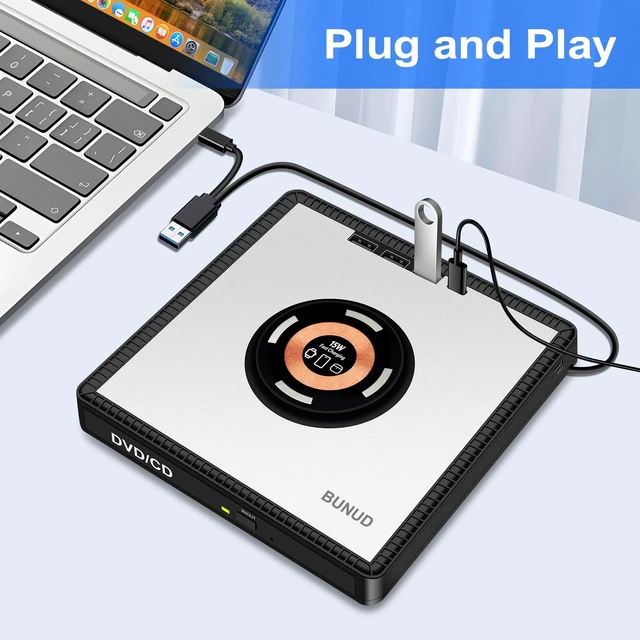
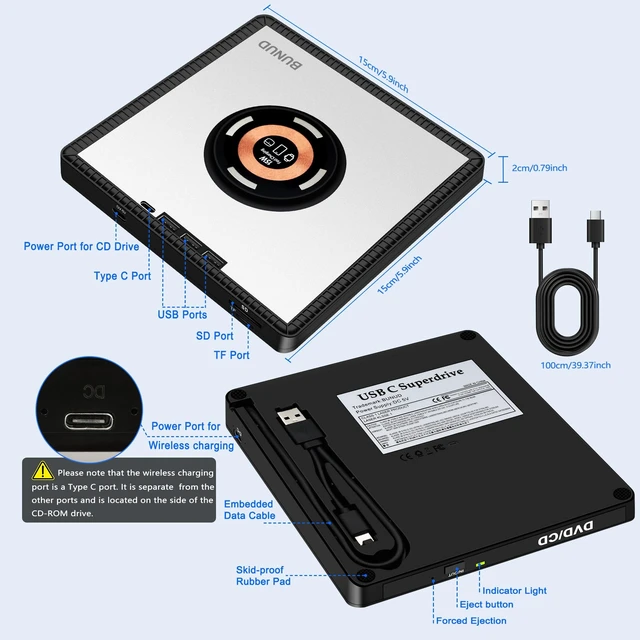
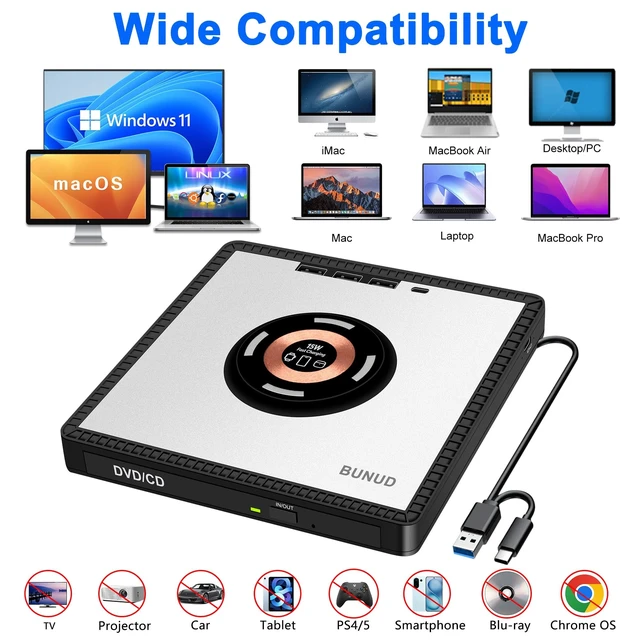
Plug & Play External CD DVD Drive: BUNUD External CD Drive for mac have two connectors -- USB 3.0 & Type C, just plug it and insert the disc and it will be detected and used immediately. External DVD drive has an independent SD/TF card slot, 3 USB ports and 1 Type C ports, 2 Type c power ports. You can transfer photos and videos directly from SD/TF card into the computer, USB Hard Drive and flash drive ^^
Wide Compatibility: CD burner for laptop is compatible with Windows 11/10/ 8.1 /7/Vista/XP/98/SE/ME/2000, Linux and all versions of Mac OS. You can use DVD player for laptop on almost all computers such as MacBook Pro/Air, iMac, Mac Mini, Laptop, and Desktop, PC, all-in-one computers. With the addidtional wireless charging function, you can use it fast charging for your iPhone12-16/Apple Watches/AirPods.
Please note: This DVD drive external can not work for iPad/ Tablet/ Projector/ TV/Chrome OS/Car/Smart Phone/Blu-ray/4K disc ^^ Some tips with
Mac: When connecting the optical drive to Mac system, please note -
1. Insert the disc first, the computer will not display the device icon until the disc has been inserted and successfully read
2. The computer will automatically play the disc once it has been successfully recognized ^^ Plug & Play External CD/DVD Drive: The CD reader for laptop no need for external driver and Power supply. Just plug it into the USB port or type c port, and insert the disc and it will be detected and used immediately (For desktops, please connect it to the USB port on the back to avoid power shortage). The CD Rom external drive has strong error correction, anti-skid and quiet capabilities ^^ Compact and
Portable: BUNUD cd drive external USB is slim and it is only 0.8 lb. Embedded cable design make it easy to organize, skip-proof rubber pad prevents sliding on the desktop, cd player can easily fit into your bag, ideal for home, office, travling or business. And the wireless charging function make you get charging freedom, you can use DVD burner and charging for iPhone/Apple Watches/AirPods anytime anywhere ^^ High
Speed Read/Write: External DVD Drive for laptop have two connectors -- USB 3.0 & Type C, which support USB 3.0 high speed data transmission. And the DVD player supports CD-ROM, CDR/RW, DVD-ROM, DVD-RAM, DVDR/RW, VCD, SVCD and M-discs. Max 8x DVD read/write speeds and Max 24x CD read/write speeds ^^ Some Thing to
Know Before Buying:
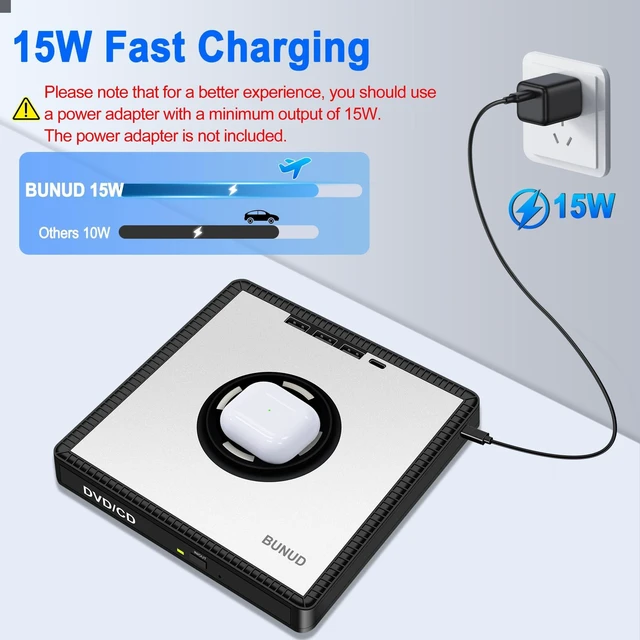
1. For a better charging experience, you should use a power adapter with a minimum output of 15W, and the power adapter is not included
2. The wireless charging port is a Type C port. It is separate from the other ports and is located on the side of the CD-ROM drive
3. Connect the USB 3.0 Type-C data cable (Embedded under the drive) to your computerdo not confuse it with the power cable
4. Please check the compatibility list carefully to ensure the drive works with your device before purchasing





 here!
here!