If the battery is still not charging fully being recognized, here is the steps to try: 1. Turn off the laptop. 2. Unplug AC power. 3. Remove the battery. 4. Replace AC power. 5. Turn on laptop,allow OS to boot. 6. Once logged in to the machine,perform a normal shut donw. 7. Unplug AC power .8. Replace battery. 9. Turn on laptop,allow os to boot
30 Days Money Back or Free Exchange Guarantee,12 Months quality assurance (QA)
+
+
Overview
Specs
Reviews
Any questions? Our AI beta will help you find out quickly.
Try me now
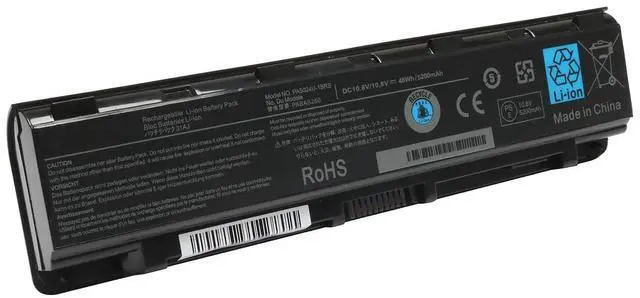
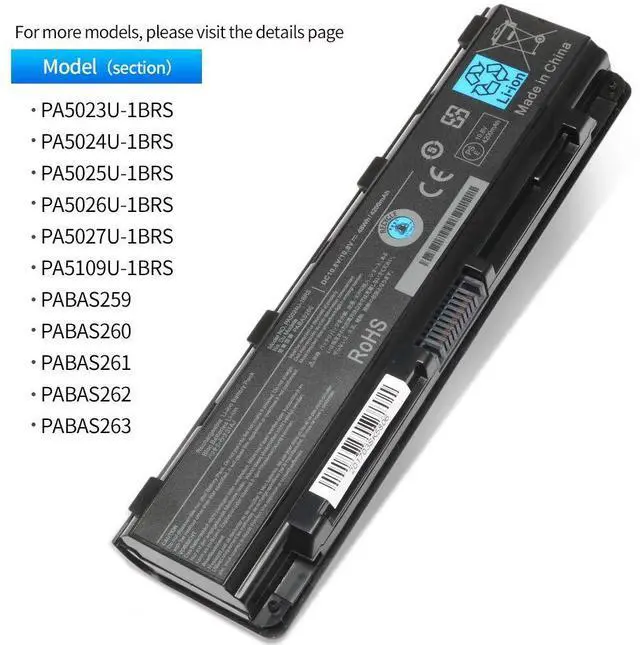
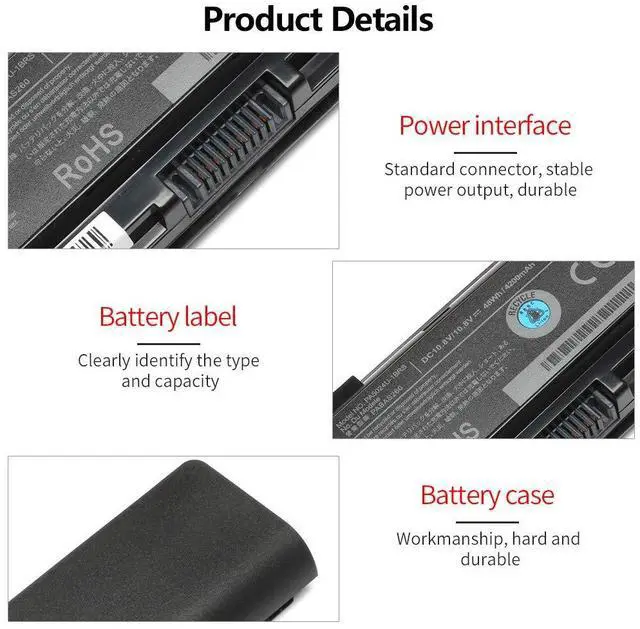
New PA5024U-1BRS Laptop Battery Compatible with Toshiba Satellite C55 C55-A C55T C55DT C55D C855 C855D L855 L875 P855 P875 S855 S875 Series Battery PA5109U-1BRS PA5026U-1BRS -12 Months Assurance
Learn more about the Detailed Specifications
Additional Information
First Listed on Newegg
June 03, 2025
There are no reviews yet.
Do you own this product?
Warranty & Returns
Warranty, Returns, And Additional Information
Warranty
Please contact the Seller directly for warranty information. Warranty information may also be found on the Manufacturer's website.