

Your Browsing History
- Free 30-day Returns
$52.99


Meet Your Seller

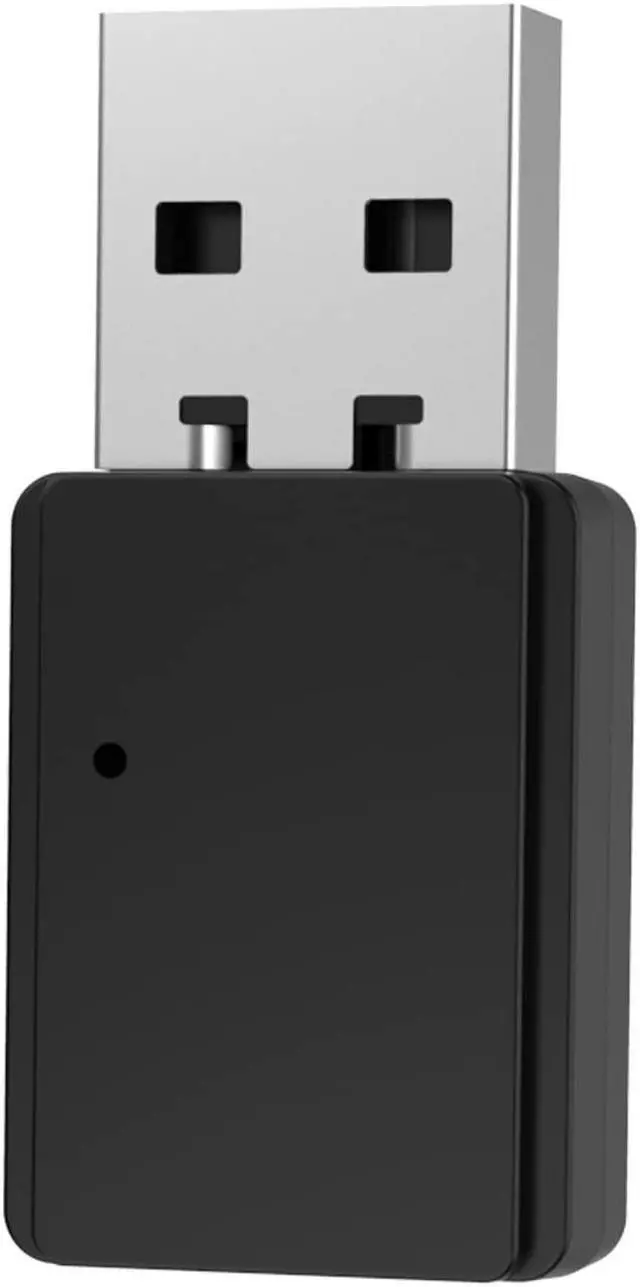

Vonztek Bluetooth USB Dongle Wireless Adapter (only Audio) for Vonztek BT-88 Series Hedset
- 1. Plug the USB dongle into your PC/MAC/laptop USB-A port. 2.The dongle will enter the Pair mode, LED flashes Red/Blue.
- 3. Slide the ON/OFF button on the BT-88 headset to the middle gear, headset on. 4. Slide and hold the button to the PAIR side for 3 secs until headset indicator shows Blue/Red light flashing, headset enter the Pair MODE.
- 5. Wait for 3-5 secs,Normally they would pair automaticallv. 6.The dongle will shows LED solid blue, and the headset will both flashing only Blue light, meaning paired successfully.
- 7. Click PC sound icon(on the bottom right side of Windows/Topright side of MAC), choose 'BT-88 Dongle'.
- 8.IF you need to Connect with 2 devices: First pair with the dongle or your cellphone, make sure when you pair with the second device, the first device's Bluetooth function should be turn off.
+
+
Overview
Specs
Reviews

Any questions? Our AI mode will help you find out quickly.
Try me now
1. Plug the USB dongle into your PC/MAC/laptop USB-A port. 2. The dongle will enter the Pair mode, LED flashes Red/Blue.
Warranty & Returns
Warranty, Returns, And Additional Information
Warranty
- Please contact the Seller directly for warranty information. Warranty information may also be found on the Manufacturer's website.
- CONTACT
Return Policies
- Return for refund within: 30 days
- Return for replacement within: 30 days
- This item is covered by HAIZHILANSTORE Return Policy
Manufacturer Contact Info
- For a directory of all our manufacturers, please click below.
- Manufacturers Directory
LOADING...