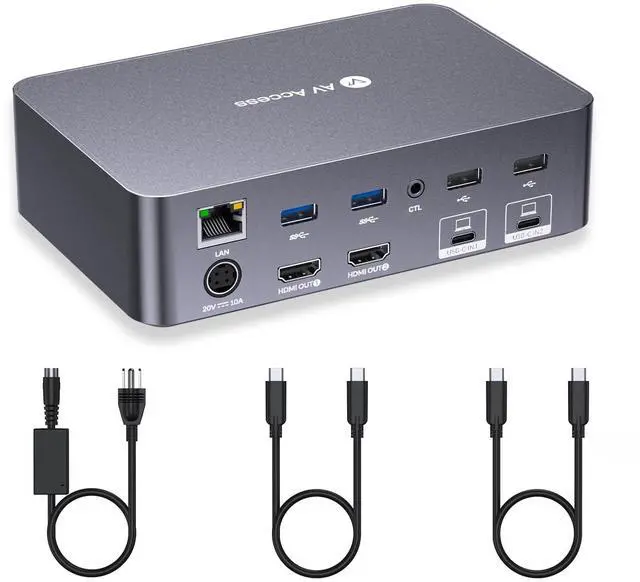
Dual Screens, Double ProductivityThe docking station KVM switch connects 2 laptops and 2 monitors with 2x USB-C (MST) inputs and 2x HDMI outputs. Seamlessly switch between your work and personal laptops to boost your productivity with this USB-C KVM switch.
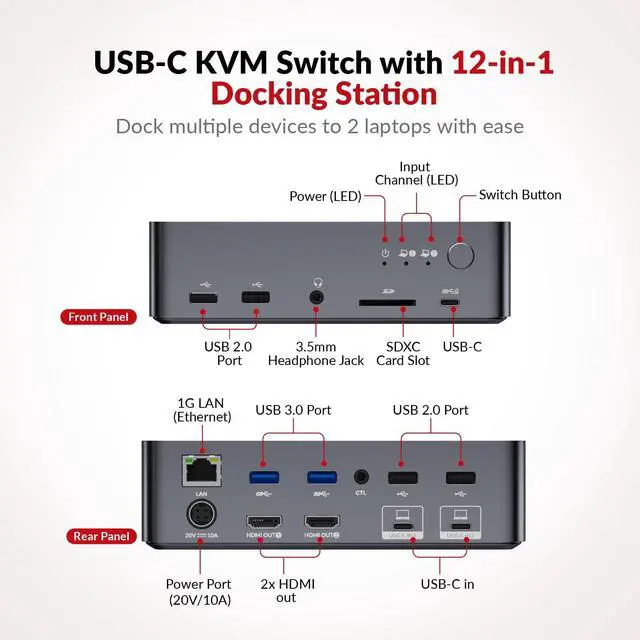
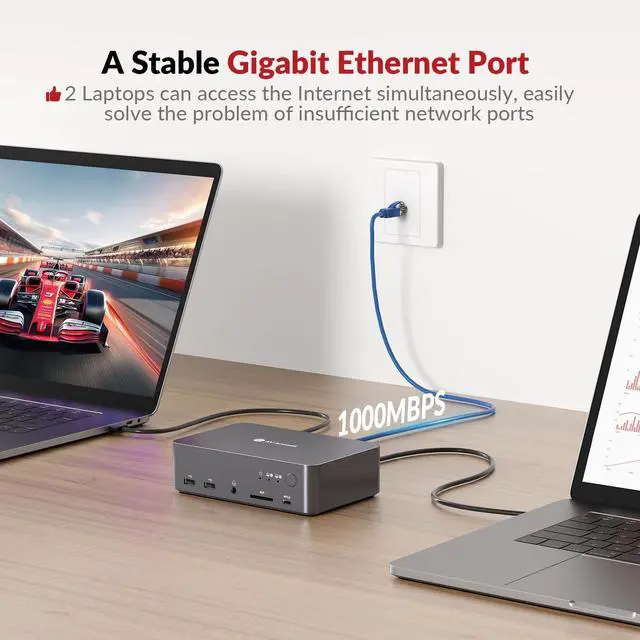
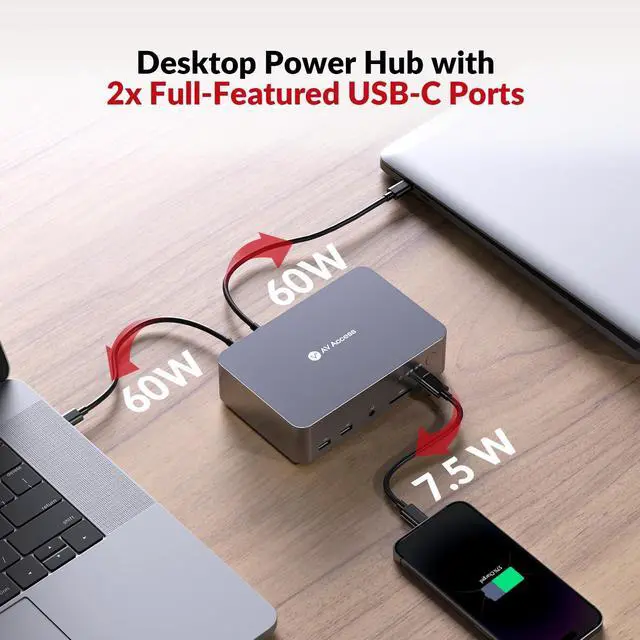
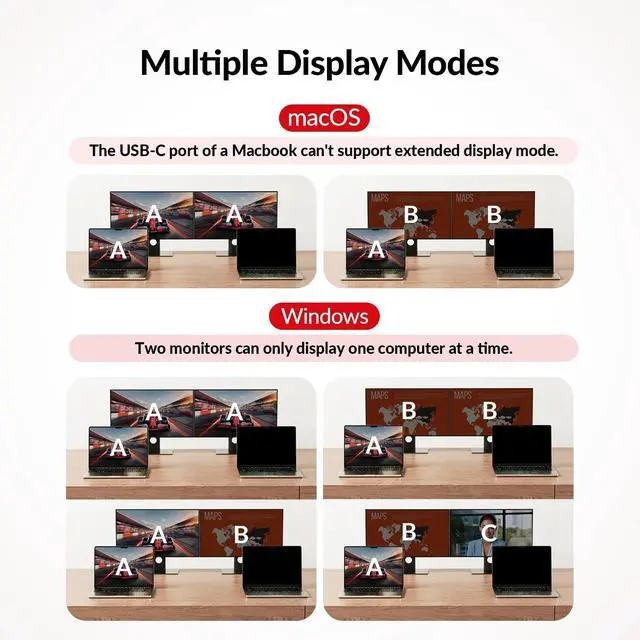
Note: Mac OS cant output extended dual screens. Not compatible with 5K monitors (e. g., 5120x1440). Max supported resolution for 49" ultrawide monitors is 3840x1080. ^^ Powerful 12-in-1 Docking StationUnleash the potential of this KVM switch for 2 laptops with multiple shared peripheral ports, like 2x USB 3.0, 4x USB 2.0, 1x USB-C, 1x 1G Ethernet, 1x 3.5 mm headset, 1x SD card slot, and 2x HDMI outputs. Easier than ever to create a powerful workstation at home. ^^ Connect, Charge, Transmit Data, All at OnceWith the dual full-featured USB-C ports (20Gbp/s) on the dual monitor KVM switch for 2 laptops, you can easily input 4K UHD video and transmit data up to 5Gbp/s. Charge two laptops simultaneously with up to 60W each while staying connected to the Internet via the LAN port. ^^ Super Fast SwitchingThis KVM switch for 2 laptops and 2 monitors features cutting-edge EDID emulation and automatic PC wake-up functions, so you can seamlessly switch between your laptops in just 2-3 seconds. Simply press the front switch button for effortless switching. It also supports fast switching via our wired remote controller (sold separately).
Just search B0D8NM73FS to check it out. ^^ High Refresh Rate, Amazing Game ExperienceHDMI 2.0 and DP 1.4 a (USB-C) compliant, with
up to 4K@60Hz 4:4: 4 resolution. Also supports 25601440@144/120Hz and 1080P@240/165/144/120Hz, perfect for high-speed gaming sources. ^^ Package Include1x iDock C20 USB-C KVM Switch, 1x Power Adapter (20V 10A), 2x USB-C to USB-C Cable(1m/ 3.2 ft), 1x User Manual. ^^ Important Notes Mac OS doesnt support MST (multi-stream transport), so two duplicate contents will be displayed. For the extended display mode on two screens, please use a USB-C laptop supporting DP alt mode and DP MST mode. Do not support freesync, gsync and Dell Display Manager.